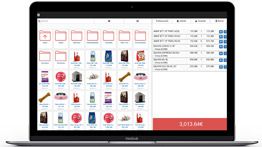
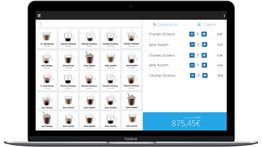
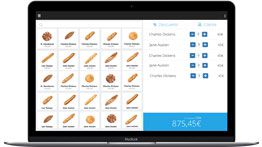
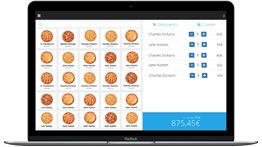
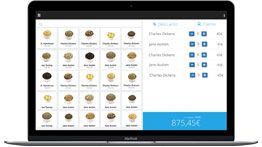
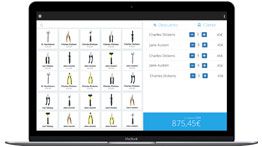
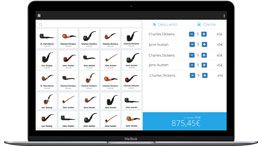
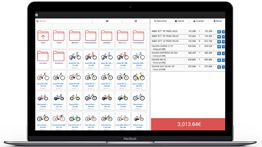
The easiest POS software for your shop

Catinfog is the cloud POS software you use to take payments, keep track of stock and manage your customers. It does the job of a cash register at the counter and opens in your browser: there’s nothing to install.

No credit card. No lock-in.

More than 30,000 businesses have signed up to Catinfog

All of them looking for a simpler way to run their shop.
Thank you all for your trust!

Maria José Esparza, Cafetería Lizarralde

★★★★★

“With Catinfog we can serve customers at the bar, at the tables and out on the terrace all at the same time.”

Maria José Esparza
Cafetería Lizarralde

Miguel Álvarez, Hombre de Etiqueta

★★★★★

“The best part for me is being able to check how the day’s sales are going from anywhere, on my phone.”

Miguel Álvarez
Hombre de Etiqueta

Estrella Royo, Boutique A mi manera

★★★★★

“We wanted to sell online with a shop connected to the stock in the POS software.”

Estrella Royo
Boutique A mi manera

What is a POS?

We talk to shops every day, and there’s a fair bit of confusion about what a POS, or point of sale, actually is. So here’s what we mean by “POS” at Catinfog.

what POS software or a point of sale system is

What is a POS?

A POS, or point of sale, is what we used to call the cash register. Instead of that old lump of metal, shops now run a piece of software — and that’s the POS.

Careful, because the same three letters get used for the card terminal you take payments on. Here we use “POS” only for the software that runs a bricks-and-mortar shop.

In the broad sense, a POS also takes in the hardware: the computer, the barcode scanner, the receipt printer, the cash drawer and the card terminal.

What is a point of sale system?

A point of sale system is exactly the same thing as a POS — POS is simply the abbreviation. Some people say “till system” or “EPOS”. It all comes to the same.

What’s the difference between a POS and a cash register?

Modern POS software does everything a cash register did and a great deal more: it tracks stock, manages customers, produces sales reports, issues proper invoices and syncs with an online shop.


What does a POS actually do?

The main job of POS software is to work out what a sale or a refund comes to, print the receipt, and take the items sold off your stock automatically.

A point of sale system also handles the daily cash-up: how much cash is in the till and how much came in on card.

How does POS software work?

In essence it adds up the price of the items, gives the customer the total, sends the receipt to the printer and updates your stock.

The basic flow is:

  • The customer says what they want to buy.
  • The salesperson adds the items, usually with a barcode scanner.
  • The customer pays however they prefer.
  • The receipt prints and the cash drawer opens.
  • Stock updates automatically.

What you get with Catinfog POS software:

  • One stock system across the shop floor and the online shop.
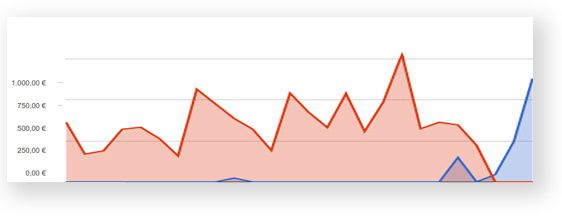
  • Sales figures gathered and shown in real time.
  • Customer records with their full purchase history.
  • Take payments anywhere.
  • Buy online, collect in store.
  • Deliver orders to the customer’s door.
how a point of sale system works
Multiple tills

Sell from several tills sharing the same stock and the same invoicing

Up to six people can take payments at once, all coming off the same stock, without treading on each other and without duplicate invoice numbers.

Each salesperson signs in with their own account and permissions, so afterwards you know who sold what and how much was in each till at closing.

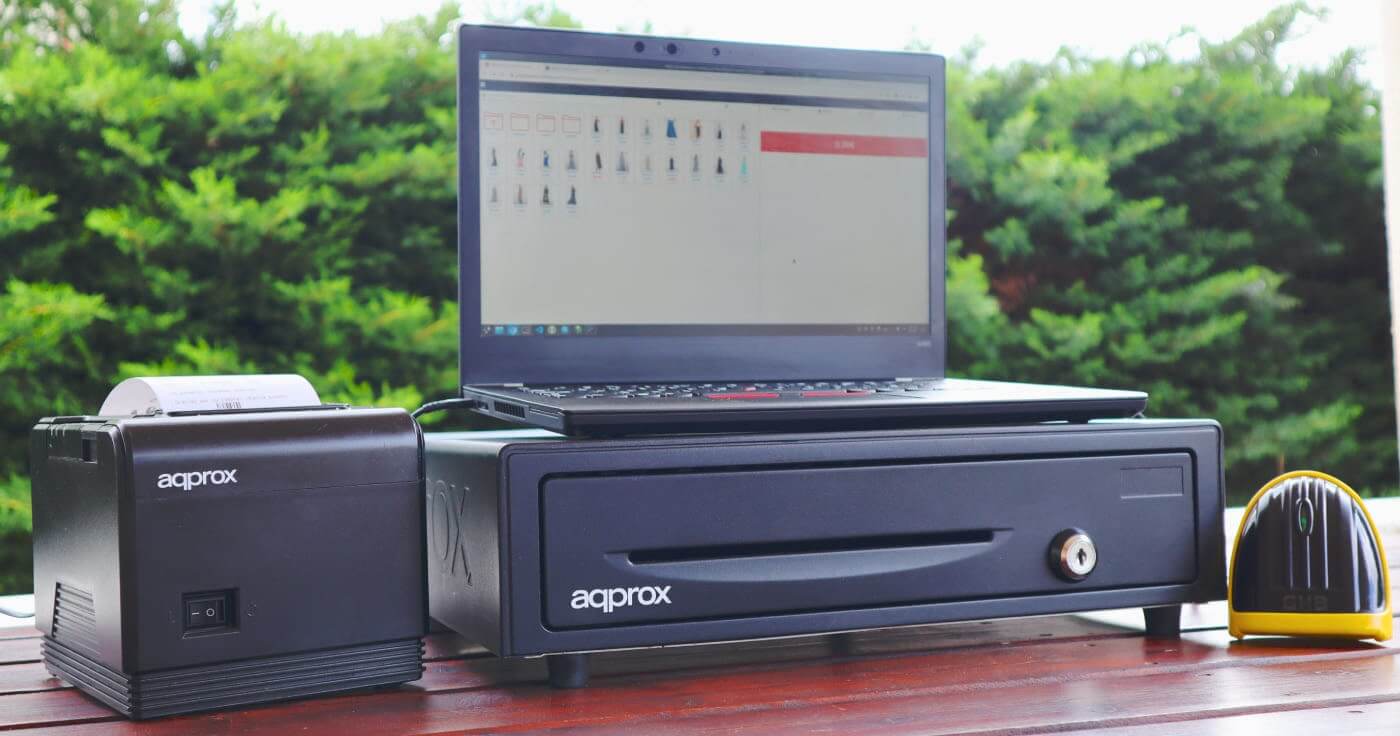
Catinfog POS software running on a computer with a receipt printer

POS software designed to help the person behind the counter

People serving customers need software that helps them get through the day. They need a POS that works without thinking about it, with no endless manuals to read. Take the payment, print the receipt, keep stock straight and record who bought what: all in a couple of clicks.

Catinfog was built that way from the start. It isn’t only that we wanted it to be easy — it has to tell you what’s going on and make everything plain without you having to learn it. The owner and the person on the floor both know, at any moment, what’s happening and what to do next.

cloud-based online POS

A cloud POS: a virtual till with nothing to install

POS software running in the cloud means there’s nothing to install, you can get to it from any device, and your stock and sales figures are up to date in real time. An online POS that makes the day-to-day easier.

To start using your POS you don’t have to install anything. Unlike other systems, Catinfog doesn’t go on your computer. You open the web address we email you, and you can start adding products and customers.

Setting up Catinfog POS software is simple enough that anyone can do it. Five minutes is longer than you’ll need to be ready and selling.

Being in the cloud, you can use this POS to sell anywhere. Got a boutique but you also do trade fairs? A stall at a market? Open the laptop wherever you are and carry on selling.

Pull out your phone any time and check who’s on the till, how much cash is in it, a customer’s history or a quarter’s worth of refunds. Your shop in your pocket.

Windows, Mac or Linux? Android tablet or iPad? It makes no difference: this POS for computers and tablets opens in the browser, so it runs on the kit you already own.

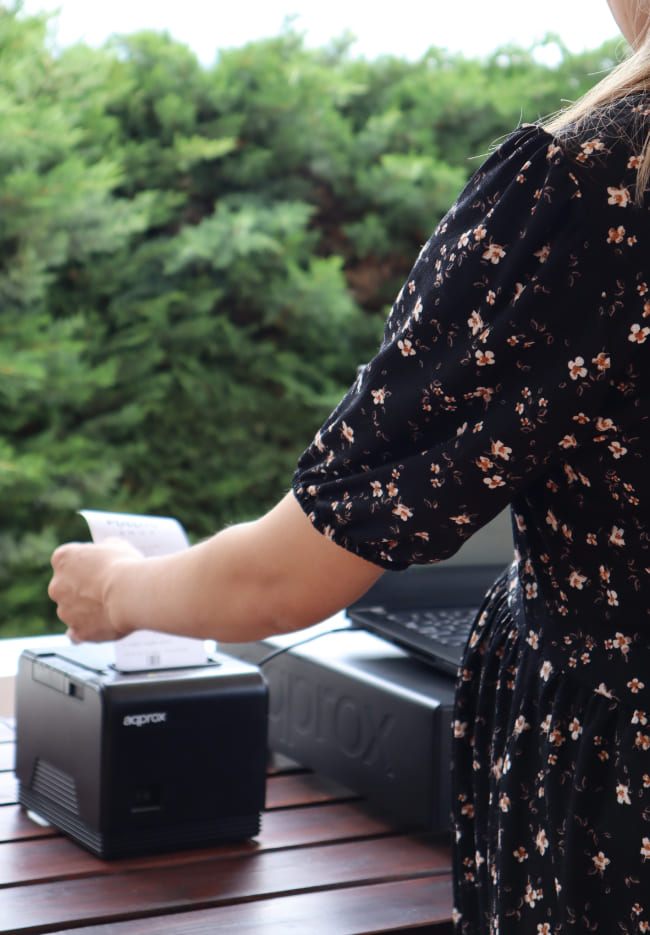
We’ve yet to meet a receipt or invoice printer that won’t work with Catinfog. Any thermal or inkjet printer is compatible with our POS software.

More than 100 models tested and not one has failed. Wired or wireless, any barcode scanner works with this POS software.

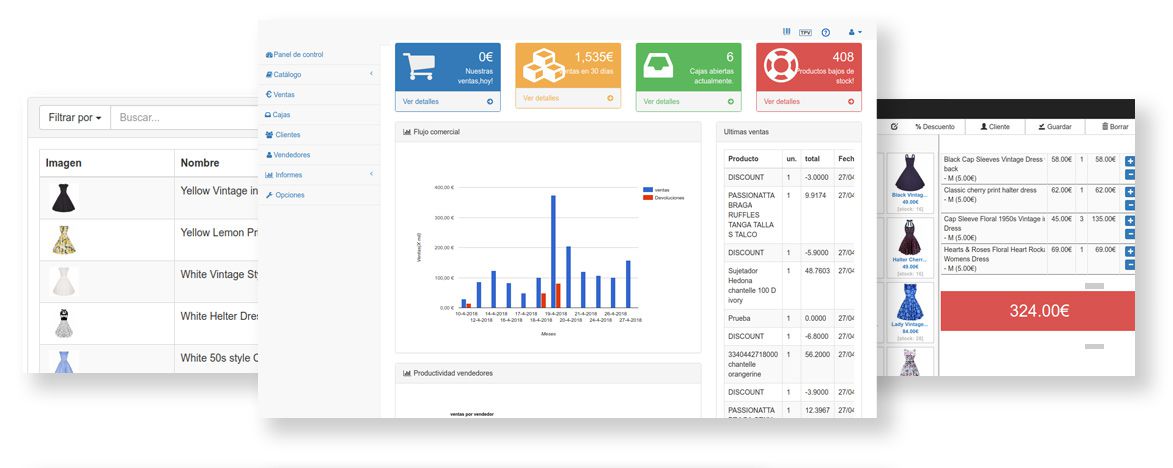
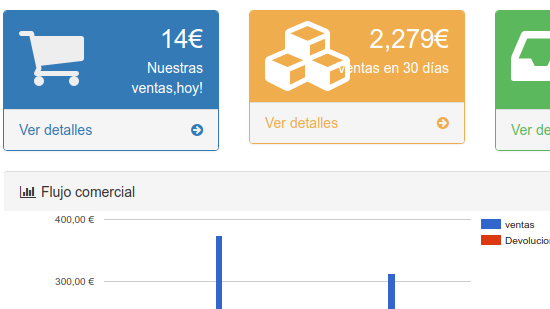
Read the day’s sales at a glance. Charts and tables that show you how the day went in under a minute. The simplest cash-up on the market.

Switching over

Do you have to key in 3,000 products by hand? No

You bring products, customers and sales across from a spreadsheet, or by API if your current system allows it. And if you’d rather not wrestle with any of that, we’ll do the move for you.

Exporting is just as easy: when your accountant asks for the quarter’s sales, you send them a file.

hardware compatible with Catinfog POS software

What hardware do you need? A computer is enough

You don’t need any particular hardware to start using Catinfog. This POS software works with almost anything you already have in the shop.

It doesn’t matter if it’s ten years old, or whether it’s Windows, Mac or Linux. Any computer will do. Touchscreen or not. Plenty of shops simply use a laptop.

Essential in a bricks-and-mortar shop. Any thermal printer will do. We keep a list of models we recommend, both cheap ones and better-built ones.

It will make your life easier if you carry a lot of products. It speeds up serving customers at the till considerably.

Used less and less now that most people pay by card, but still worth having. We work with any cash drawer.

The card terminal is the machine you take card payments on, usually supplied by your bank or payment provider. We work with any model.

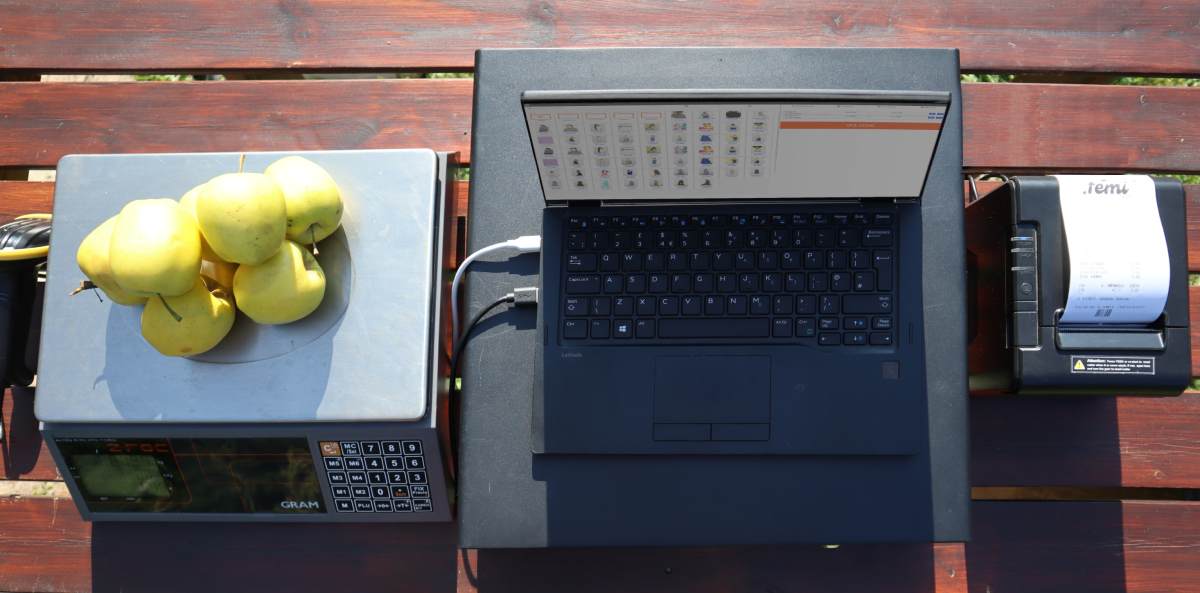
Ideal for food shops. Works with all kinds of scales, connected to the computer or not. Selling by weight is remarkably simple with Catinfog.

touchscreen POS for shops

Touchscreen and mobile: sell by tapping the screen

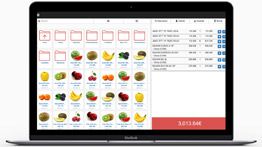
Need to sell by tapping the screen? No problem — Catinfog is a touchscreen POS.

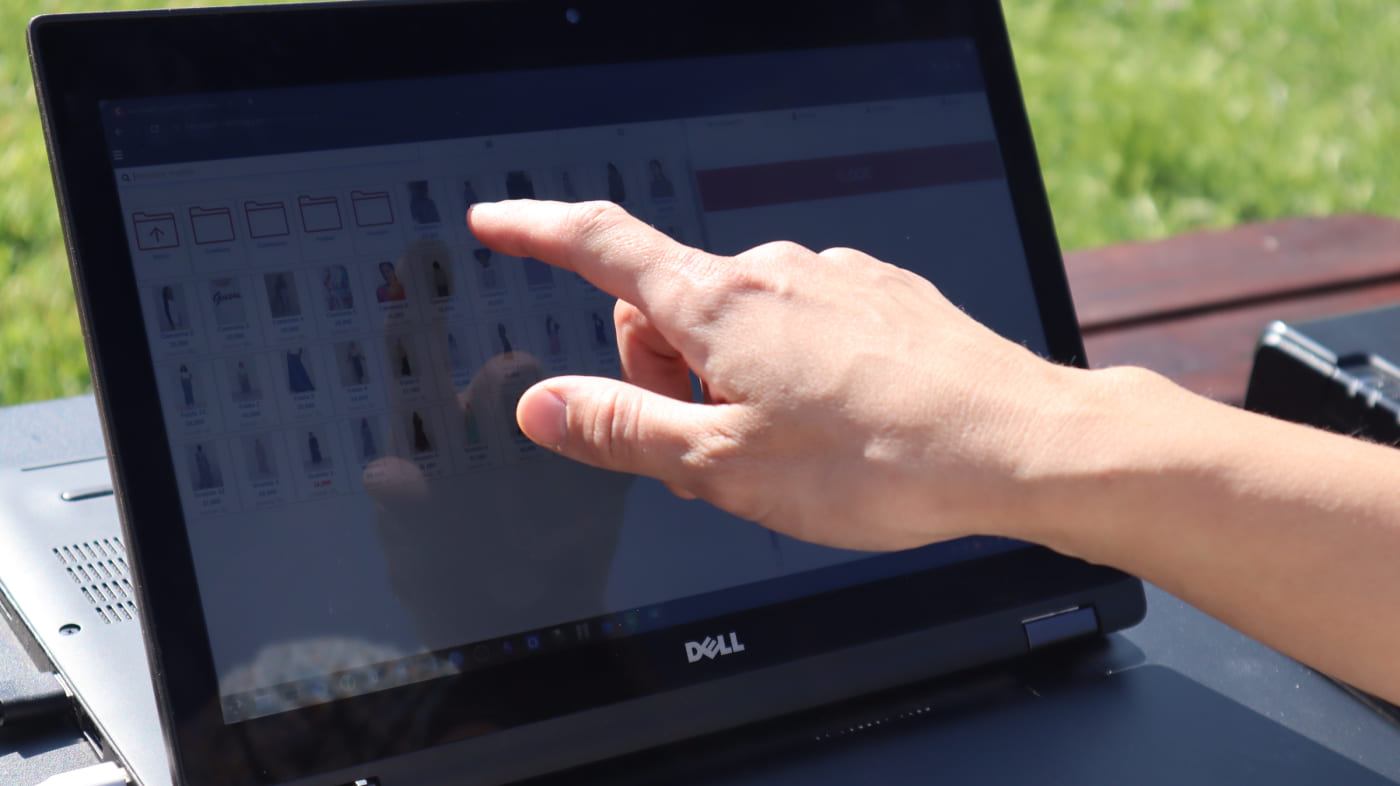
Plenty of food and clothing shops need a touchscreen, whether for hygiene or for space. The POS interface is designed to add products to the basket in as few taps as possible. Finishing a sale or handling a refund is two taps. Catinfog also fits tablets and phones.

Receipts

Make the sales receipt your own

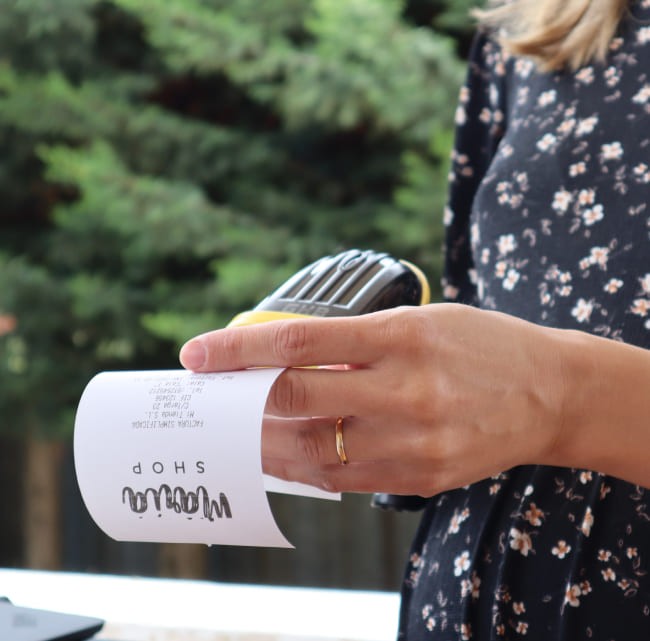
Put your logo on it, your business details and whatever text you like at the foot: your opening hours, your returns policy, or simply a thank you.

The receipt comes out looking like your shop, not like a template everyone else is using.

POS software and online shop kept in sync

It comes with an online shop synced to the POS

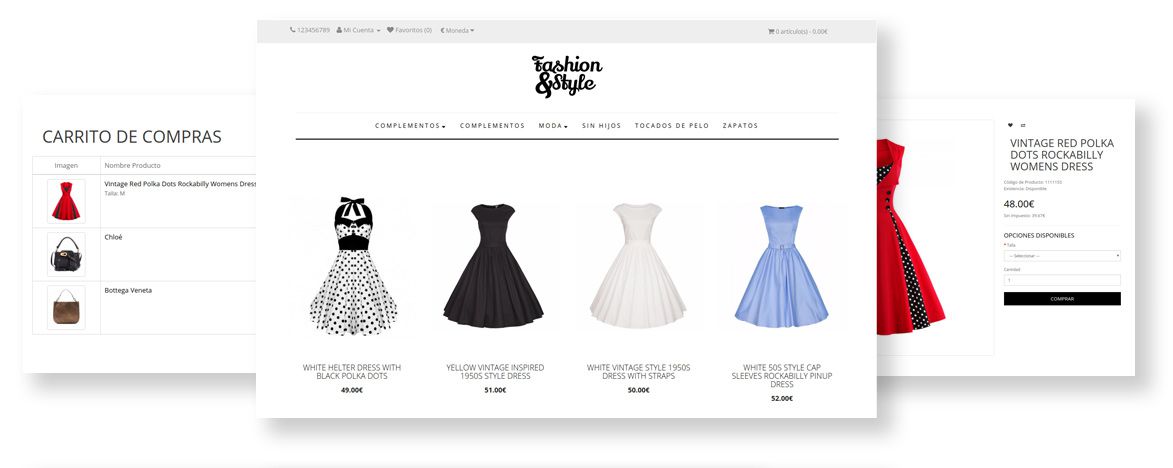
The POS software comes with an online shop that takes no expertise and no time to keep running. The whole product catalogue, the prices, the stock and the categories are the same in the POS and in the online shop. Online sales and refunds are handled from the same POS software.
In short: an online shop with no effort, kept in step with your stock.

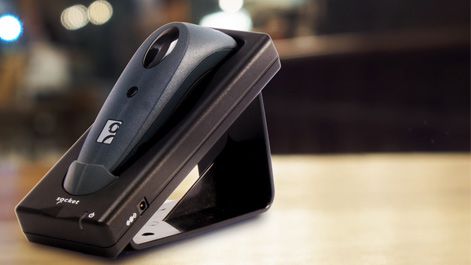
A barcode scanner beside the Catinfog POS adding a product to the receipt
Speed at the till

Serve fast when there’s a queue

Run the scanner over the barcode and the product drops into the receipt. If it hasn’t got a code, tap it on screen. Finishing a sale is two taps: the payment method, then take the money.

The queue keeps moving while the software does the rest: taking stock off, working out the change and filing the sale away.

Your team

Which of your staff sell the most?

Every sale is recorded against whoever made it. Compare your team by takings, by number of receipts or by average sale.

You can also see who racks up the most refunds, which sometimes tells you more than the sales do.

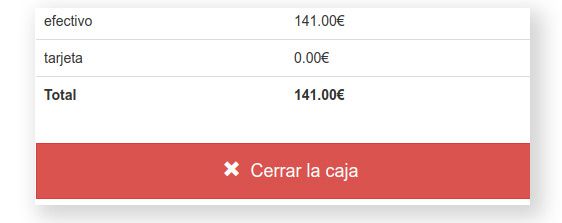
The Catinfog cash-up screen broken down by payment method
Till control

A simple cash-up so you can close on time

Every payment goes in already sorted by how it was paid, so when you close, the cash-up is done: how much in cash, how much on card, and whether it matches what’s in the drawer.

Print the closing receipt and go home. If something doesn’t add up, you go back through the movements one by one until you find the one that’s out.

The Catinfog POS product list showing stock for each size and colour
Stock

See what you’re running low on

Every sale takes a unit off straight away and every refund puts one back. What you see on screen is what’s left on the shelf.

Set a minimum for each product and the dashboard shows you at a glance which ones have dropped below it, so you can order before you run out.

Invoicing

Receipts, invoices and gift receipts

Print receipts, A4 invoices and gift receipts without prices. Reprint them as many times as you need.

Every invoice is numbered in sequence and filed as it’s issued, so the record is there whenever you or your accountant need it.

A receipt and an invoice issued from the Catinfog POS
Catinfog POS stock kept in sync with an online shop
Integrations

Connect your POS to WooCommerce or PrestaShop

Already have a shop built? You don’t have to replace it. Catinfog syncs the catalogue and the stock both ways.

What you sell at the counter comes off online, and what you sell online comes off in the shop. Your website keeps its design and its search rankings.
Everything it does

And all of this too

Things you’ll use every week without paying for anything extra.

A customer record in Catinfog showing their purchase history

Keep track of your customers, their sales and their refunds

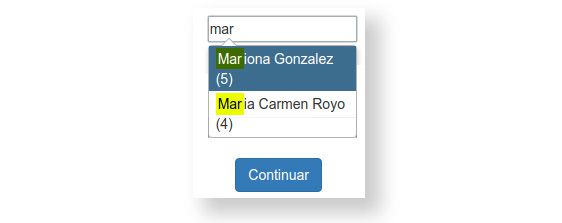
You add the customer and every purchase is filed against their record: what they’ve bought, what they’ve brought back and how much they’ve spent. Set their usual discount, jot notes against them, and when they ask for an invoice it comes out with their details already on it.

A Catinfog sales report showing the best-selling products

Do you know which products and categories sell best?

The report ranks your products by what shifts most, and does the same for categories. It tells you what to always keep in, what’s been sitting there for months, and what’s worth putting in the window.

The Catinfog end-of-day summary showing sales by time of day

What time of day do you sell most?

The hourly report shows when the money actually comes into your shop. From there you decide when to put an extra pair of hands on the counter, when it suits you to restock, and whether opening over lunch is paying for itself.

The Catinfog refund screen with the option to issue a credit note

Handle refunds with a credit note and keep the sale

When someone brings something back, you choose: give them the money or issue a credit note for what they paid. The note can be spent in one go or across several visits, so that money stays in your shop instead of walking out of the door.

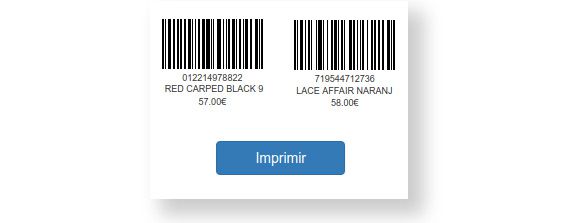
A sheet of barcode labels generated from Catinfog

Print barcode labels in one go

Generate a code for each product, or for each size and colour if it has variants, and send every label you need to the printer at once. No going product by product and no wrestling with a separate program.

The Catinfog offers screen applying a discount across a category

Put the shop into a sale in five minutes

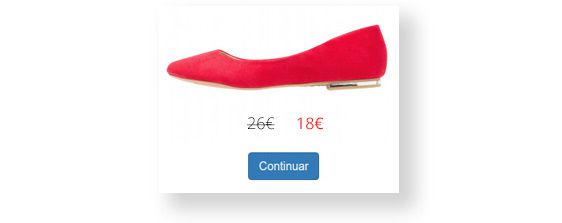
Apply the discount to a whole category at once, not product by product. The receipt shows the old price and the new one so the customer can see what they’ve saved. When the sale ends, you take it off just as quickly.

Price

What does a POS for your shop cost?

Catinfog costs €39 a month including VAT: one shop, one till and up to three people selling. There’s no setup fee and no lock-in, and before you pay anything you get 14 days to try it without putting in a card. If your shop is bigger, the Premium plan is €69.

No credit card. No lock-in and no setup fee.

Frequently asked questions about the POS software

How do I get started with the Catinfog POS?

You can start by signing up right now. Your account is ready in under two minutes.

How long does it take to set up the point of sale?

Setting up printing and learning to sell, refund and cash up takes a few minutes.

What if I have a question about my POS software?

We have support by phone, WhatsApp, email and video tutorials. Our help centre covers getting started and anything that comes up afterwards.

How many days can I try the POS software free?

You get 14 days to use the whole thing with nothing held back and no credit card. At the end you can take out a licence or simply let the account lapse.

What hardware do I need to use this POS software?

Any computer with internet, Windows, Linux or Mac. Any thermal receipt printer (Epson, Star, Approx…). Any barcode scanner. And any scales if you sell by weight.

Does Catinfog suit shops beyond the ones you list?

Of course. The Catinfog point of sale is also used by museums, jewellers, gyms, tattoo studios, mini-markets and plenty of other businesses.

There are real people behind all this

Phone and email support

Support Monday to Friday, 8am to 8pm, by phone, WhatsApp and email. You also get a full manual and video guides.

Weekly updates

Catinfog has a roadmap full of new ideas that we ship week after week. Updates reach you automatically. We take care of it.

The Catinfog POS support team

Sign up and start selling today

14 days free, no credit card. Your account is ready in under two minutes.

Create my free account

No lock-in. Cancel whenever you like.