An easy POS with an online shop built in
Catinfog is the POS software you use to take payments at the counter, manage your stockroom and sell online at the same time. Your catalogue, your stock and your customers are the same in the shop and online.
No credit card. No lock-in.
More than 30,000 businesses have signed up to Catinfog
From small corner shops to chains running several stores.
Your POS and your online shop, in one piece of software
They come together and they share the catalogue, the stock, the customers, the invoices and the special offers. Here’s how each one works.
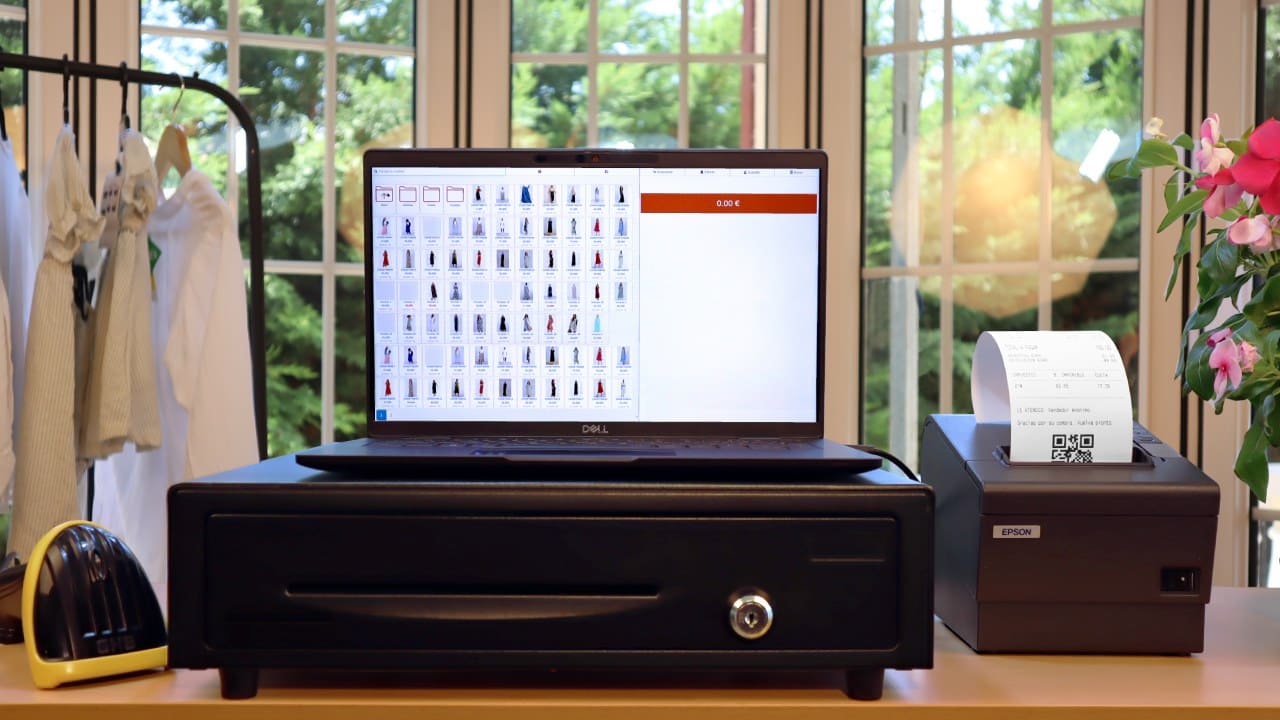
The POS
Run your shop the simple way. Spend your time selling instead of learning how to work a piece of software.
- Sales and refunds
- Stock control
- Cash-up at closing time
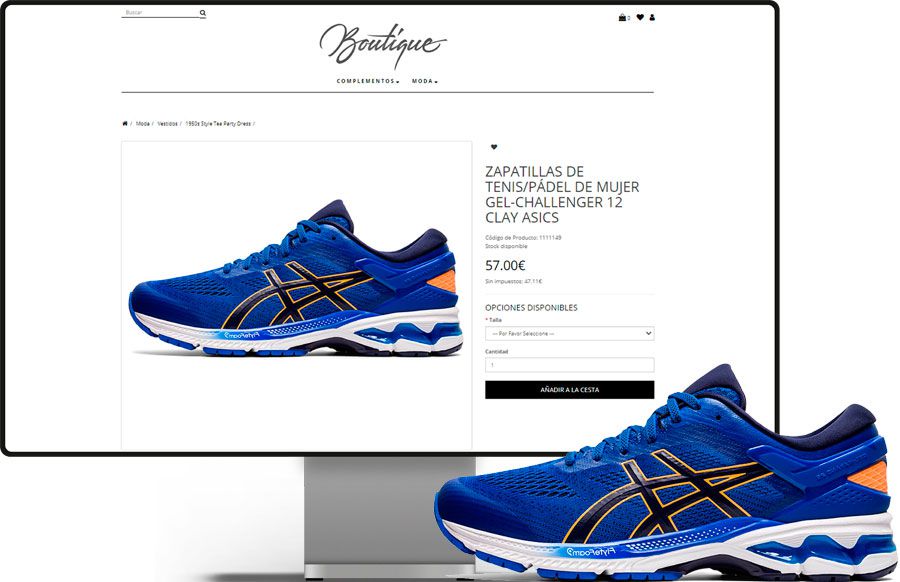
The online shop
It arrives ready to go: you won’t spend five minutes setting it up, and it won’t eat your time keeping it running.
- The same catalogue and the same stock
- Shared customers, invoices and categories
- Special offers apply in both places
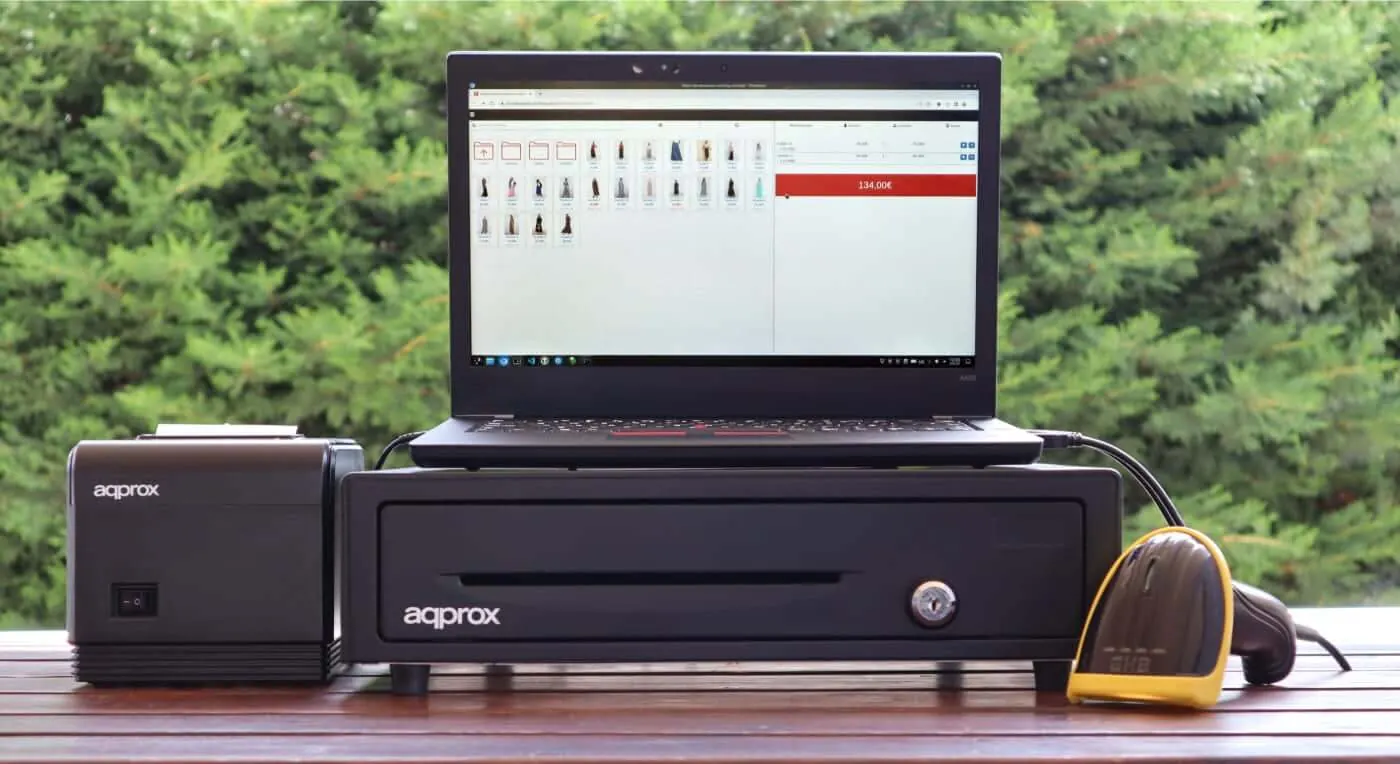
For every kind of shop
One piece of software for every trade. Whatever you sell, simple is always the better option.
Clothing shop
Handle sizes and colours without duplicating products: every combination has its own stock.
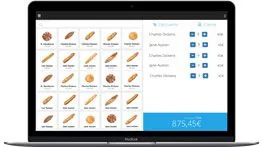
Bakery
Get through the morning queue fast with the day’s items one tap away, no code to look up.
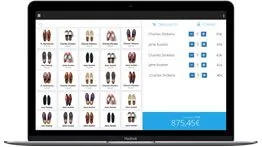
Shoe shop
Check whether you have their size without going down to the stockroom: every size carries its own stock.
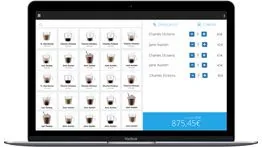
Coffee shop
Keep several tabs running at once across the bar, the tables and the terrace, and settle each one when it’s time.
A look inside Catinfog
The screens you’ll be working with every day. Click any of them to see it full size.
Frequently asked questions about the POS
How do I get started with the Catinfog POS?
You can start by signing up right now. You get 14 days to use the whole thing with nothing held back.
How long does it take to set up my point of sale?
Your account takes a couple of minutes to create and the POS works straight away. Connecting the receipt printer and the barcode scanner takes another ten. The part that takes longest is loading your catalogue, and that depends on how many products you have: if they’re in a spreadsheet, they import in one go.
What if I have a question about my point of sale?
Call us and a person picks up, Monday to Friday from 8am to 8pm. You can also reach us on WhatsApp or by email. And if you’d rather work it out yourself, there are videos and written guides.
How long would a shopkeeper take to learn the basics?
Taking a payment you’ll learn on the first sale. Handling a refund and cashing up, by the end of the first afternoon. There’s no course and no manual to work through: the day-to-day screens are three, and they’re all in plain sight.
How many days can I try the point of sale for?
You have 14 days to use the whole thing with nothing held back. At the end you decide whether to take out a licence. There’s no lock-in: you pay month by month and you can stop whenever you like.
What hardware or equipment will I need?
Any computer with an internet connection, running Windows, Linux or Mac. As for the receipt printer, unless it’s very old indeed, any model or make will do: Epson, Star, Approx… And any barcode scanner.
Beyond the sectors listed here, does it suit other businesses?
Of course. Plenty of other businesses run the Catinfog point of sale: museums, jewellers, gyms, tattoo studios, gun shops, mini-markets…
What is a POS?
A POS, or point of sale, is what we used to call the cash register: software that helps you sell, prints receipts, keeps track of your stock and tells you how much money should be in the till.
What the shops already using it say
An average rating of 4.6 out of 5 on Trustpilot.
With Catinfog we can serve customers at the bar, at the tables and out on the terrace all at the same time.
 María José Esparza
Cafetería Lizarralde
María José Esparza
Cafetería Lizarralde
The best part for me is being able to check how the day’s sales are going from anywhere, on my phone.
 Miguel Álvarez
Hombre de Etiqueta
Miguel Álvarez
Hombre de Etiqueta
We wanted to sell online with the shop connected to the stock in the POS. Now I put a garment up once and it’s in both shops.
 Estrella Royo
Boutique A mi manera
Estrella Royo
Boutique A mi manera
Set up your POS and your online shop this afternoon
One catalogue for the counter and for the web, for €39 a month. Try it for 14 days and decide afterwards.
No credit card. No lock-in.