Support by phone and video call
We give support by phone, video call, WhatsApp, Telegram and email. We’ve published more than 30 video tutorials and we train teams. If you need a hand getting started, we’ll connect to your computer remotely.
Straightforward POS software for clothing shops: add garments with their sizes and colours, serve customers quickly and keep the stockroom straight.
No credit card. No lock-in.
From corner shops to boutiques with several tills and salespeople. An average rating of 4.6 out of 5 on Trustpilot.
I’m sticking with Catinfog for how simple and effective it is. It’s saved me a great deal of time.
 Luna Quintana
El mundo de Luna
Luna Quintana
El mundo de Luna
Having an online shop connected to the POS is perfect for my boutique.
 Carmen Herrero
Corner Shop
Carmen Herrero
Corner Shop
Selling around the shop on a phone has brought us much closer to the customer.
 Catalina Chorobik
Era Vintage
Catalina Chorobik
Era Vintage
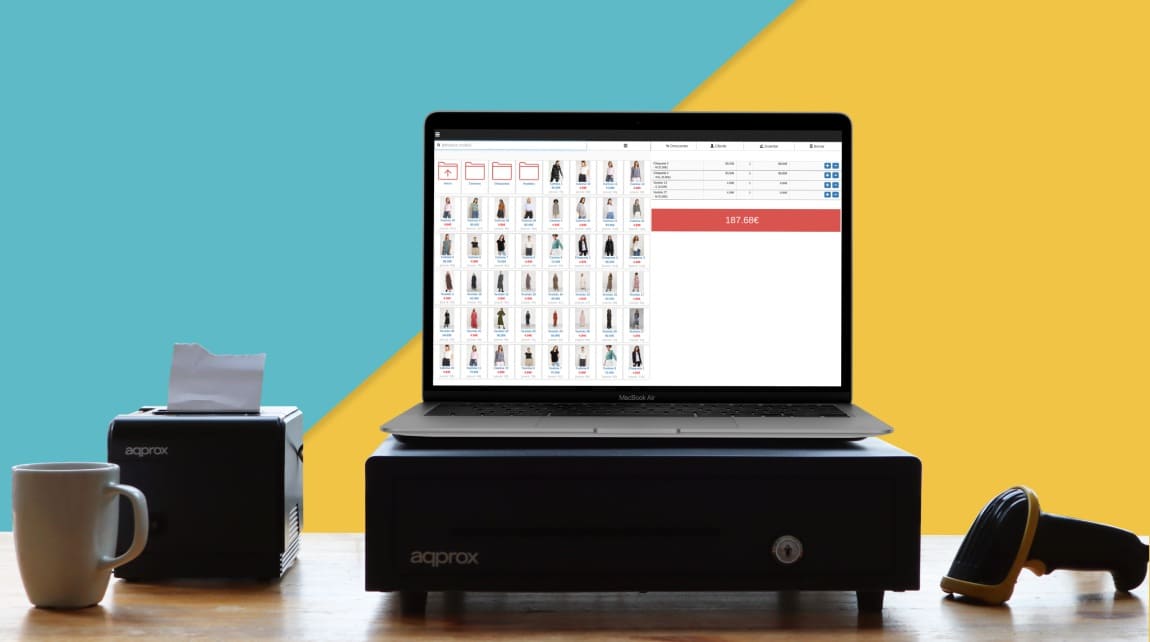
Running a boutique shouldn’t mean learning a piece of software. That’s the main reason more than 30,000 businesses have chosen Catinfog.
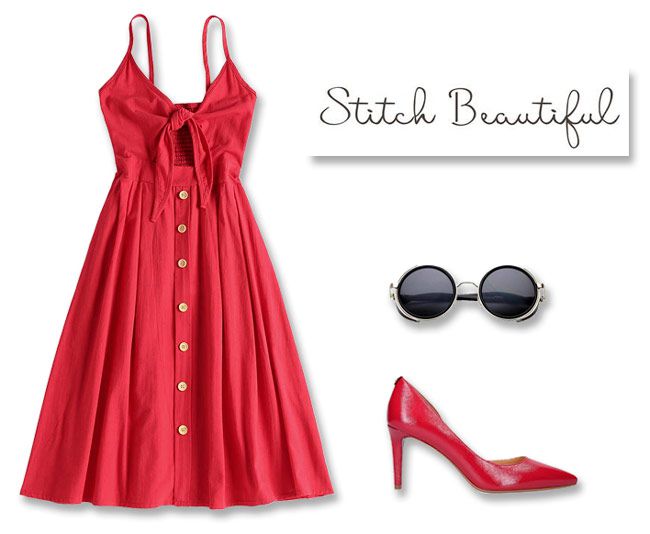
Creating a product or editing one is so simple it takes a few seconds. No more spending half the morning putting new stock on the system.
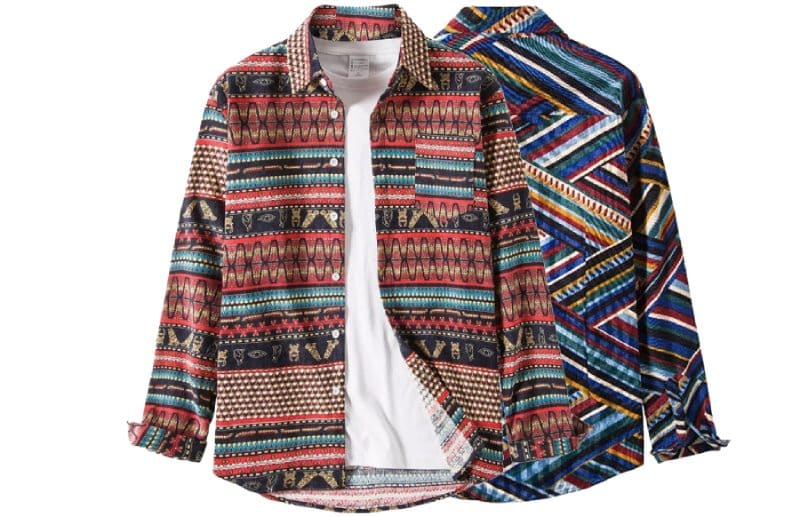
Setting up sizes or colours is very simple. Give each variant its own barcode and its own stock, and print a label for each one.
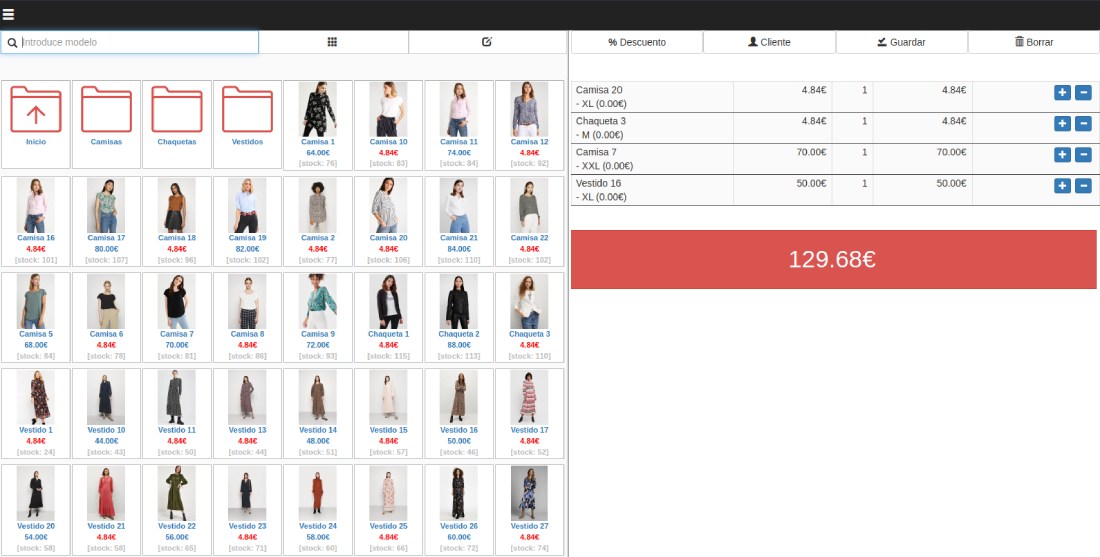
Run your shop from any computer, anywhere. All you need is an internet connection.
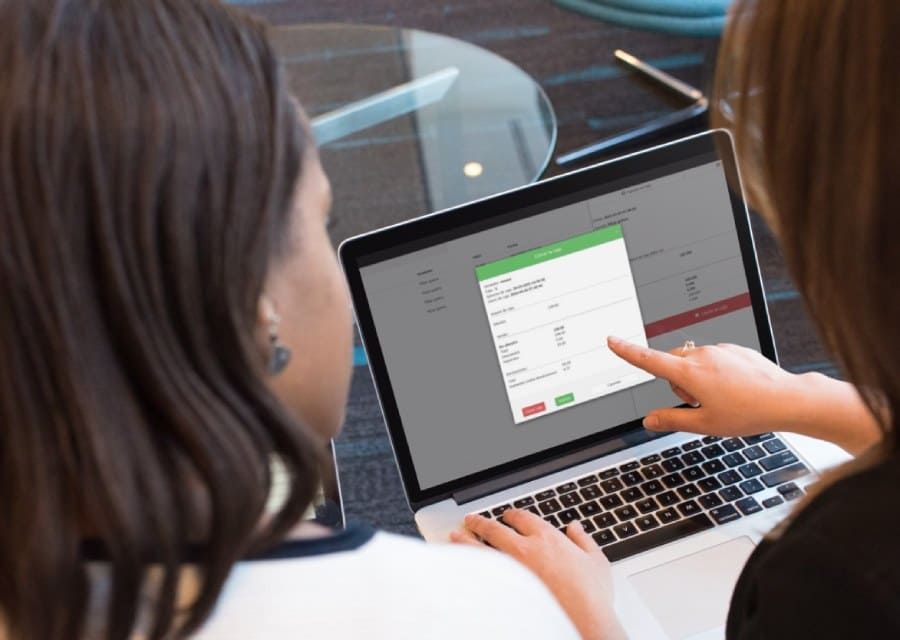
We have customers whose boutiques have five or six salespeople, each serving customers on their own machine.
If your shop needs several tills taking payment at once, Catinfog handles it without breaking a sweat: they all share the same stock and the same invoicing.
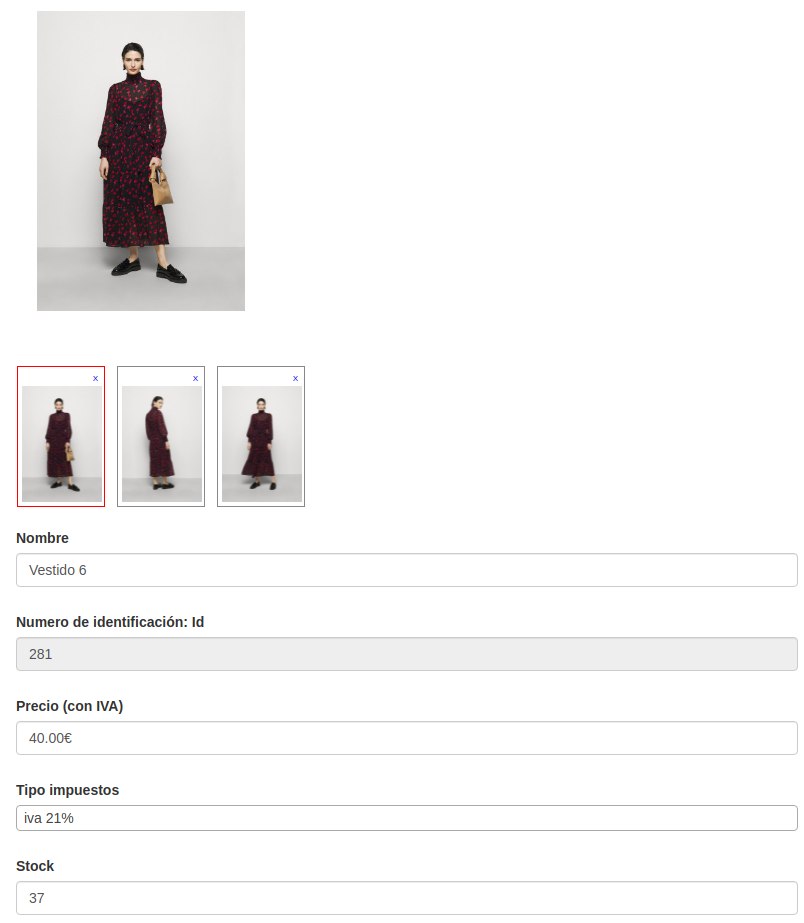
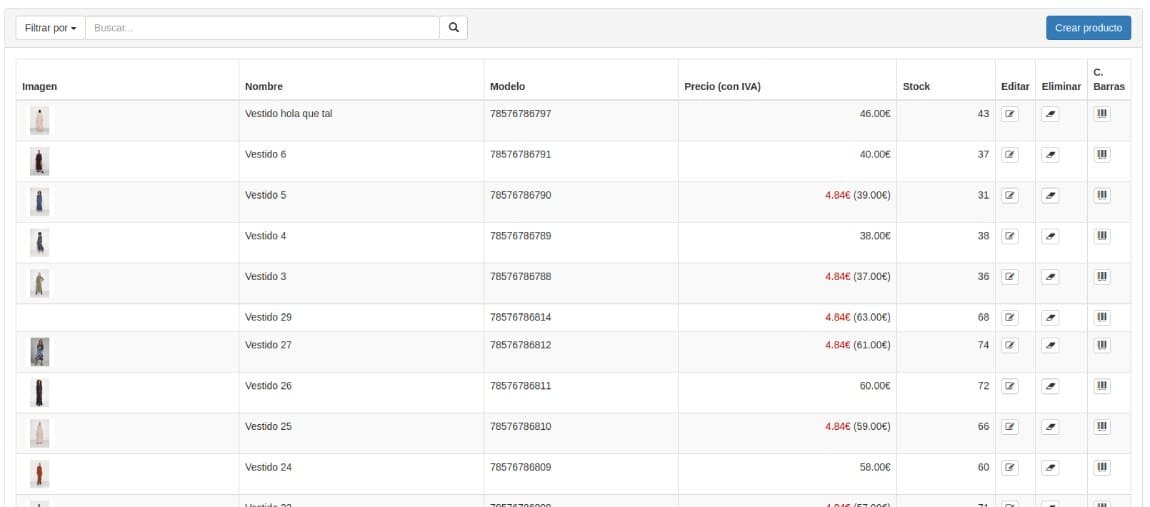
Handling the stock of a clothing shop with Catinfog is very simple. Every sale takes a unit off and every refund puts one back.
If you want a POS that does absolutely everything, Catinfog isn’t for you. Plenty of systems do more, at the cost of filling up with menus nobody uses.
Here there’s only what you need in order to sell, and that’s why you can learn it in an afternoon.
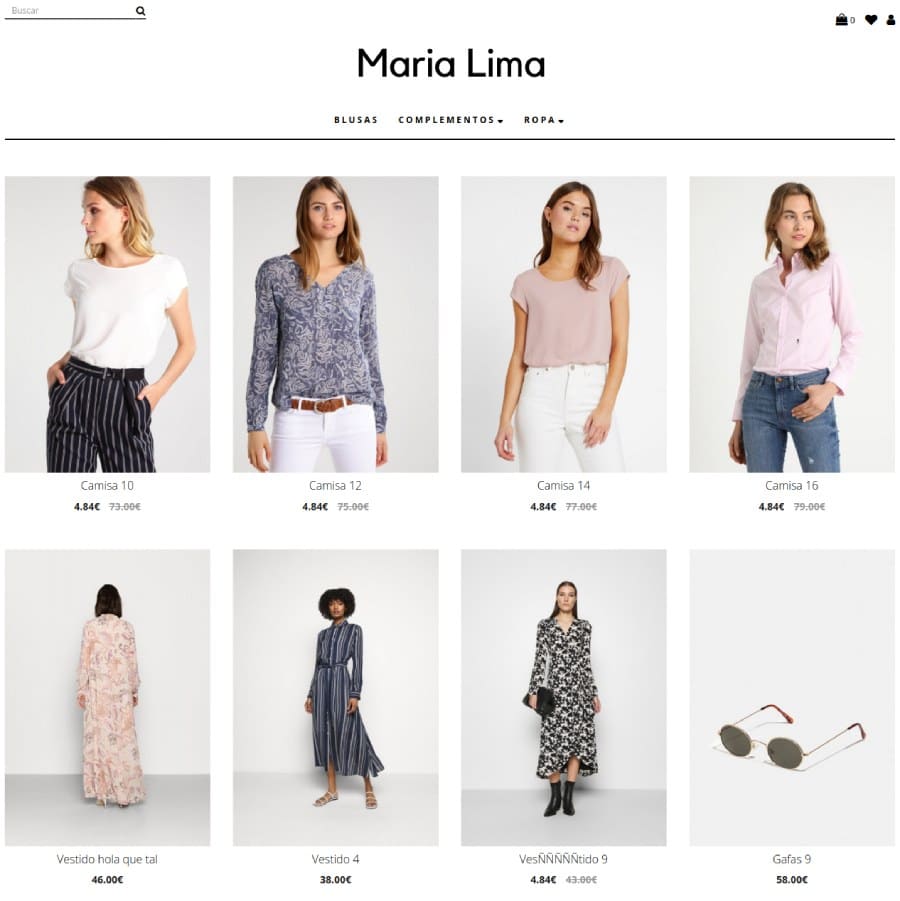
The POS comes with an online shop built in so you can sell clothes over the internet too. The sales, the products and the stock are the same ones.
It syncs your online shop with your Facebook and Instagram automatically, so you gain visibility without any extra work.
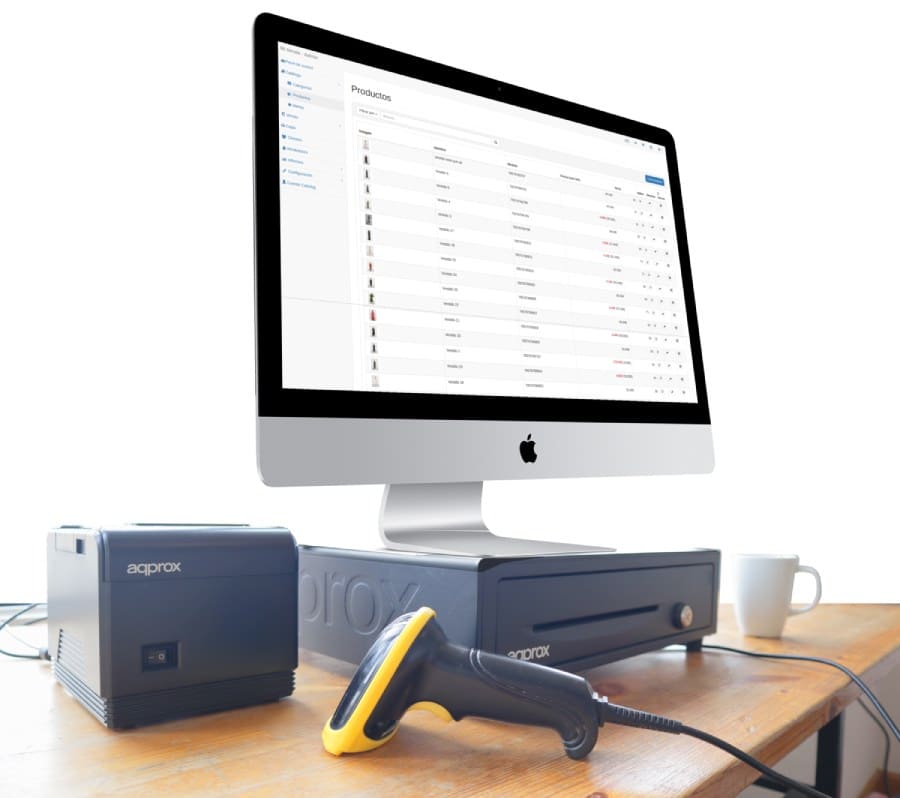
Catinfog works with the computer, the tablet, the receipt printer and the barcode scanner you already own.
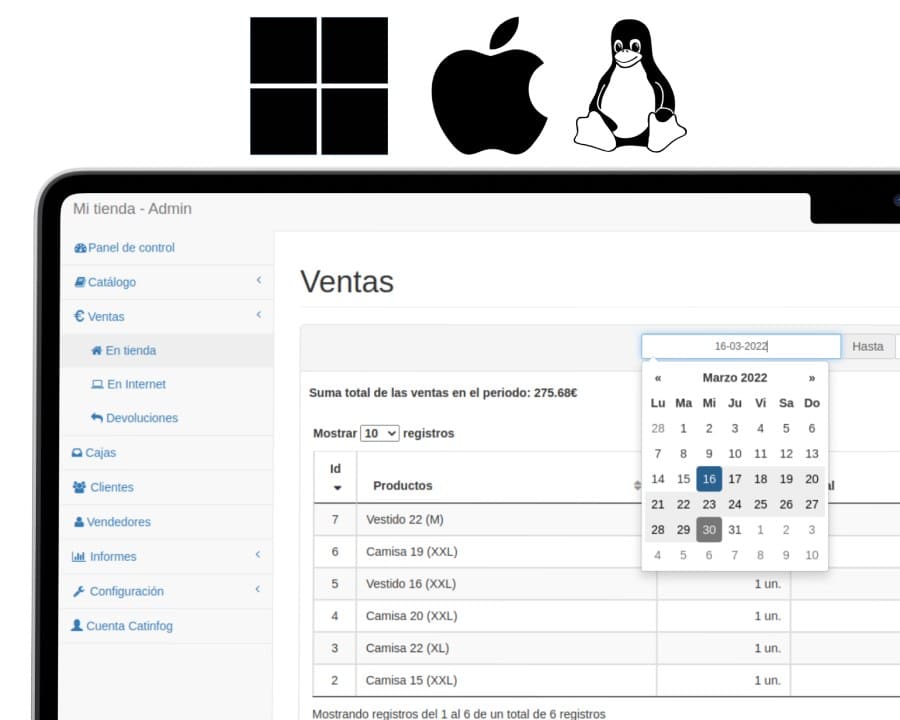
Because it runs in the cloud, Catinfog works on Windows, Mac and Linux — even on old machines. All you need is a browser.
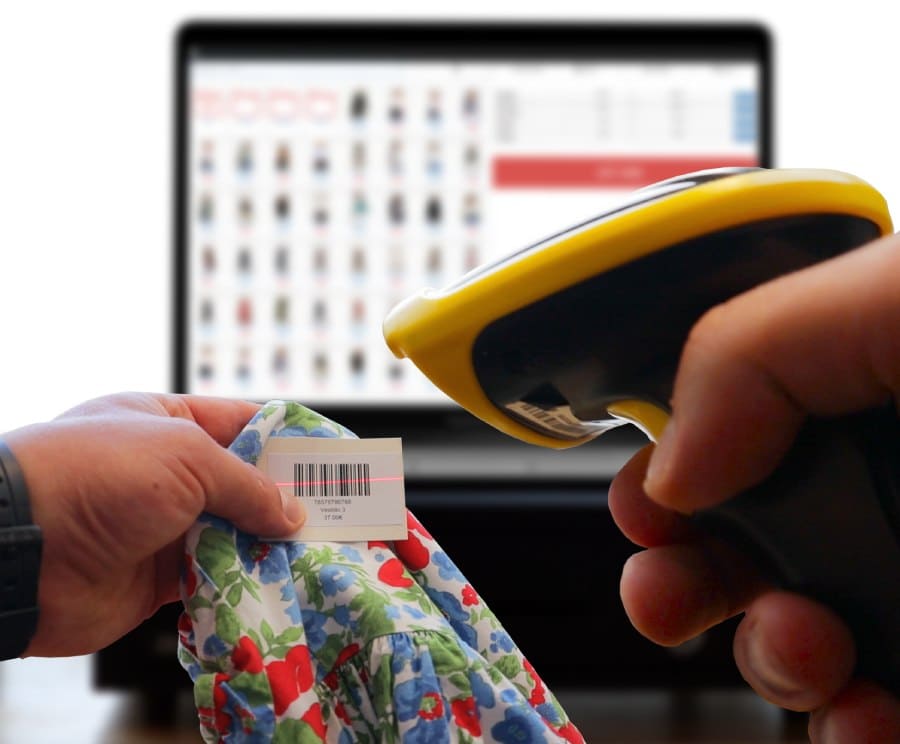
In fashion retail, stock comes in and goes out constantly, which is why a good label generator is essential.
Generate the labels for a whole delivery and print them in one go, each with its size and its colour.
Watch the video and you’ll have the POS running in five minutes flat.
Or give us a call: we’ll connect remotely and leave it ready for you to sell.
Every feature we’ve built is there to make your shop more productive.
We give support by phone, video call, WhatsApp, Telegram and email. We’ve published more than 30 video tutorials and we train teams. If you need a hand getting started, we’ll connect to your computer remotely.
If you’d rather your staff didn’t get into certain parts of the POS, you can stop them. Keep the dashboard — with everything about the shop and the stock — for managers and owners only.
Import your old system’s products and customers in bulk from a spreadsheet. It’s as simple as putting the columns in order and importing. The move is done in seconds.
Forget sending hundreds of PDFs every quarter. Download your sales and refunds to a spreadsheet in one click and send it over. Easier for you, and a relief for them.
Clothing shops need almost nothing special to start using our software. Just a computer, a receipt printer, a cash drawer and a barcode scanner. And an internet connection, of course.
With all that, the only thing left is to sign up and set the POS running.
Our customers run every sort of shop: womenswear, menswear, baby and nursery, sportswear, accessories, vintage clothing, printed T-shirts, bridal and occasion wear, lingerie and more.
We’ve been working on Catinfog since 2014 with one clear aim: to make it the easiest capable software there is. Our roadmap still has plenty on it, most of it aimed at boutiques and fashion retailers.
Every month or two we release updates that improve the software, and more often than that we release patches that fix bugs.
What a clothing shop needs is particularly demanding. Not a great deal of complexity, but a great many capabilities: for selling, for stock, for marketing, for refunds.
That’s why, when buying POS software, the most sensible thing a clothing shop can do is look for something as specialised as possible.
Lay out what a clothing shop does across a day and you can see how well-built management software has to make a shopkeeper’s life easier:
More than ten years of experience tells us that a clothing shop needs speed and simplicity above all else to work well. So the first thing it needs is a very simple way of creating products.
A system of tills and salespeople is essential for keeping track of money in and money out. And being able to generate barcode labels quickly and efficiently matters a great deal too.
If you’ve read this far, something here has struck a chord. So try Catinfog free for 14 days and find out for yourself.
No credit card. No lock-in.