Support by phone and video call
We give support by phone, video call, WhatsApp, Telegram and email. We’ve published more than 30 video tutorials and we train teams. If you need a hand getting started, we’ll connect to your computer remotely.
POS software for bakeries and cake shops: the day’s items one tap away, sold by weight or by unit, and a queue that keeps moving.
No credit card. No lock-in.
From village bakeries to shops with a bakehouse and several branches. An average rating of 4.6 out of 5 on Trustpilot.
The morning queue moves. That was the whole reason we changed system.
 Miguel Álvarez
Hombre de Etiqueta
Miguel Álvarez
Hombre de Etiqueta
I’m sticking with Catinfog for how simple and effective it is. It’s saved me a great deal of time.
 Luna Quintana
El mundo de Luna
Luna Quintana
El mundo de Luna
With Catinfog we can serve customers at the bar, at the tables and out on the terrace all at the same time.
 María José Esparza
Cafetería Lizarralde
María José Esparza
Cafetería Lizarralde
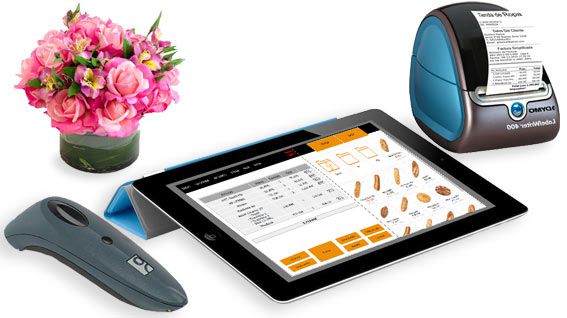
Between eight and ten in the morning nobody has time to look up a code. The day’s items sit on screen as buttons with a photo, one tap away.
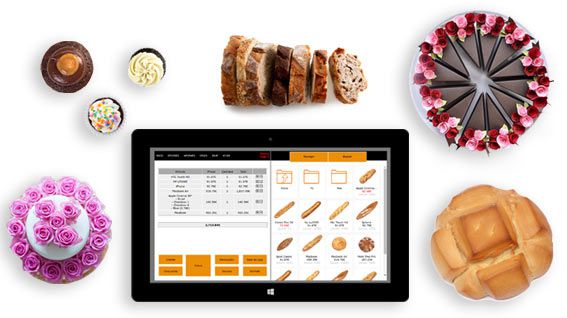
Loaves by the unit, pastries by the tray, cakes by weight: key in 0.750 and the price works itself out from the price per kilo, with that same amount coming off the stock.
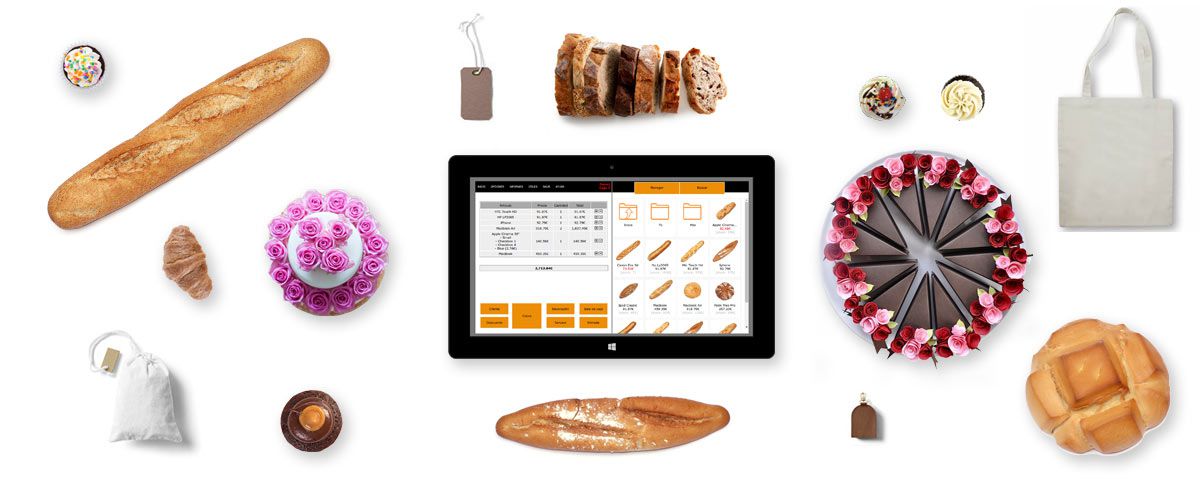
A touchscreen keeps hands off the keyboard, which matters when you’re handling food. Two taps to finish a sale.
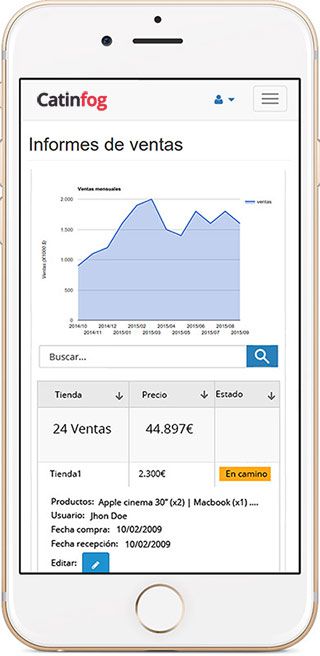
See how the morning went from your phone: what you took, what sold most and what you have left.
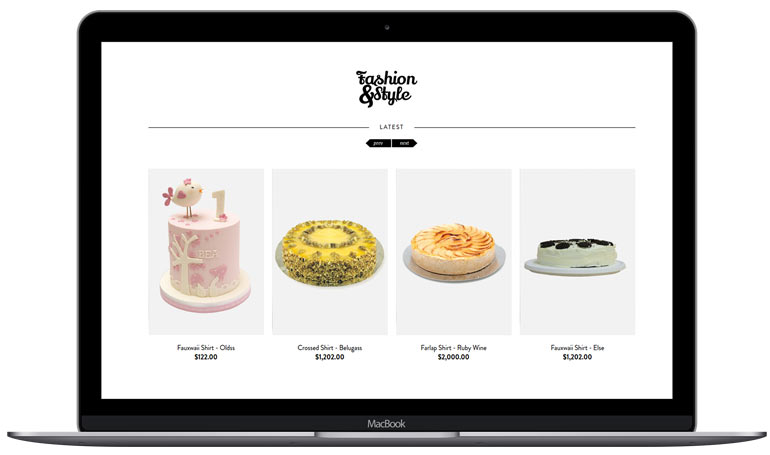
The POS comes with an online shop, so customers can order a cake for the weekend or a tray of pastries and collect it when it suits them.
Every payment goes in sorted by how it was paid, so when you close, the cash-up is already done: how much in cash, how much on card, and whether it matches the drawer.
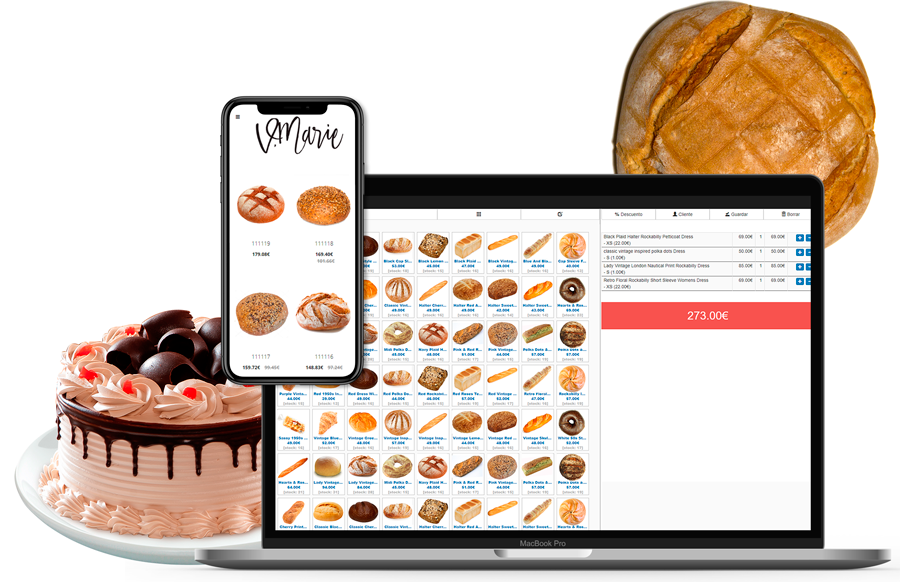
Bake too little and you turn people away by eleven; bake too much and you are throwing money in the bin at close. The POS shows you what each line actually sold last Tuesday, and the Tuesday before that, so the decision comes from figures rather than from a feeling.
Rainy Mondays and the day before a bank holiday behave nothing like each other, and after a few weeks you can see exactly how.
Bread does not keep. Drop the price on what is left for the last hour and it goes out of the door as a sale instead of into a bag as waste, and the till still knows what you charged.
Whatever you do give away or throw, put it in as such. Otherwise the stock says you have twelve loaves you no longer have, and nothing adds up at the end of the month.

Between eight and ten a bakery serves most of its customers, in small tickets and mostly in cash. The dozen things everyone buys sit on the first screen, so nobody hunts through categories with the shop full.
Round change comes up as a suggestion, and the drawer opens as you take the money rather than after three more taps.
You are at the back with your hands in the dough and someone else is serving. Look at what has gone through the till this morning from your phone, without walking out to ask.
Whoever is on the counter signs in as themselves, so at cash-up a difference belongs to a shift rather than to nobody in particular.
Watch the video and you’ll have the POS running in five minutes flat.
Or give us a call: we’ll connect remotely and leave it ready for you to sell.
Every feature we’ve built is there to make your shop more productive.
We give support by phone, video call, WhatsApp, Telegram and email. We’ve published more than 30 video tutorials and we train teams. If you need a hand getting started, we’ll connect to your computer remotely.
If you’d rather your staff didn’t get into certain parts of the POS, you can stop them. Keep the dashboard — with everything about the shop and the stock — for managers and owners only.
Import your old system’s products and customers in bulk from a spreadsheet. It’s as simple as putting the columns in order and importing. The move is done in seconds.
Forget sending hundreds of PDFs every quarter. Download your sales and refunds to a spreadsheet in one click and send it over. Easier for you, and a relief for them.
Yes, both on the same ticket. Loaves and pastries go by the unit; for a cake you key in the weight — 0.750, for instance — and the price works itself out from the price per kilo, with that amount coming off the stock.
The day’s items sit on screen as buttons with a photo, so you tap them rather than looking up a code. Finishing a sale is two taps: the payment method, then take the money.
Yes, through the online shop that comes with the POS. The order arrives with the details and the collection date, and you can have the ticket print in the bakehouse.
A computer, a receipt printer, a cash drawer and an internet connection. Nothing else. If you weigh cakes on your own scales, you carry on using them exactly as you do now.
It shows you what each line actually sold on the same day in previous weeks, so the decision comes from figures rather than from a feeling. Rainy Mondays and the day before a bank holiday behave nothing like each other, and after a few weeks you can see how.
Yes. You can sell the last hour at a lower price and the till still records what you actually charged, so it goes out as a sale rather than as waste.
Put it in as such. Otherwise the stock says you have twelve loaves you no longer have, and the figures stop adding up at the end of the month.
Yes, from your phone, without walking out to the counter to ask. Whoever is serving signs in as themselves, so at cash-up a difference belongs to a shift rather than to nobody in particular.
If you’ve read this far, something here has struck a chord. So try Catinfog free for 14 days and find out for yourself.
No credit card. No lock-in.