Support by phone and video call
We give support by phone, video call, WhatsApp, Telegram and email. We’ve published more than 30 video tutorials and we train teams. If you need a hand getting started, we’ll connect to your computer remotely.
POS software for tobacconists: ring up your regular lines fast, keep fixed margins straight and balance the till to the penny every day.
No credit card. No lock-in.
From single counters to shops with a wide vaping range. An average rating of 4.6 out of 5 on Trustpilot.
Balancing the till to the penny every night is what sold it to me.
 Juan Martín
Estanco Martín
Juan Martín
Estanco Martín
I’m sticking with Catinfog for how simple and effective it is. It’s saved me a great deal of time.
 Luna Quintana
El mundo de Luna
Luna Quintana
El mundo de Luna
The best part for me is being able to check how the day’s sales are going from anywhere, on my phone.
 Miguel Álvarez
Hombre de Etiqueta
Miguel Álvarez
Hombre de Etiqueta
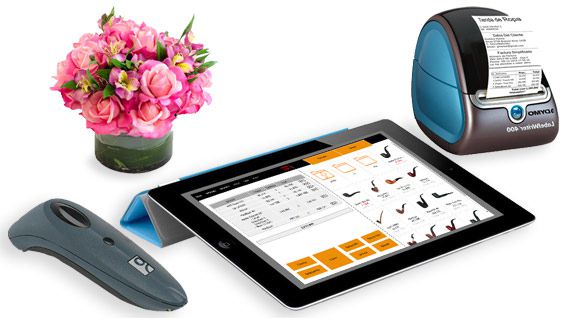
A tobacconist sells the same lines over and over at high speed. The ones that shift most sit on screen as buttons, so serving a customer takes seconds and the queue never builds.
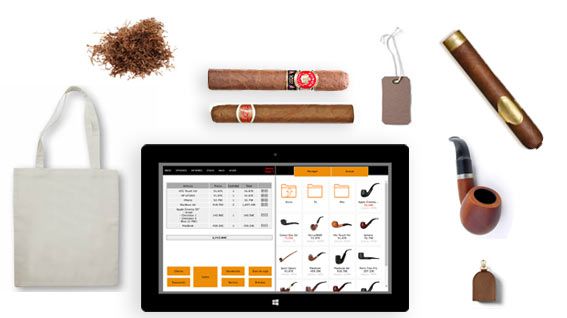
Where the price is set for you, what matters is that the figures add up at the end of the day. Every sale records its cost and its margin, so the report tells you what you actually made.

The interface is built to add products in as few taps as possible. Finishing a sale is two taps: the payment method, then take the money.
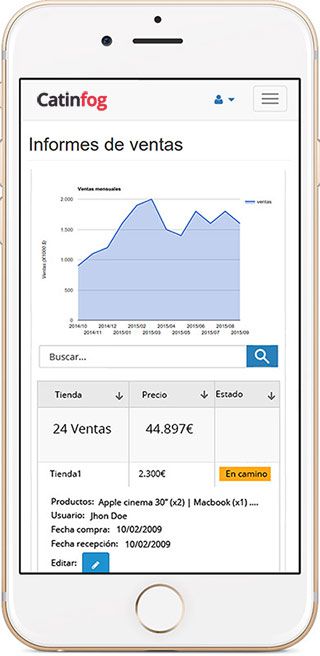
See what you’ve taken today, who’s on the till and how much is in it, from your phone.
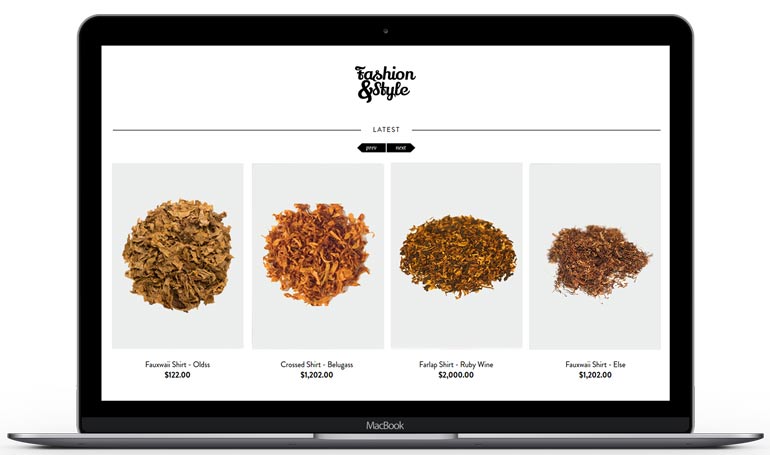
The same liquid comes in several strengths and several flavours. Each combination is a variant with its own barcode and its own stock, and the whole thing stays a single product in your catalogue.

Every payment goes in sorted by how it was paid, so the cash-up is done when you close.
If something doesn’t add up, you go back through the movements one by one until you find the one that’s out.
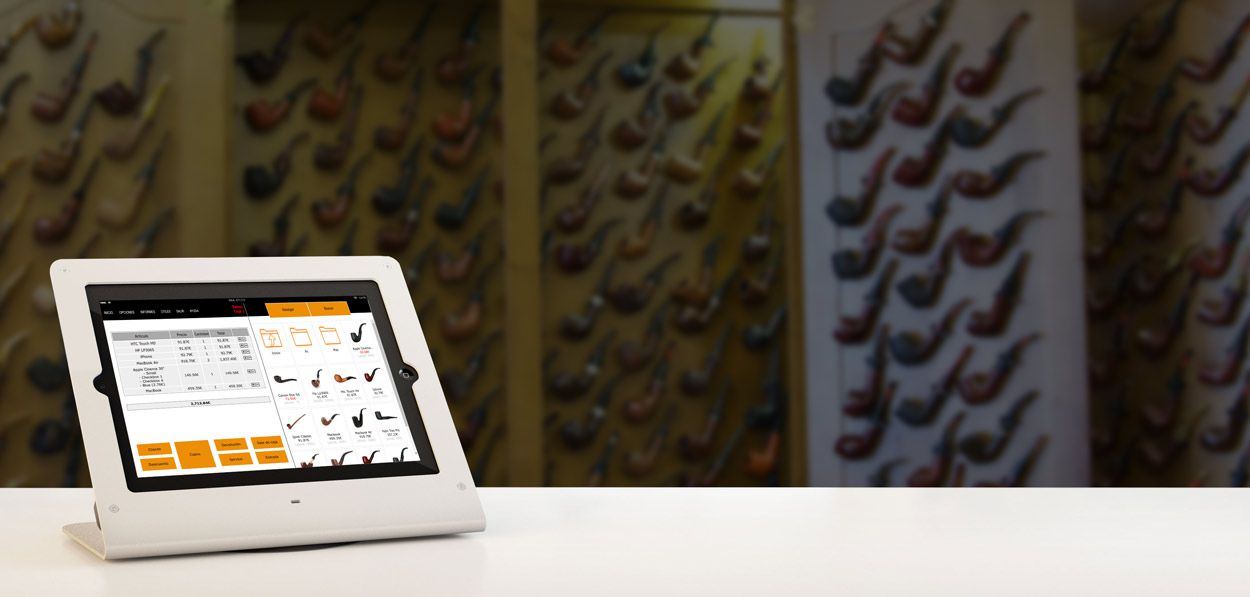
A tobacconist lives on small, fast, repeated sales, and a queue of four is enough for someone to walk out. The lines you sell all day sit on the first screen, so the usual purchase is a tap and the drawer.
Change comes up as a suggestion so you are not doing arithmetic with a queue in front of you, and finishing the sale is two taps: the payment method, then take the money.

On the regulated lines the price and the margin are decided for you, and no software changes that. What you can decide is everything else on the counter, and the figures tell you which of it is actually worth the shelf.
Look at your takings split by line and you can see how much of the day came from the part of the business where you set the price.
There are few businesses where so much value sits behind so little counter. Every sale takes its item off the stock as it goes through, so what the system says you have is what should be on the shelf.
Set the level at which each line needs reordering and you order before you run out of the brand somebody buys every single morning.
When two or three people serve across a day and the till is short at close, the useful question is which hours it went missing in. Everyone signs in as themselves, so the takings and the movements carry a name and a time.
Give each person only what they need: the till for everyone, the margins and the reports for you.
Watch the video and you’ll have the POS running in five minutes flat.
Or give us a call: we’ll connect remotely and leave it ready for you to sell.
Every feature we’ve built is there to make your shop more productive.
We give support by phone, video call, WhatsApp, Telegram and email. We’ve published more than 30 video tutorials and we train teams. If you need a hand getting started, we’ll connect to your computer remotely.
If you’d rather your staff didn’t get into certain parts of the POS, you can stop them. Keep the dashboard — with everything about the shop and the stock — for managers and owners only.
Import your old system’s products and customers in bulk from a spreadsheet. It’s as simple as putting the columns in order and importing. The move is done in seconds.
Forget sending hundreds of PDFs every quarter. Download your sales and refunds to a spreadsheet in one click and send it over. Easier for you, and a relief for them.
Yes. The lines that shift most sit on screen as buttons, so you tap them rather than looking up a code, and finishing a sale is two taps: the payment method, then take the money.
Each combination of strength and flavour is a variant with its own barcode and its own stock, while the whole thing stays a single product in your catalogue. It only counts once towards your plan’s limit.
Yes. Every sale records its cost and its margin, so the report tells you what you really made rather than just what you took.
A computer, a receipt printer, a cash drawer, a barcode scanner and an internet connection.
That is what it is built for. The lines you sell all day sit on the first screen, the usual purchase is a tap and the drawer, change comes up as a suggestion, and finishing the sale is two taps.
Yes. Your takings split by line show how much of the day came from the regulated products and how much from everything else on the counter, which is the part where the margin is yours to decide.
Yes. Every sale takes its item off the stock as it goes through, and you can set the level at which each line needs reordering, so you order before you run out of the brand somebody buys every morning.
Yes. Everyone signs in as themselves, so the takings and the movements carry a name and a time, and you can go back through them one by one until you find the one that is out.
If you’ve read this far, something here has struck a chord. So try Catinfog free for 14 days and find out for yourself.
No credit card. No lock-in.