Support by phone and video call
We give support by phone, video call, WhatsApp, Telegram and email. We’ve published more than 30 video tutorials and we train teams. If you need a hand getting started, we’ll connect to your computer remotely.
POS software for pizzerias: dine in, collection and delivery on one screen, with the ticket printing in the kitchen as the order comes in.
No credit card. No lock-in.
From a single counter to places doing delivery across the town. An average rating of 4.6 out of 5 on Trustpilot.
An order comes in on the website and the ticket prints in the kitchen. That alone was worth the change.
 Miguel Arpón
La Piazza
Miguel Arpón
La Piazza
On a Friday night we can have a dozen orders on the go at once and none of them gets mixed up.
 María José Esparza
Cafetería Lizarralde
María José Esparza
Cafetería Lizarralde
The best part for me is being able to check how the day’s sales are going from anywhere, on my phone.
 Miguel Álvarez
Hombre de Etiqueta
Miguel Álvarez
Hombre de Etiqueta
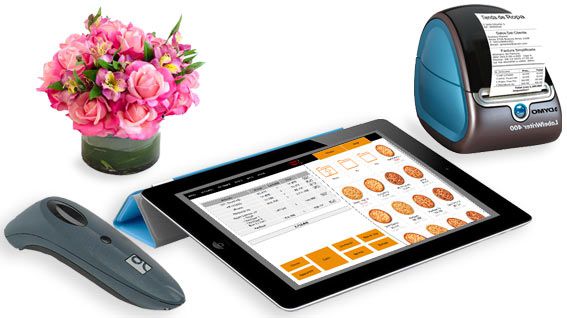
Someone eating in, someone on the phone wanting collection and a delivery going out: all three go through the same screen, each marked for what it is, with nothing scribbled on paper.
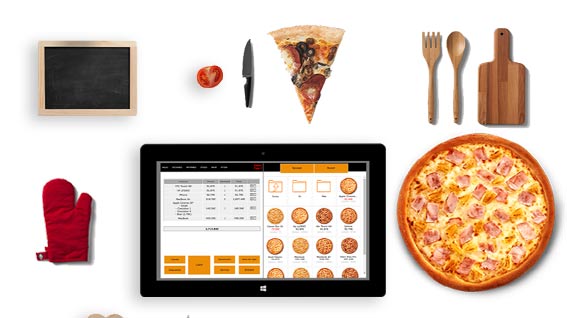
The order prints in the kitchen the moment it’s taken, and on the delivery printer if it’s going out. Nobody has to carry the order through by hand.
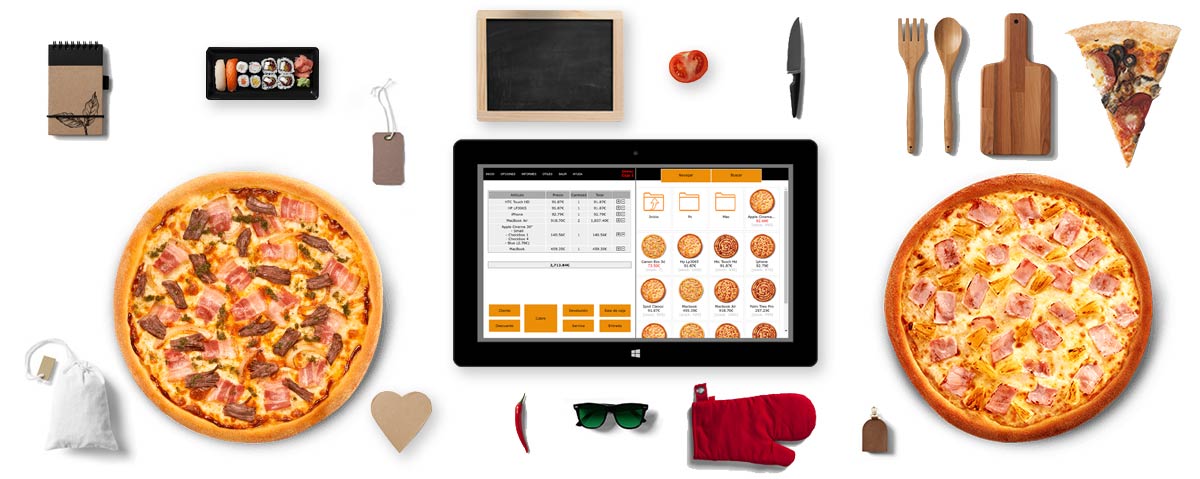
Pizzas, extra toppings and drinks sit on screen as buttons. Building an order with three changes to it is a handful of taps.
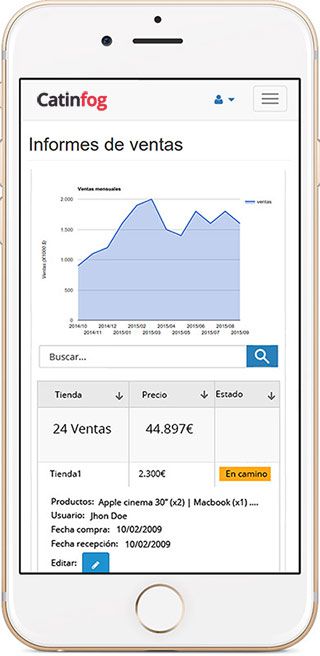
See what you’ve taken tonight, how the weekend compares with the last one and which pizzas actually sell, from your phone.
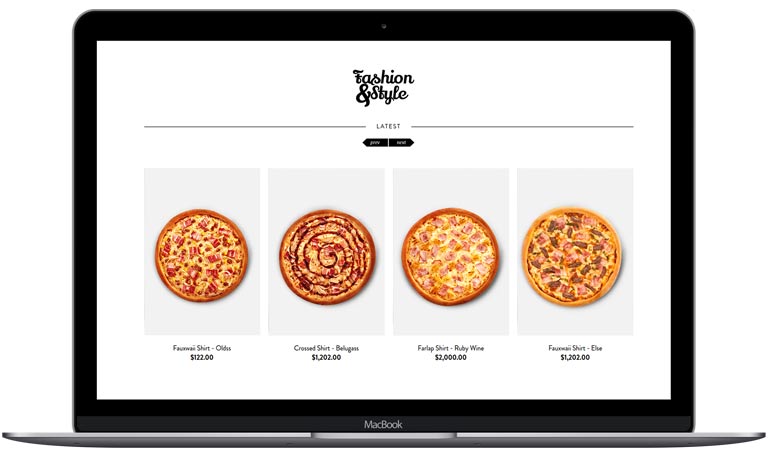
The POS comes with an online shop of your own, so an order comes straight to your kitchen instead of through a platform taking a cut of every sale.
Every payment goes in sorted by how it was paid, so the cash-up is already done at closing: how much in cash, how much on card, and whether it matches the drawer.
Hardly anybody orders a pizza exactly as it comes on the menu. Set up each one with its sizes and its toppings, and the changes go on as buttons rather than as a note somebody has to read out.
Extras that cost money are priced as extras, so a large with three additions rings up for what it is worth and not for the price on the board.
A delivery ticket carries the address and the phone number, so whoever takes it out is not memorising it on the way to the door. The order is marked as a delivery from the moment it is taken and stays in its own queue until it is paid.
If a regular rings again next week, their address is already on their record and you do not ask for it twice.
Between nine and eleven on a Friday a pizzeria does a large part of the week. Every order sits on the screen with what it is waiting for, so the phone ringing does not cost you the one that is already in the oven.
Anything you take on the phone goes in as it is spoken, and the kitchen sees it the moment you hang up.
Four pizzas carry the shop and four have not moved since the spring. The figures tell you which is which, by day and by hour, so you can take one off the menu instead of keeping the ingredients for it in the fridge.
Compare this Friday with the last one and you can see whether the offer you ran was worth what it cost you.
Watch the video and you’ll have the POS running in five minutes flat.
Or give us a call: we’ll connect remotely and leave it ready for you to sell.
Every feature we’ve built is there to make your shop more productive.
We give support by phone, video call, WhatsApp, Telegram and email. We’ve published more than 30 video tutorials and we train teams. If you need a hand getting started, we’ll connect to your computer remotely.
If you’d rather your staff didn’t get into certain parts of the POS, you can stop them. Keep the dashboard — with everything about the shop and the stock — for managers and owners only.
Import your old system’s products and customers in bulk from a spreadsheet. It’s as simple as putting the columns in order and importing. The move is done in seconds.
Forget sending hundreds of PDFs every quarter. Download your sales and refunds to a spreadsheet in one click and send it over. Easier for you, and a relief for them.
Yes. The ticket prints in the kitchen the moment the order is taken, and on the delivery printer or behind the bar as well if you want it to. Nobody has to walk the order through.
Yes, all three on the same screen, each order marked for what it is. Anyone eating in keeps their own tab open until they settle, and collection and delivery orders sit in their own queue.
Yes. The POS comes with an online shop of your own, so orders come straight to your kitchen and you keep the whole sale instead of paying a platform a commission.
A computer or a tablet, a receipt printer — a second one in the kitchen if you want — a cash drawer and an internet connection.
Yes. Each pizza has its sizes and its toppings, and the changes go on as buttons rather than as a note somebody has to read out. Extras that cost money are priced as extras, so a large with three additions rings up for what it is worth.
Yes, the address and the phone number, so whoever takes it out is not memorising it on the way to the door. If a regular rings again next week their address is already on their record.
That is what it is built for. Every order sits on the screen with what it is waiting for, so the phone ringing does not cost you the one that is already in the oven, and what you take on the phone reaches the kitchen the moment you hang up.
Yes, by day and by hour. That is usually how you find the four that carry the shop and the four that have not moved since the spring, and whether the offer you ran was worth what it cost you.
If you’ve read this far, something here has struck a chord. So try Catinfog free for 14 days and find out for yourself.
No credit card. No lock-in.