Support by phone and video call
We give support by phone, video call, WhatsApp, Telegram and email. We’ve published more than 30 video tutorials and we train teams. If you need a hand getting started, we’ll connect to your computer remotely.
POS software for shoe shops: every size carries its own stock, so you know what you have without going down to the stockroom.
No credit card. No lock-in.
From single shops to chains with several branches. An average rating of 4.6 out of 5 on Trustpilot.
I’m sticking with Catinfog for how simple and effective it is. It’s saved me a great deal of time.
 Luna Quintana
El mundo de Luna
Luna Quintana
El mundo de Luna
Having an online shop connected to the POS is perfect for my shop.
 Carmen Herrero
Corner Shop
Carmen Herrero
Corner Shop
Selling around the shop on a phone has brought us much closer to the customer.
 Catalina Chorobik
Era Vintage
Catalina Chorobik
Era Vintage
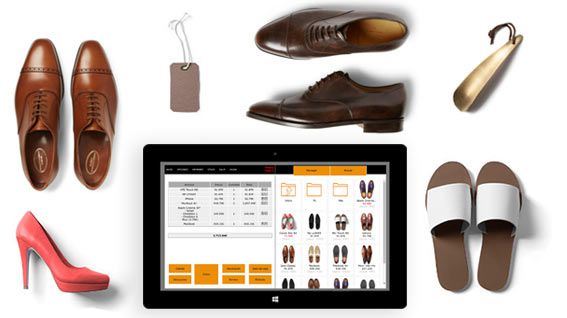
A shoe shop lives and dies by its sizes. Catinfog gives every size of every style its own stock and its own barcode, so what you see on screen is what’s in the box.
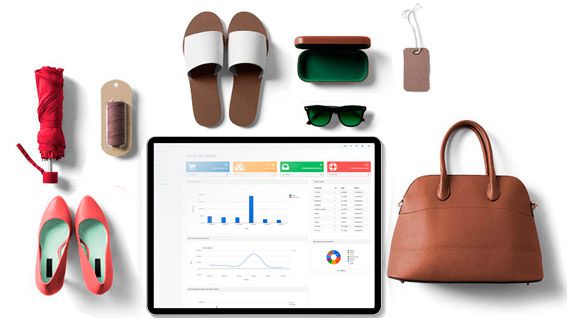
Someone asks for a 41 in that boot. You look it up on screen and you know straight away whether you have it, in which colour, and how many pairs are left.
No more disappearing into the stockroom to come back empty-handed.
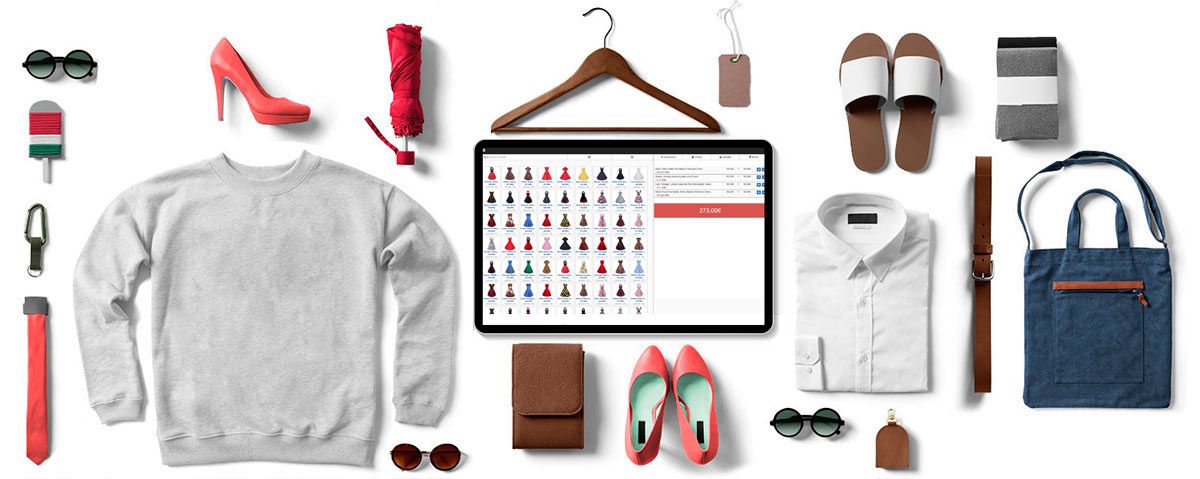
The interface is built to add products to the basket in as few taps as possible. Finishing a sale or handling a refund is two taps.
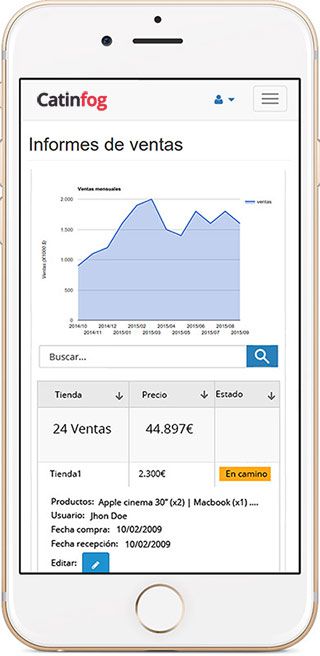
Check how the day is going, who’s on the till and how much is in it, from your phone, wherever you happen to be.
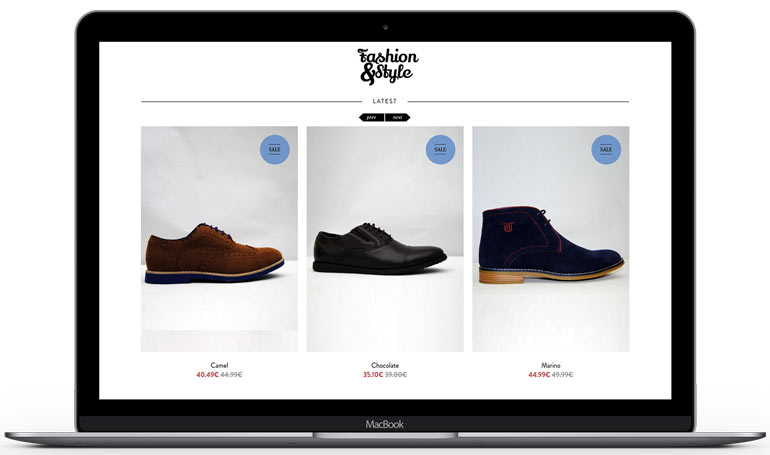
The POS comes with an online shop that shares the same catalogue and the same stock. A pair sold in the shop comes off the website straight away, and the other way round.
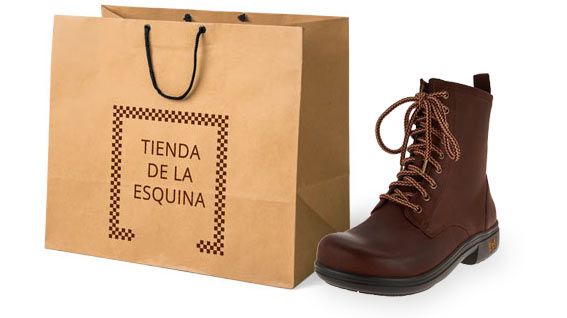
Generate the labels for a whole delivery and print them in one go, each with its size. No going box by box.
A model with only 36s and 45s left is not a model in stock: it is a shelf full of the sizes nobody asks for. Each size counts on its own, so what you are looking at is what you can actually sell rather than a single number that flatters you.
When you reorder, you order the middle of the curve, which is where the money went in the first place.
The customer has the shoe in their hand and their coat still on. Scan the box and the screen tells you what sizes are left before you walk to the stockroom, so you come back with the box or with an answer instead of empty-handed twice.
Half a minute either way is what decides whether they try the other pair or put their coat back on.
Footwear does not keep its price. Drop a whole line or a whole season at once rather than model by model, and the new price applies at the counter and in the online shop straight away.
The ticket still records what you actually charged, so at the end of the sale you can see what the markdown cost you and what it cleared.
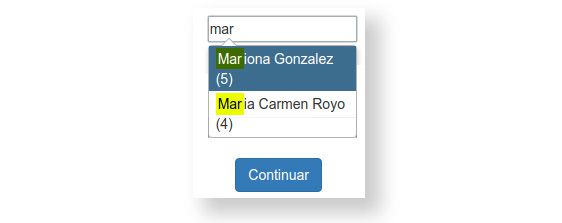
A customer who comes back once a year does not remember what she bought, but her record does: the model, the size and when she took it. That is what lets you put the right box in front of her without an interview.
It is also what settles a return politely — you can see what was sold, when and for how much, without either of you having to find the receipt.
Watch the video and you’ll have the POS running in five minutes flat.
Or give us a call: we’ll connect remotely and leave it ready for you to sell.
Every feature we’ve built is there to make your shop more productive.
We give support by phone, video call, WhatsApp, Telegram and email. We’ve published more than 30 video tutorials and we train teams. If you need a hand getting started, we’ll connect to your computer remotely.
If you’d rather your staff didn’t get into certain parts of the POS, you can stop them. Keep the dashboard — with everything about the shop and the stock — for managers and owners only.
Import your old system’s products and customers in bulk from a spreadsheet. It’s as simple as putting the columns in order and importing. The move is done in seconds.
Forget sending hundreds of PDFs every quarter. Download your sales and refunds to a spreadsheet in one click and send it over. Easier for you, and a relief for them.
Almost nothing special: a computer, a receipt printer, a cash drawer, a barcode scanner and an internet connection. With that, all you have to do is sign up and set the POS running.
Yes. Every size of every style carries its own stock and its own barcode, so you always know exactly how many pairs you have of each one. A style in eight sizes and three colours is still a single product in your catalogue, not twenty-four.
Yes. You generate the barcodes for the delivery and send every label to the printer in one go, each with its size. There’s no need to go box by box or to use a separate program.
Almost certainly. Any thermal receipt printer will do — Epson, Star, Approx and the rest — and any barcode scanner, wired or wireless. We’ve tested more than 100 models.
Yes. A model with only 36s and 45s left is not a model in stock, and the POS shows it that way rather than as one number. When you reorder you can see which part of the curve actually sold.
Yes. Scan the box and the screen tells you what sizes are left, so you come back with the box or with an answer instead of empty-handed twice.
Yes, a whole line or a whole season rather than model by model, and the new price applies at the counter and in the online shop straight away. The ticket still records what you actually charged, so you can see what the markdown cleared.
Their record keeps the model, the size and when they bought it, which is what lets you put the right box in front of them a year later. It is also what settles a return without either of you finding the receipt.
If you’ve read this far, something here has struck a chord. So try Catinfog free for 14 days and find out for yourself.
No credit card. No lock-in.