Support by phone and video call
We give support by phone, video call, WhatsApp, Telegram and email. We’ve published more than 30 video tutorials and we train teams. If you need a hand getting started, we’ll connect to your computer remotely.
POS software for pet shops: every bag size with its own stock and barcode, batches and use-by dates, and an online shop for repeat orders.
No credit card. No lock-in.
From neighbourhood shops to places with a grooming room and several staff. An average rating of 4.6 out of 5 on Trustpilot.
Every bag size has its own stock now, which is exactly what we needed.
 Manuel Arzuaga
Mundo Animal
Manuel Arzuaga
Mundo Animal
I’m sticking with Catinfog for how simple and effective it is. It’s saved me a great deal of time.
 Luna Quintana
El mundo de Luna
Luna Quintana
El mundo de Luna
Having an online shop connected to the POS is perfect for my shop.
 Carmen Herrero
Corner Shop
Carmen Herrero
Corner Shop
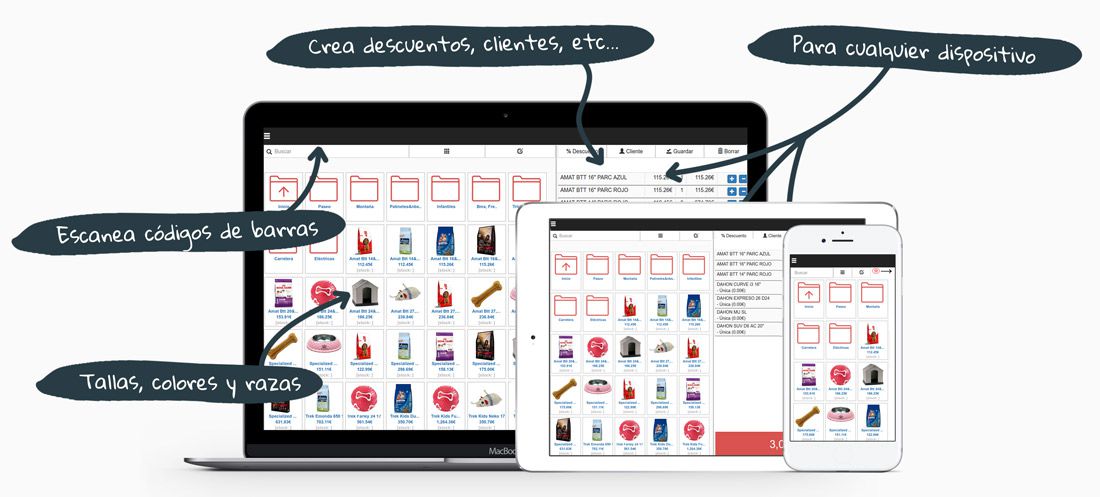
Feed comes in three bag sizes, the same treat comes in four flavours and the flea treatment has a use-by date. Catinfog keeps each one apart without turning your catalogue into a mess.
A 3 kg bag, a 12 kg bag and a 20 kg bag are three variants of one product, each with its own barcode and its own stock. One product in your catalogue, three things on the shelf.
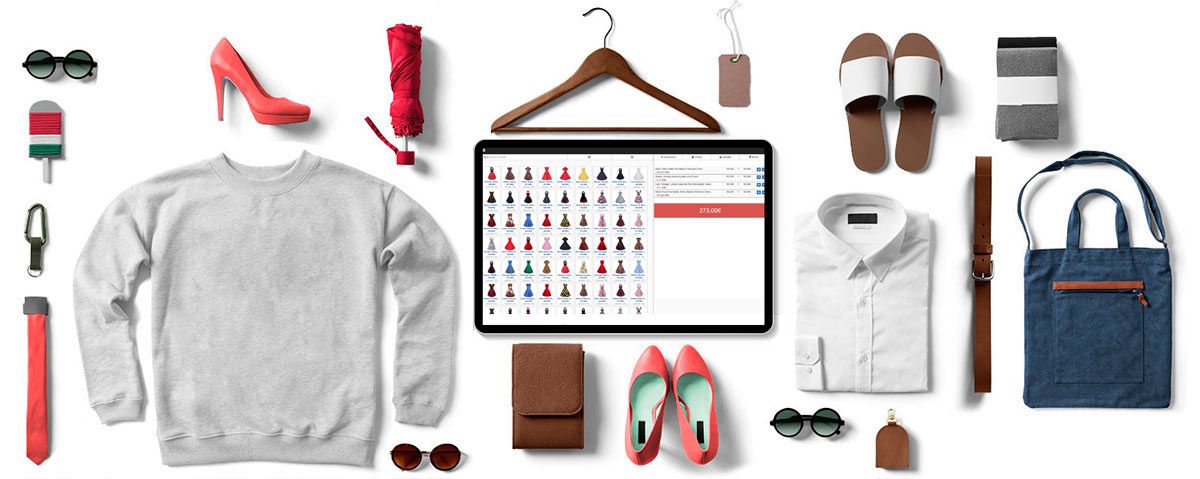
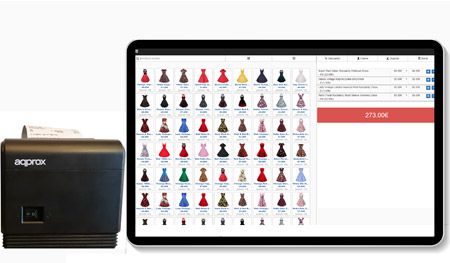
The interface is built to add products in as few taps as possible. Finishing a sale or handling a refund is two taps.
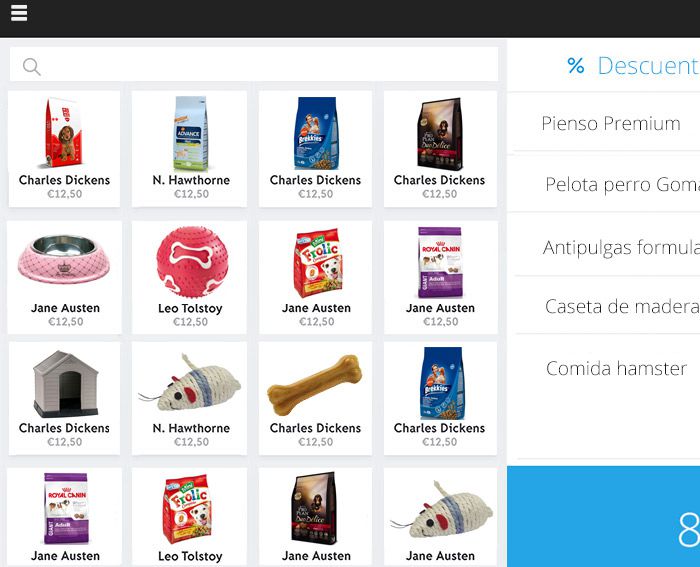
Every purchase is filed against the customer’s record, so you know which feed their dog is on and when they last bought a bag.
That’s what lets you tell them their usual is back in, or that it’s about time they needed more.
Feed is the most repeated purchase there is. The online shop that comes with the POS lets a customer reorder the same bag in two clicks and collect it or have it delivered.
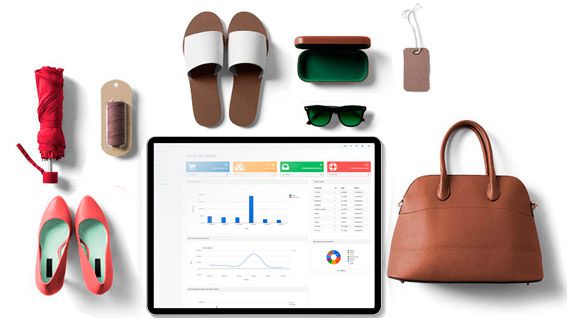
Set a minimum for each product and the dashboard shows you which ones have dropped below it, so you order before a regular customer finds the shelf empty.
A pallet of 20 kg bags is a lot of money standing on a floor, and it is the one line you cannot afford to be out of. Each bag size counts on its own, so you can see what is really moving instead of a total that mixes the 3 kg with the 20 kg.
The brand nobody has bought since the spring shows up just as clearly, which is usually the shelf that is costing you the most.
Wormers, pipettes and medicated feed carry a date, and selling one past it is not a small mistake in a shop people trust with their animals. Keep the date on the product so the person serving can see it without turning the box over.
Anything you take off the shelf because it has gone out goes in as waste, so the stock stays honest and you can see what that line is really costing you across a year.
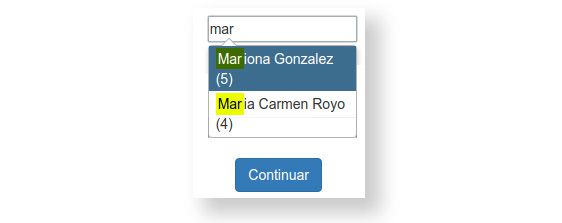
Most people know their dog and not the brand. Their record shows what they bought and when, so ‘the same as last time’ is something you can serve rather than guess at, right down to the bag size.
A dog on a prescription diet cannot be sold the nearest thing on the shelf, and that is exactly the kind of detail that is worth having written down rather than remembered.
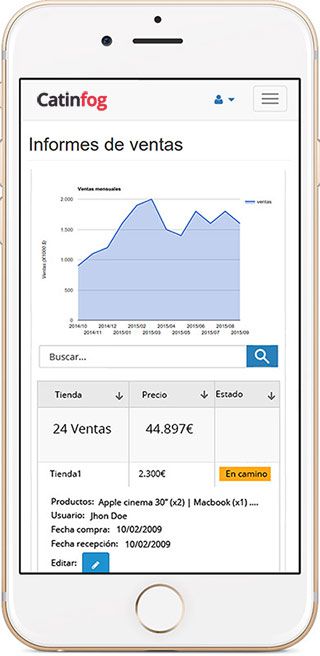
Feed is what walks through the door every three weeks, but it is rarely where the margin is. Collars, toys and treats are, and the figures tell you which of them actually sell rather than which ones look good on the shelf.
Once you can see both, you know what to put next to the till and what to stop reordering.
Watch the video and you’ll have the POS running in five minutes flat.
Or give us a call: we’ll connect remotely and leave it ready for you to sell.
Every feature we’ve built is there to make your shop more productive.
We give support by phone, video call, WhatsApp, Telegram and email. We’ve published more than 30 video tutorials and we train teams. If you need a hand getting started, we’ll connect to your computer remotely.
If you’d rather your staff didn’t get into certain parts of the POS, you can stop them. Keep the dashboard — with everything about the shop and the stock — for managers and owners only.
Import your old system’s products and customers in bulk from a spreadsheet. It’s as simple as putting the columns in order and importing. The move is done in seconds.
Forget sending hundreds of PDFs every quarter. Download your sales and refunds to a spreadsheet in one click and send it over. Easier for you, and a relief for them.
No. A feed in three bag sizes is a single product in your catalogue with three variants, each with its own barcode and its own stock. It only counts once towards your plan’s limit.
Yes. You can record the batch and the date for products that need it, so you know what to move first and nothing sits past its date.
Yes, through the online shop that comes with the POS. It shares the same catalogue and the same stock, so a customer reorders the same bag in a couple of clicks and collects it or has it delivered.
A computer, a receipt printer, a cash drawer, a barcode scanner and an internet connection.
Yes. A 3 kg bag and a 20 kg bag are separate counts, so you can see what is really moving instead of a total that mixes them. The brand nobody has bought since the spring shows up just as clearly.
Yes. Wormers, pipettes and medicated feed can carry their date so whoever is serving can see it without turning the box over. Anything you take off the shelf because it has gone out goes in as waste, so the stock stays honest.
Yes. Their record shows what they bought and when, right down to the bag size, so ‘the same as last time’ is something you can serve rather than guess at. It matters most with an animal on a prescription diet.
Yes. Feed is what walks through the door every three weeks but is rarely where the margin is, and the figures show you which collars, toys and treats really sell rather than which ones look good on the shelf.
If you’ve read this far, something here has struck a chord. So try Catinfog free for 14 days and find out for yourself.
No credit card. No lock-in.