Support by phone and video call
We give support by phone, video call, WhatsApp, Telegram and email. We’ve published more than 30 video tutorials and we train teams. If you need a hand getting started, we’ll connect to your computer remotely.
POS software for greengrocers: sell loose produce by the kilo, change your prices as the market moves and keep on top of waste.
No credit card. No lock-in.
From market stalls to shops with a delivery round. An average rating of 4.6 out of 5 on Trustpilot.
Changing all my prices first thing in the morning takes a couple of minutes now.
 Miguel Ángel Gutiérrez
La Despensa
Miguel Ángel Gutiérrez
La Despensa
An order comes in on the website and we have it ready for collection. Simple as that.
 Miguel Arpón
La Piazza
Miguel Arpón
La Piazza
I’m sticking with Catinfog for how simple and effective it is. It’s saved me a great deal of time.
 Luna Quintana
El mundo de Luna
Luna Quintana
El mundo de Luna
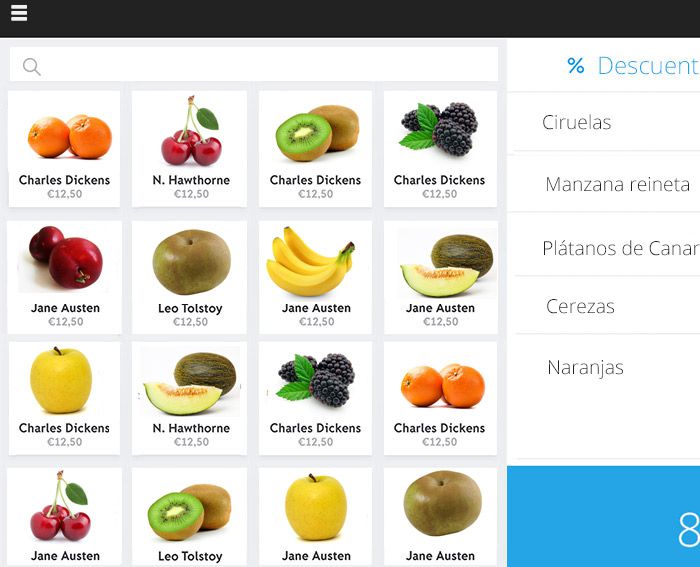
Nearly everything you sell goes by the kilo, the price changes with the market and what doesn’t shift today is worth less tomorrow. A greengrocer needs a POS that keeps up with all three.
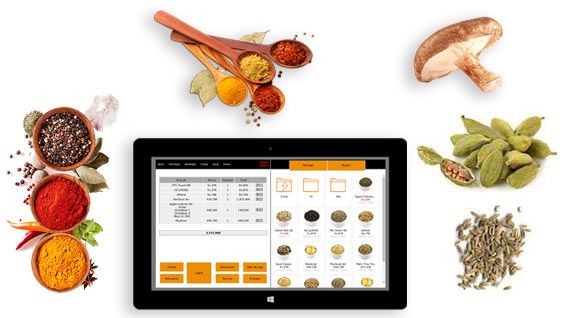
Type in 0.350 and the price works itself out from the price per kilo, with that same 0.350 coming off the stock. Half a dozen eggs, a quarter of mushrooms or three kilos of potatoes all go through the same way.
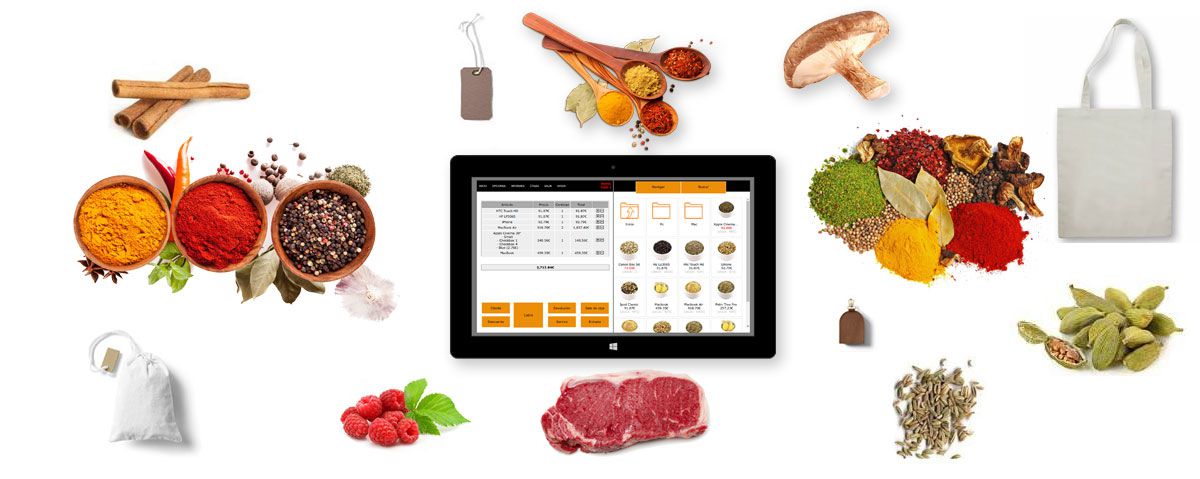
When the market price moves, you change yours in seconds — one product or a whole category at once — and the new price applies at the counter and online straight away.
Fresh produce that doesn’t sell is money lost. Record what you throw and the report shows you what you’re consistently over-ordering.
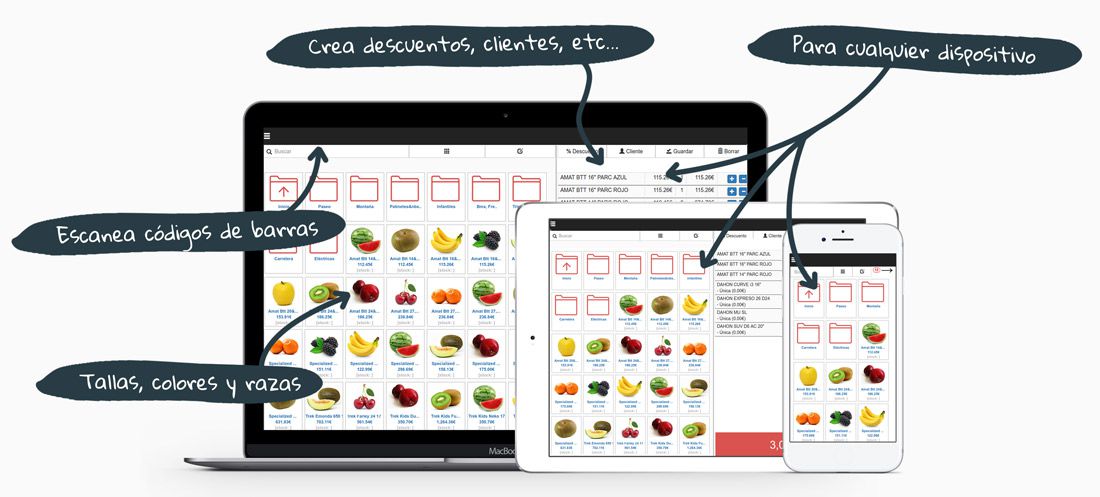
Saturday between ten and one is half the week’s takings, in small baskets and mostly in cash. The dozen things everybody buys — potatoes, onions, tomatoes, bananas — sit on the first screen, so nobody hunts through categories with six people waiting.
Weight goes in, price comes out, next customer. If someone changes their mind at the till, take the line off the ticket and carry on without starting again.
You buy by the box and you sell by the kilo, so the margin is never quite where you think it is. Put in what the box cost and what came in it, and the POS tells you what each kilo owes you before you decide what to charge.
Do it for a fortnight and the pattern shows up on its own: the lines that pay the rent, and the two or three you keep because customers ask for them.
Cherries arrive in May and are gone by July; clementines take their place in November. Hide what’s out of season instead of deleting it, and bring it back next year with its history intact — so you can see what you sold last June before you decide what to order this one.
Nothing clutters the screen out of season, and nothing has to be set up from scratch when it comes back.
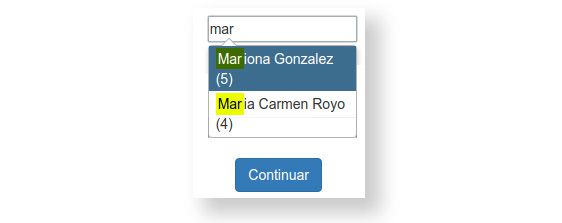
The café down the road takes a crate every morning and settles on the last Friday of the month. Keep a running tab for each of them and print the lot as one invoice when the time comes, instead of digging through a month of paper dockets.
Anyone with an account can have their own prices, which is usually the difference between keeping that trade and losing it.
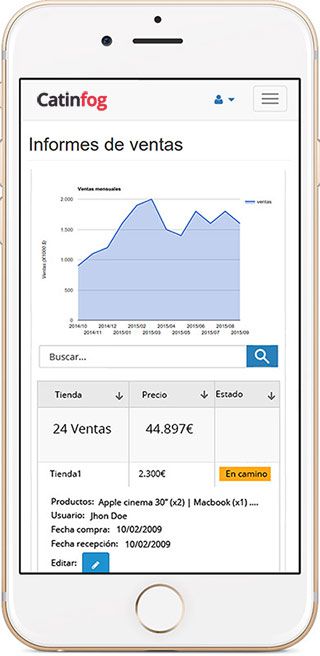
Check what you’ve taken and what sold best from your phone, whether you’re at the market at six in the morning or at home.
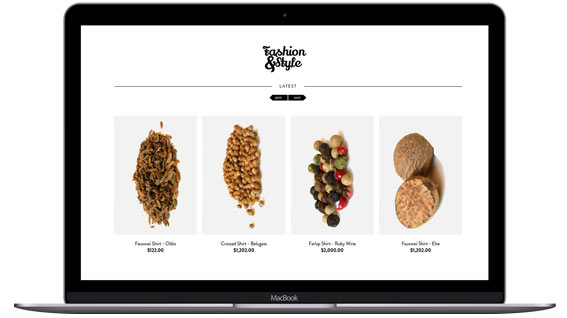
The online shop that comes with the POS lets your regulars put in their weekly order and collect it, or have it delivered.
Watch the video and you’ll have the POS running in five minutes flat.
Or give us a call: we’ll connect remotely and leave it ready for you to sell.
Every feature we’ve built is there to make your shop more productive.
We give support by phone, video call, WhatsApp, Telegram and email. We’ve published more than 30 video tutorials and we train teams. If you need a hand getting started, we’ll connect to your computer remotely.
If you’d rather your staff didn’t get into certain parts of the POS, you can stop them. Keep the dashboard — with everything about the shop and the stock — for managers and owners only.
Import your old system’s products and customers in bulk from a spreadsheet. It’s as simple as putting the columns in order and importing. The move is done in seconds.
Forget sending hundreds of PDFs every quarter. Download your sales and refunds to a spreadsheet in one click and send it over. Easier for you, and a relief for them.
Yes. You type in the weight — 0.350, for instance — and the price works itself out from the price per kilo, with that same amount coming off the stock. It works the same for half dozens, quarters and anything else you don’t sell by the unit.
In seconds, for one product or for a whole category at once. The new price applies at the counter and in the online shop straight away.
Yes. Record what you throw away and the report shows you which produce you’re consistently over-ordering, so you can buy closer to what you actually sell.
A computer, a receipt printer, a cash drawer and an internet connection. If you already weigh your produce on a separate set of scales, you carry on using them exactly as you do now.
Yes. Put in what the box cost and what came in it, and the POS works out what each kilo owes you before you decide what to charge. After a fortnight you can see which lines actually pay and which ones you are keeping out of habit.
You hide it rather than delete it. It comes off the screen while it is out of season and comes back next year with its history intact, so you can see what you sold last June before deciding what to order this one.
Yes. Keep a running tab for each customer with an account and print the whole month as one invoice when they settle. Anyone with an account can also have their own prices.
That is what it is built for. The dozen things everybody buys sit on the first screen, the weight goes in and the price comes out, and if a customer changes their mind you take the line off the ticket without starting the sale again.
If you’ve read this far, something here has struck a chord. So try Catinfog free for 14 days and find out for yourself.
No credit card. No lock-in.