Support by phone and video call
We give support by phone, video call, WhatsApp, Telegram and email. We’ve published more than 30 video tutorials and we train teams. If you need a hand getting started, we’ll connect to your computer remotely.
POS software for second-hand and vintage shops: every item is one of a kind, so each one gets its own record, its own price and its own barcode.
No credit card. No lock-in.
From vintage clothing to furniture and books. An average rating of 4.6 out of 5 on Trustpilot.
Selling around the shop on a phone has brought us much closer to the customer.
 Catalina Chorobik
Era Vintage
Catalina Chorobik
Era Vintage
Having an online shop connected to the POS is perfect for my shop.
 Carmen Herrero
Corner Shop
Carmen Herrero
Corner Shop
I’m sticking with Catinfog for how simple and effective it is. It’s saved me a great deal of time.
 Luna Quintana
El mundo de Luna
Luna Quintana
El mundo de Luna
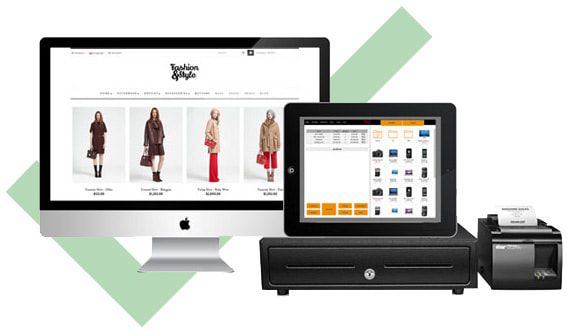
In a second-hand shop you don’t have twelve of anything. Each piece comes in once, at its own price and its own condition, and leaves for good when it sells.
Adding a product has to take seconds, because you’ll be doing it all day.
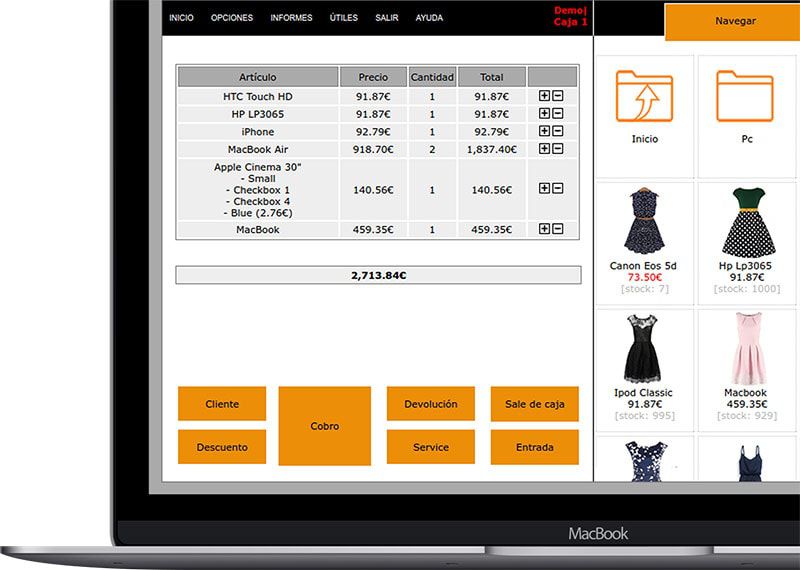
Generate a barcode for each item and print the labels for a whole intake in one go. From then on, selling it is one scan.
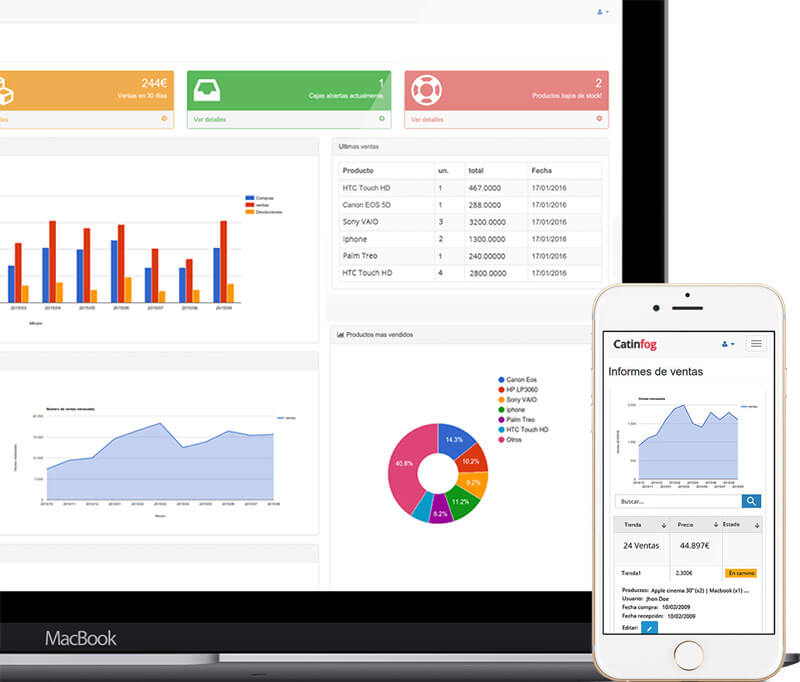
If you want a POS that does absolutely everything, Catinfog isn’t for you. Plenty of systems do more, at the cost of filling up with menus nobody uses.
Here there’s only what you need in order to sell, and that’s why you can learn it in an afternoon.
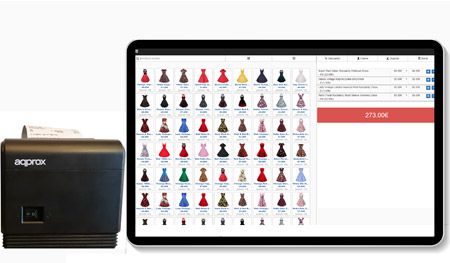
The POS comes with an online shop sharing the same catalogue and the same stock. When a one-off sells in the shop it comes off the website straight away, so nobody buys something that’s already gone.

In this trade, entering the stock is the job. A house clearance arrives and every piece needs its own description, its own price and its own condition, because none of it will ever come in again.
Add each one in seconds with a photograph and the words you would actually use, generate the barcodes for the whole intake and print the labels in one go, rather than doing it piece by piece across the week.

The margin on a second-hand piece is decided the day you buy it, not the day you sell it. Record what you paid and the POS carries it through, so when the piece goes you know exactly what it made rather than what you hoped.
Over a few months that is what tells you which kind of stock is worth buying and which is the sort that sits on a shelf for a year looking valuable.
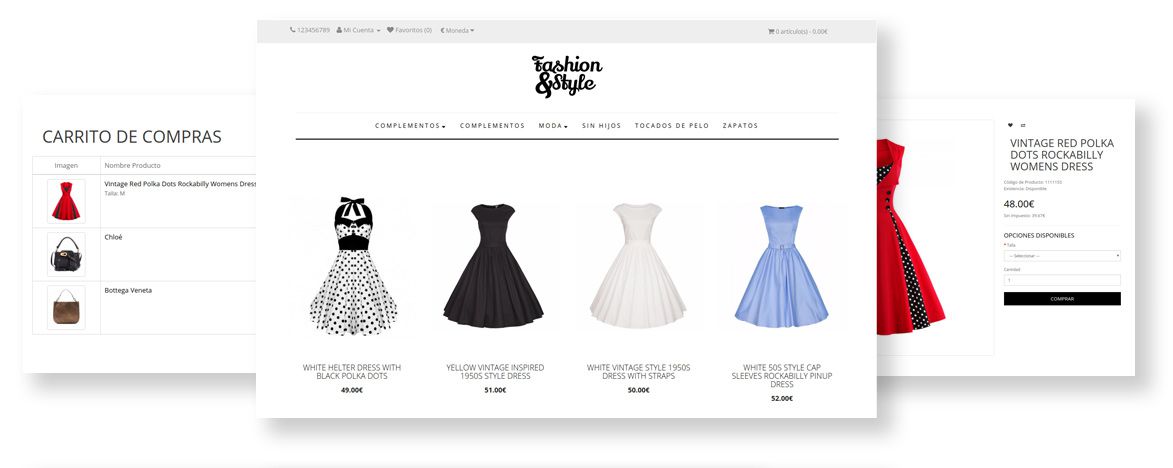
When you only have one of a thing, the website and the shop cannot disagree for even an hour. A piece sold over the counter comes off the site straight away, so nobody pays online for something that walked out of the door at lunchtime.
It works the other way round too: what sells on the website comes off the shop floor, and you are not selling a wardrobe that is already spoken for.
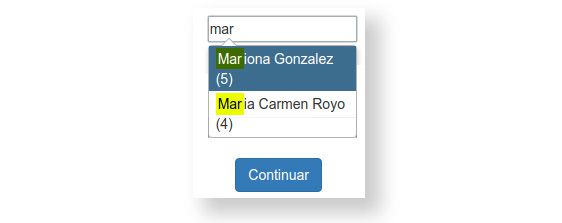
Second-hand customers are collectors as often as they are bargain hunters, and they come back for the same kind of piece. Their record shows what they have taken before, which is how you know who to think of when something walks through the door.
It is also what settles a return without an argument: you can see what was sold, when and for how much.
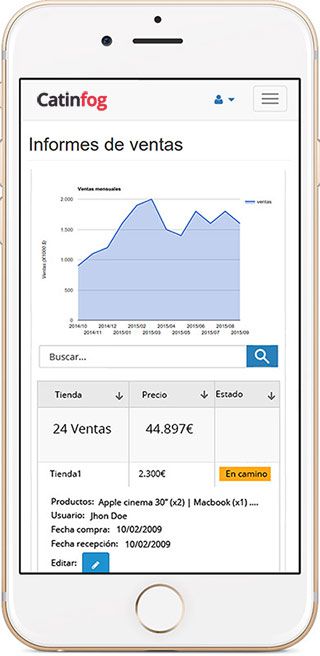
Photograph a piece, put it on the system and check the day’s takings from your phone.
Watch the video and you’ll have the POS running in five minutes flat.
Or give us a call: we’ll connect remotely and leave it ready for you to sell.
Every feature we’ve built is there to make your shop more productive.
We give support by phone, video call, WhatsApp, Telegram and email. We’ve published more than 30 video tutorials and we train teams. If you need a hand getting started, we’ll connect to your computer remotely.
If you’d rather your staff didn’t get into certain parts of the POS, you can stop them. Keep the dashboard — with everything about the shop and the stock — for managers and owners only.
Import your old system’s products and customers in bulk from a spreadsheet. It’s as simple as putting the columns in order and importing. The move is done in seconds.
Forget sending hundreds of PDFs every quarter. Download your sales and refunds to a spreadsheet in one click and send it over. Easier for you, and a relief for them.
Each piece gets its own record, its own price and its own barcode, and adding one takes seconds. When it sells it comes off the stock for good, in the shop and online at the same time.
Yes. Generate the barcodes for a whole intake and print every label in one go. After that, selling a piece is a single scan.
Yes, straight away. The online shop shares the same stock as the POS, so a one-off that sells over the counter comes off the website immediately and nobody can buy something that’s already gone.
A computer, a receipt printer, a cash drawer, a barcode scanner and an internet connection.
Each piece is added in seconds with a photograph and its own description, price and condition. You then generate the barcodes for the whole intake and print the labels in one go, rather than doing it piece by piece across the week.
Yes, and the POS carries it through to the sale, so when the piece goes you know exactly what it made. Over a few months that is what tells you which kind of stock is worth buying.
The shop and the website share one catalogue and one stock. A piece sold over the counter comes off the site straight away, and what sells online comes off the shop floor.
Yes. Their record shows what they have taken, which is how you know who to think of when a particular kind of piece comes in. It is also what settles a return without an argument.
If you’ve read this far, something here has struck a chord. So try Catinfog free for 14 days and find out for yourself.
No credit card. No lock-in.