Support by phone and video call
We give support by phone, video call, WhatsApp, Telegram and email. We’ve published more than 30 video tutorials and we train teams. If you need a hand getting started, we’ll connect to your computer remotely.
POS software for hardware shops: move through thousands of lines at speed, searching by barcode or by name, and sell loose goods by weight.
No credit card. No lock-in.
From village ironmongers to shops carrying tens of thousands of lines. An average rating of 4.6 out of 5 on Trustpilot.
Finding a part among thousands of lines takes seconds now.
 Juan Martín
Ferretería Martín
Juan Martín
Ferretería Martín
I’m sticking with Catinfog for how simple and effective it is. It’s saved me a great deal of time.
 Luna Quintana
El mundo de Luna
Luna Quintana
El mundo de Luna
The best part for me is being able to check how the day’s sales are going from anywhere, on my phone.
 Miguel Álvarez
Hombre de Etiqueta
Miguel Álvarez
Hombre de Etiqueta
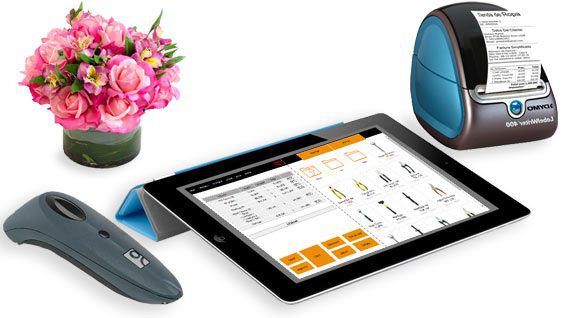
A hardware shop carries more lines than almost any other kind of retailer. Catinfog searches by barcode or by name as you type, so the part appears before you’ve finished the word.
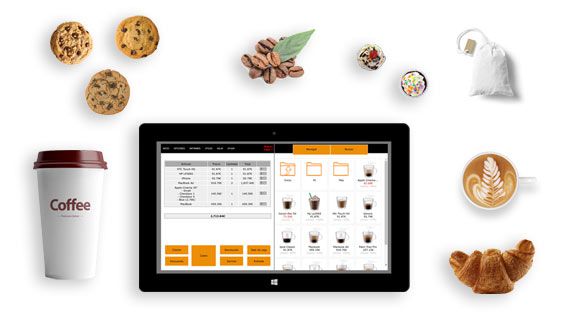
Screws by weight, cable by the metre, a single hinge: key in 0.400 or 2.5 and the price works itself out from the price per kilo or per metre, with that same amount coming off the stock.
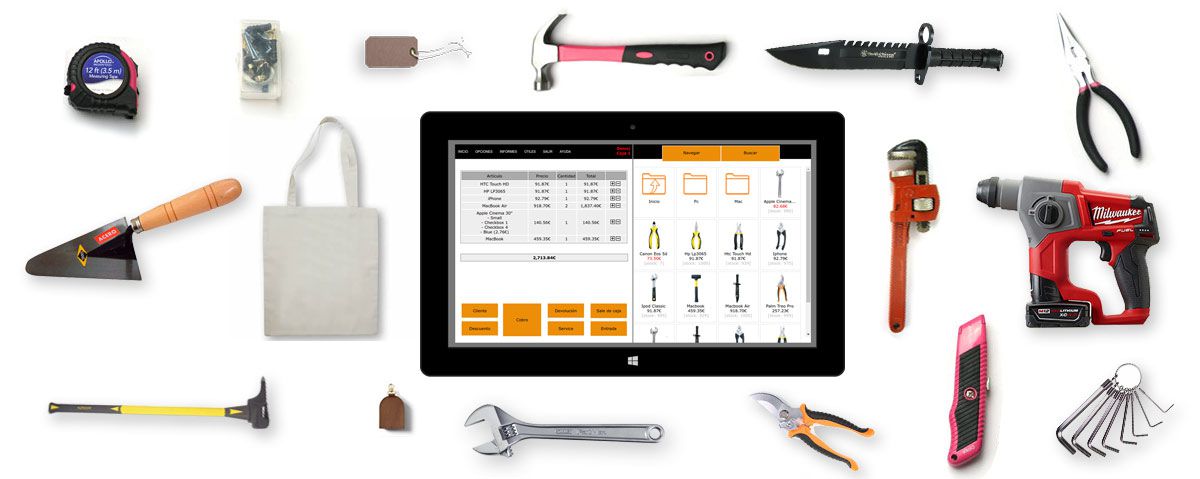
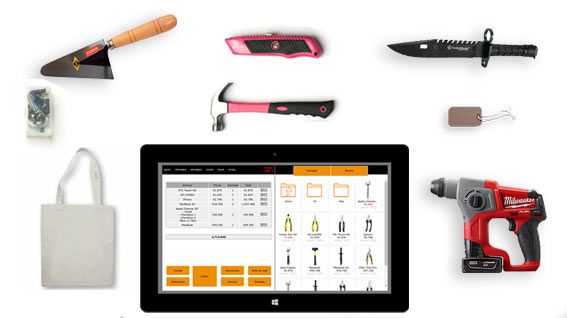
The interface is built to add products in as few taps as possible, whether you use a touchscreen, a mouse or a scanner.
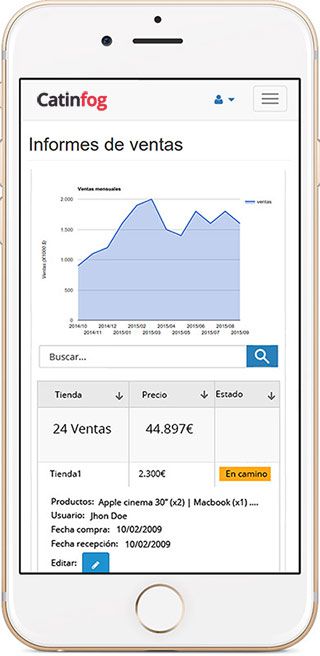
A customer rings asking whether you have something. Look it up on your phone and answer without walking to the counter.
The POS comes with an online shop sharing the same catalogue and the same stock, so what you sell over the counter comes off the website automatically.
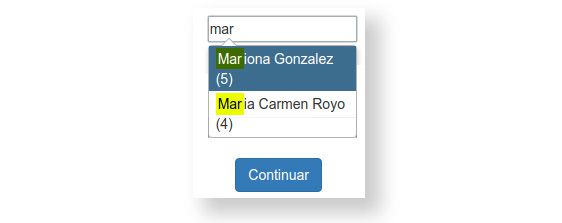
Builders and fitters who come in every week get their own record, their usual discount and their full history, so an invoice comes out with their details already on it.
A hardware shop carries forty screws that look identical to everyone except you. Put the size and the finish in the name and the search finds the right one by typing three characters, rather than by scrolling through a category of forty.
If a line has a barcode, scan it. The ones that live loose in a drawer and never had one you find by name — or print your own label for them, a whole delivery at a time, and from then on they scan like everything else.
A plumber comes in for the fitting he bought in March and could not tell you the size if his life depended on it. Pull up his account, look at what he took that day and sell him the same thing, without either of you guessing.
Trade customers can have their own prices, and the month’s tickets print as a single invoice when they settle.

Half of a hardware shop’s stock turns over twice a year, and the other half is gone by Friday. Set the level at which each line needs reordering and the POS tells you what is running down, instead of you finding out when a customer asks for it.
You can count the back room a shelf at a time with your phone, scanning as you go, without shutting for a day to do it.

In a hardware shop most of the knowledge is in someone’s head. When the price and the size are on the screen, whoever is on the counter can serve without asking you across the shop twice an hour.
Give each person only what they need: the till for everyone, the margins and the stock for you.
Watch the video and you’ll have the POS running in five minutes flat.
Or give us a call: we’ll connect remotely and leave it ready for you to sell.
Every feature we’ve built is there to make your shop more productive.
We give support by phone, video call, WhatsApp, Telegram and email. We’ve published more than 30 video tutorials and we train teams. If you need a hand getting started, we’ll connect to your computer remotely.
If you’d rather your staff didn’t get into certain parts of the POS, you can stop them. Keep the dashboard — with everything about the shop and the stock — for managers and owners only.
Import your old system’s products and customers in bulk from a spreadsheet. It’s as simple as putting the columns in order and importing. The move is done in seconds.
Forget sending hundreds of PDFs every quarter. Download your sales and refunds to a spreadsheet in one click and send it over. Easier for you, and a relief for them.
Yes. The Professional plan covers 5,000 separate products and Premium 20,000, and the search finds any of them as you type, by barcode or by name.
Yes. You key in the amount — 0.400 of a kilo of screws, 2.5 metres of cable — and the price works itself out from the price per kilo or per metre. That same amount comes off the stock, and you can sell the same item by the unit whenever it suits.
Yes. Each customer has their own record with their usual discount, your notes and their full purchase history, and an invoice comes out with their details already filled in.
A computer, a receipt printer, a cash drawer, a barcode scanner and an internet connection. If you weigh loose goods on your own scales, you carry on using them exactly as you do now.
Put the size and the finish in the name and the search finds it from three characters, rather than scrolling through a category of forty. Lines with a barcode scan, and for the ones that never had one you can print your own labels, a whole delivery at a time.
Yes. Pull up their account and you can see what they took that day, which is usually how you sell a tradesman the same fitting again without either of you guessing the size.
Yes. Set the level at which each line needs restocking and the POS shows you what is running down, instead of you finding out when a customer asks for it.
Yes. You give each person only what they need — the till for everyone, the margins and the stock reports for you.
If you’ve read this far, something here has struck a chord. So try Catinfog free for 14 days and find out for yourself.
No credit card. No lock-in.