Results appear as you type. Use the arrow keys to move and Enter to open. Press the slash key to come back here.
Online sales history
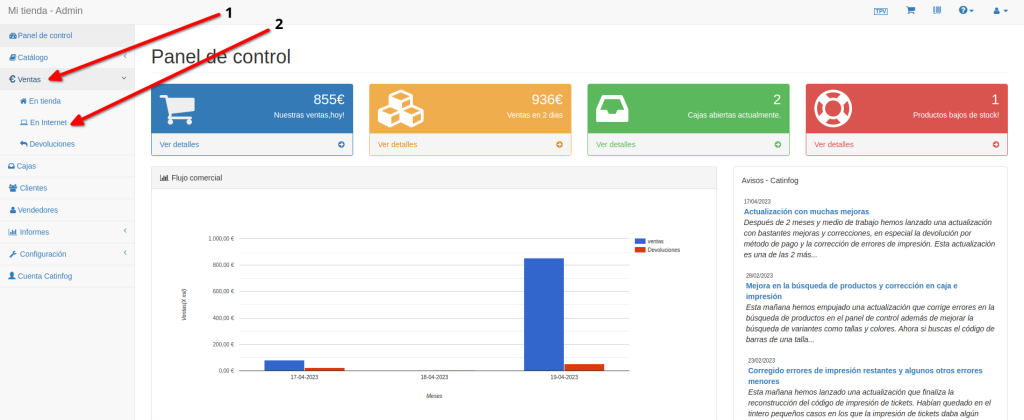
To see your online sales history, go to the dashboard, then Sales, then Online.
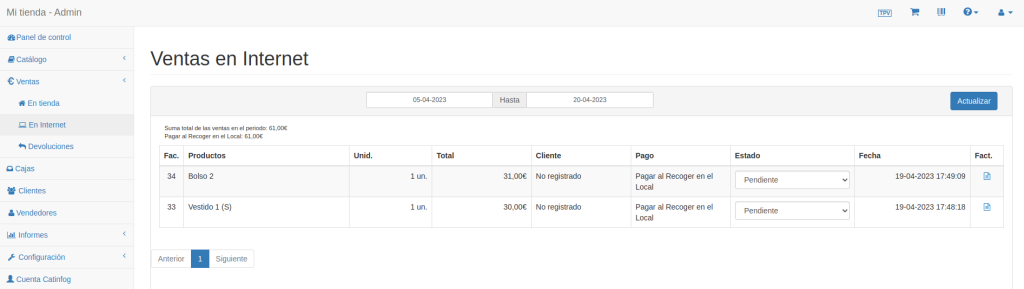
Here you can filter sales by date using the calendars. You can also see them in order, with the invoice number, the products, the customer and the amount; change an order’s status; and print the invoice and the delivery note.