Results appear as you type. Use the arrow keys to move and Enter to open. Press the slash key to come back here.
How to add your logo to the online shop
To add your logo to the online shop, go to Settings, then Online shop, then Logo.
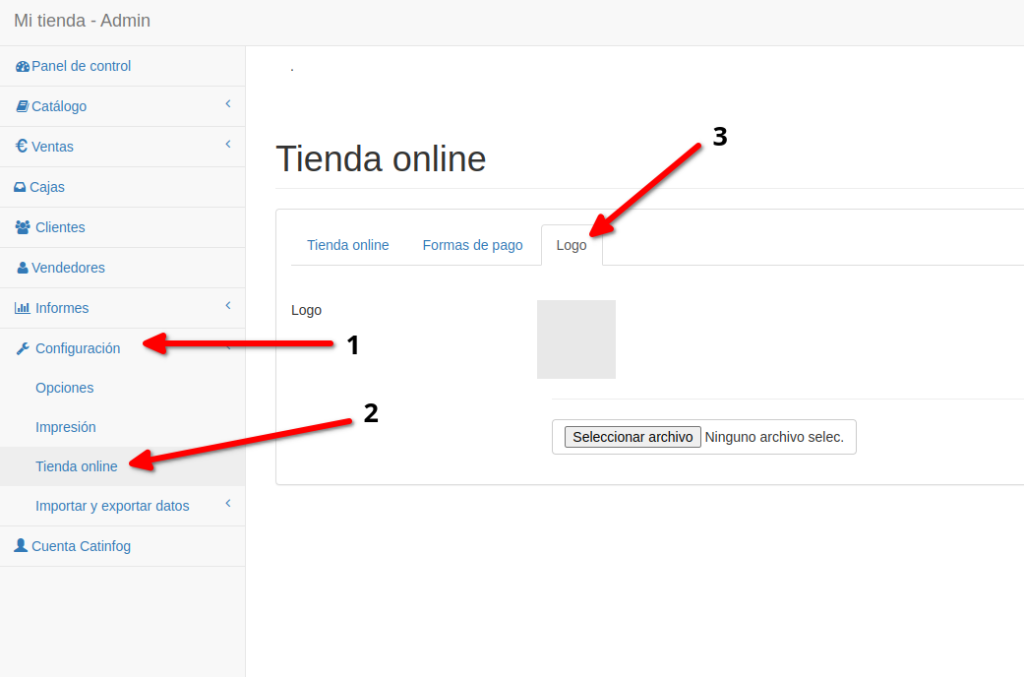
Now click Choose file (JPG or PNG only), find your logo file and double-click it.
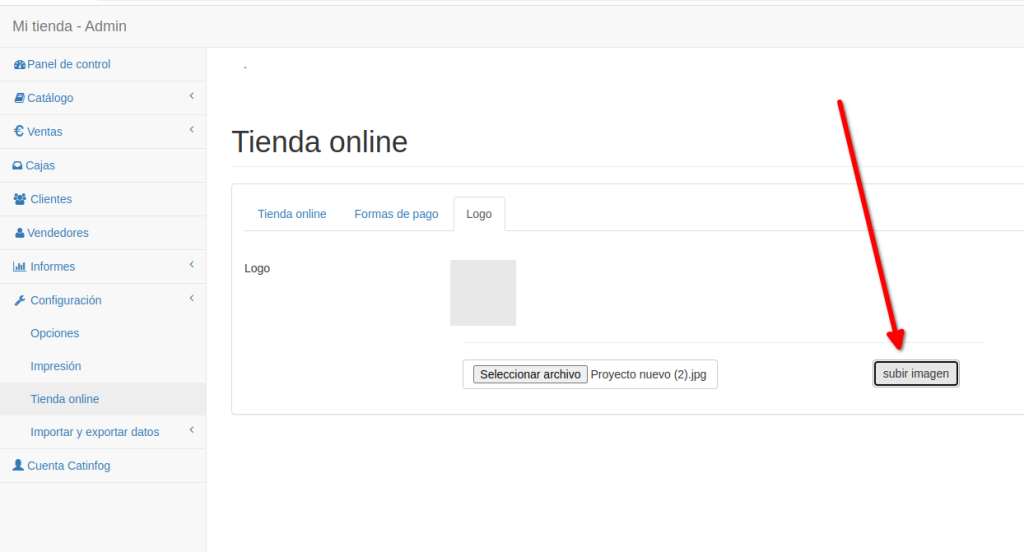
Finally, click Upload image.
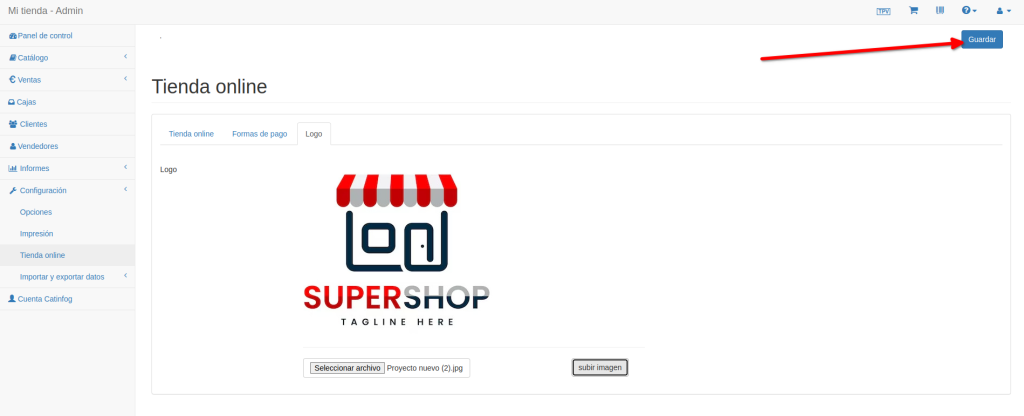
Now click Save.
A tip for getting the logo right
What your customer wants to see is the products, not the logo, so keep the logo as small as you can.
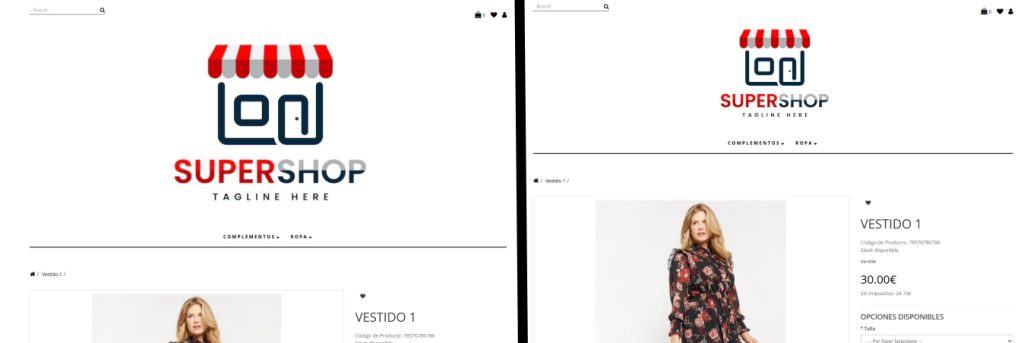
Look: the shop on the left is making visitors scroll down constantly to see the product. The one on the right lets you see it without scrolling at all.