Results appear as you type. Use the arrow keys to move and Enter to open. Press the slash key to come back here.
How do I change the payment method on a sale?
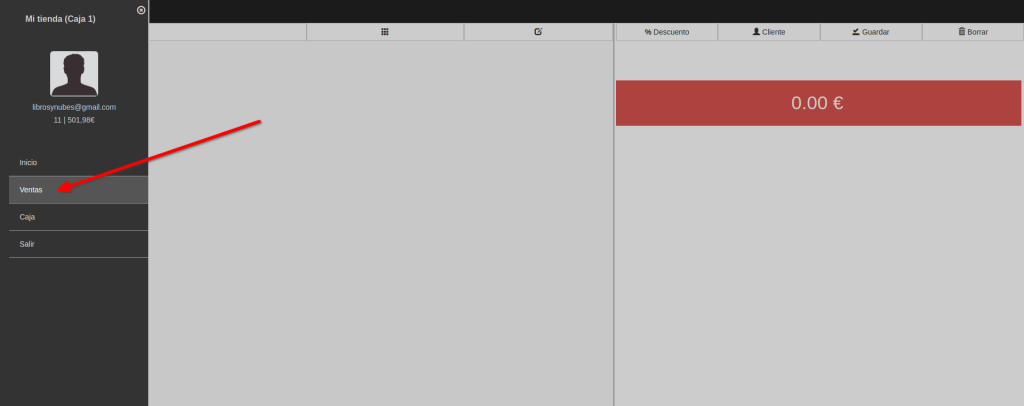
To change the payment method on a sale, first go to the menu and then Sales.
Now scan the barcode on the receipt you’re refunding and it loads on the right. Or you can type the receipt number and press Enter (the receipt number is the last number in the receipt’s reference).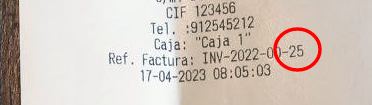
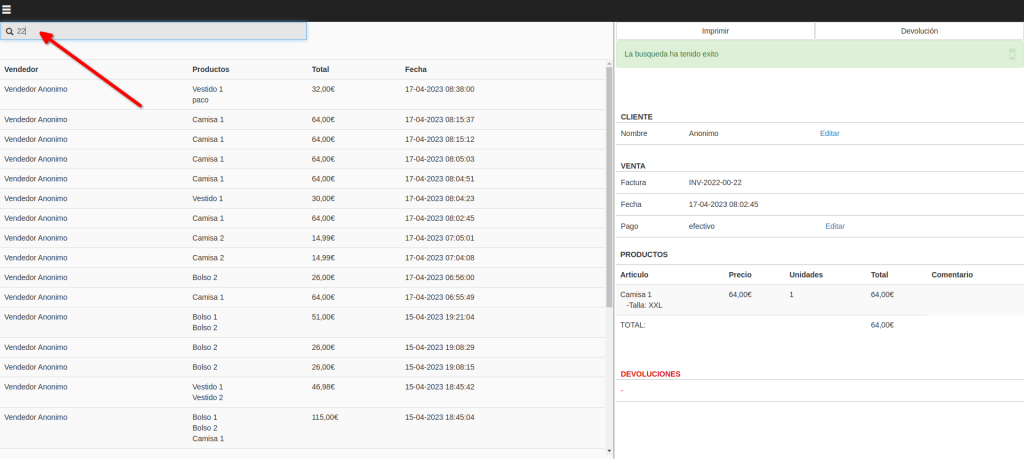
Click the Edit button on the Payment row, the one showing the payment method.
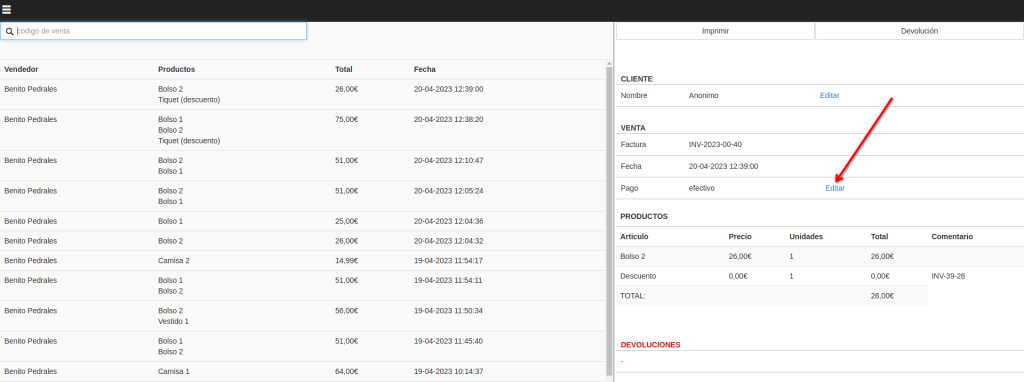
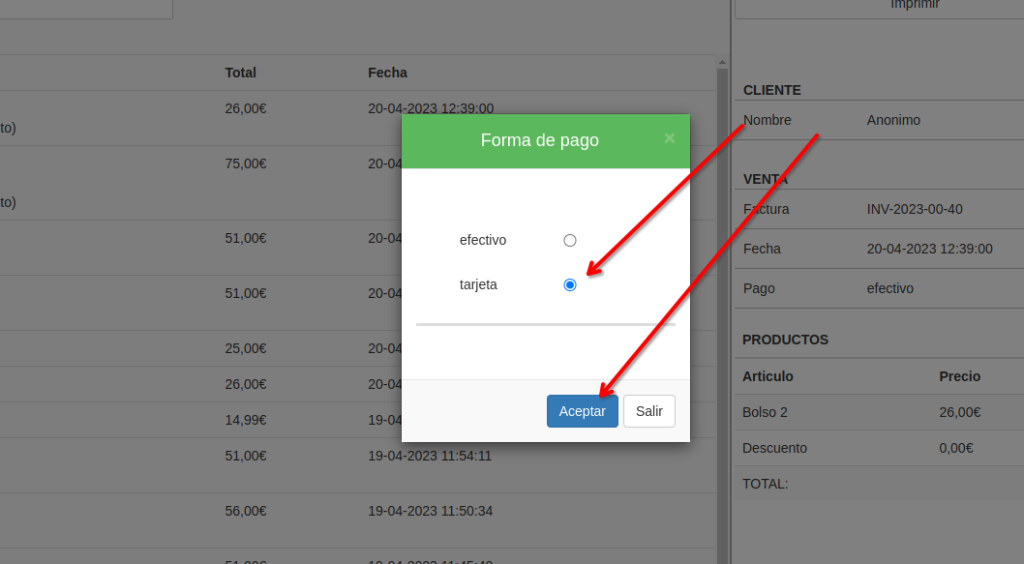
Choose the payment method you want and click OK.