Results appear as you type. Use the arrow keys to move and Enter to open. Press the slash key to come back here.
How do I process a refund?
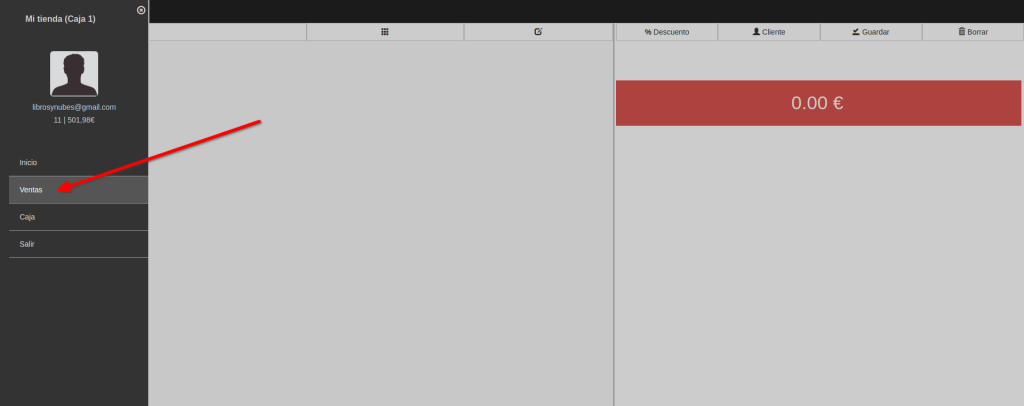
To process a refund, first go to the menu and then Sales.
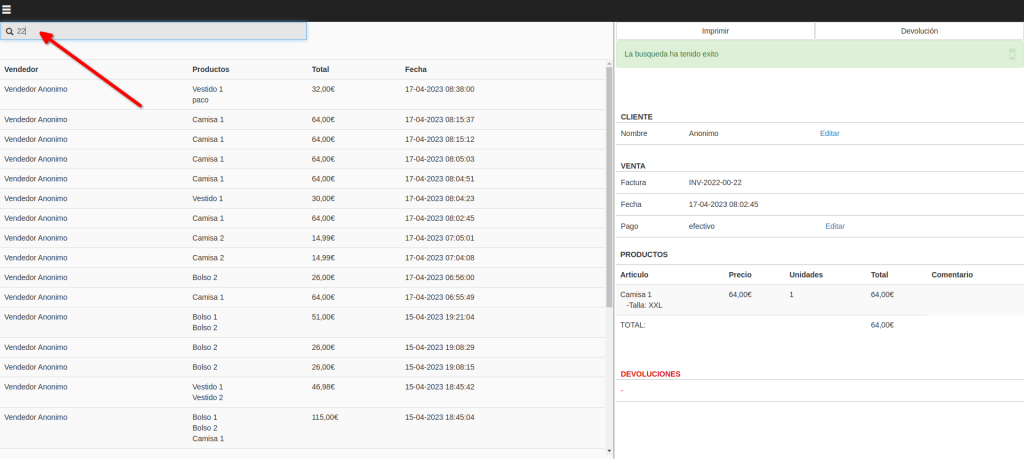
Now scan the barcode on the receipt you’re refunding and it loads on the right. Or you can type the receipt number and press Enter (the receipt number is the last number in the receipt’s reference).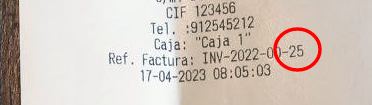
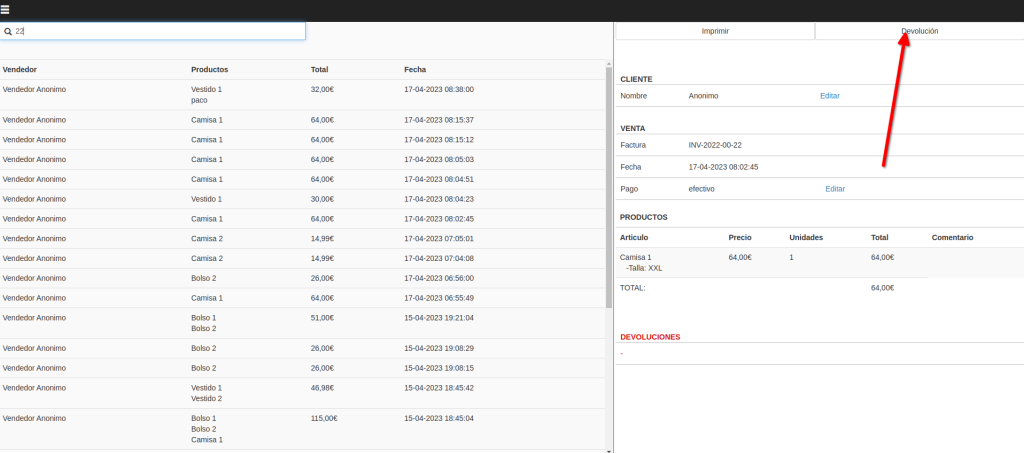
Click the Refund button.
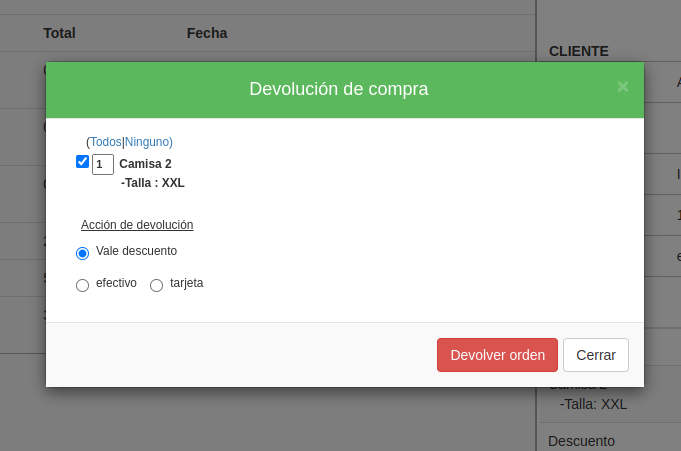
In the window that opens, select the products being returned, choose how you’re refunding (credit note, cash, card and so on) and click Refund order.
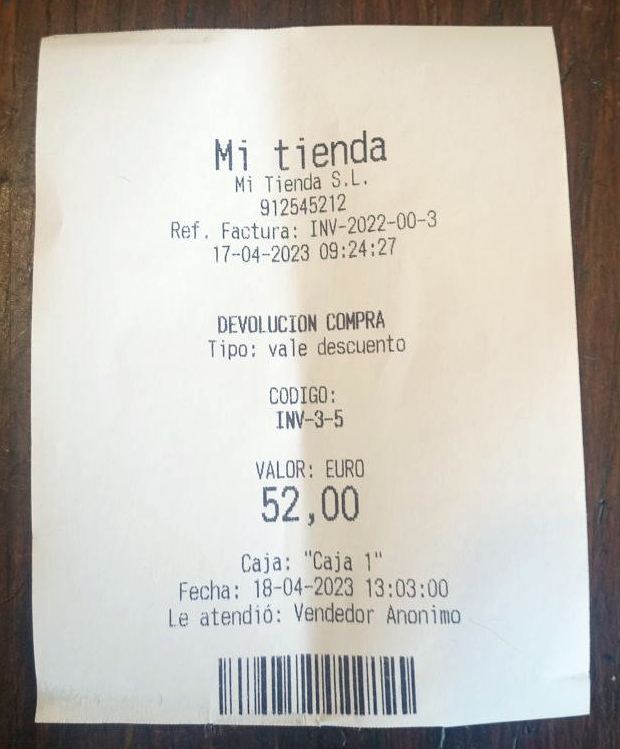
A refund receipt prints straight away.
Refunding in cash
Cash refunds are very simple. You just give the customer the amount back by whichever method you’ve chosen. If it’s cash, the money comes out of the drawer.
Careful: this affects the cash-up, since money leaves the drawer and goes to the customer.
Refunding with a credit note
A credit note refund is exactly what it sounds like: instead of giving the customer their money back, you give them a note they can spend with you.
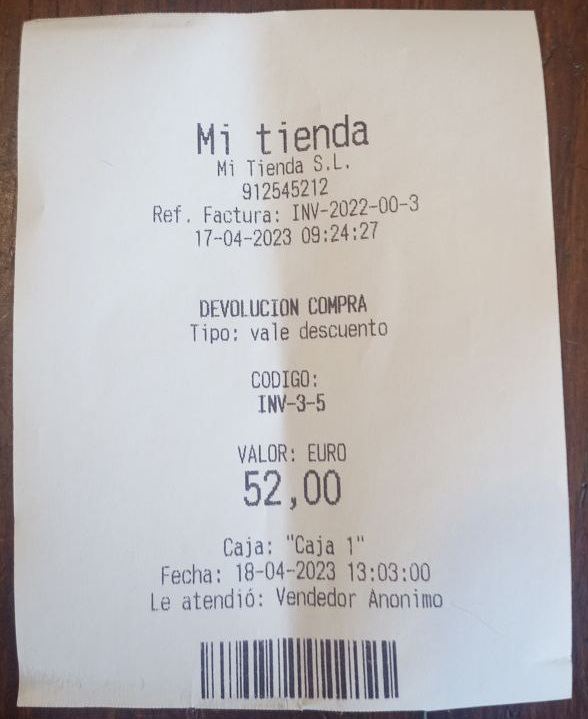
The credit note is the receipt that prints when you process the refund.
That receipt carries a code the customer can redeem against products in your shop on a future visit.
Note: a credit note can be spent across several purchases as long as there’s money left on it.
Also note: credit notes don’t expire.
To find out how a credit note is redeemed, click here to carry on reading.click here to carry on reading