Results appear as you type. Use the arrow keys to move and Enter to open. Press the slash key to come back here.
How to create a category
To create a category, go into your dashboard and, in the side menu, click Catalogue and then Categories.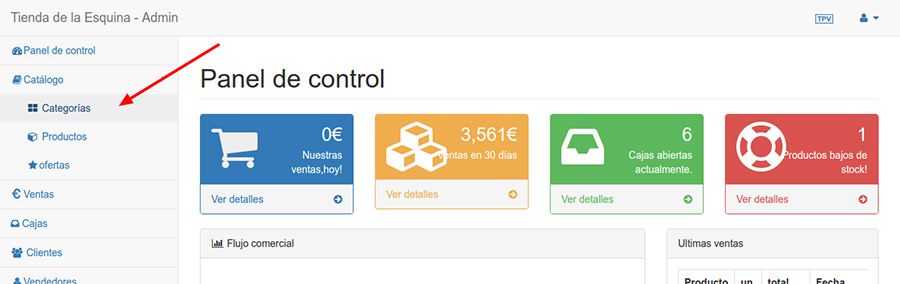
Now click Create category.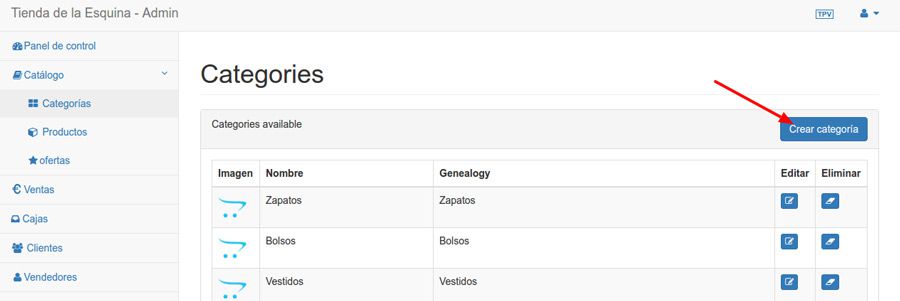
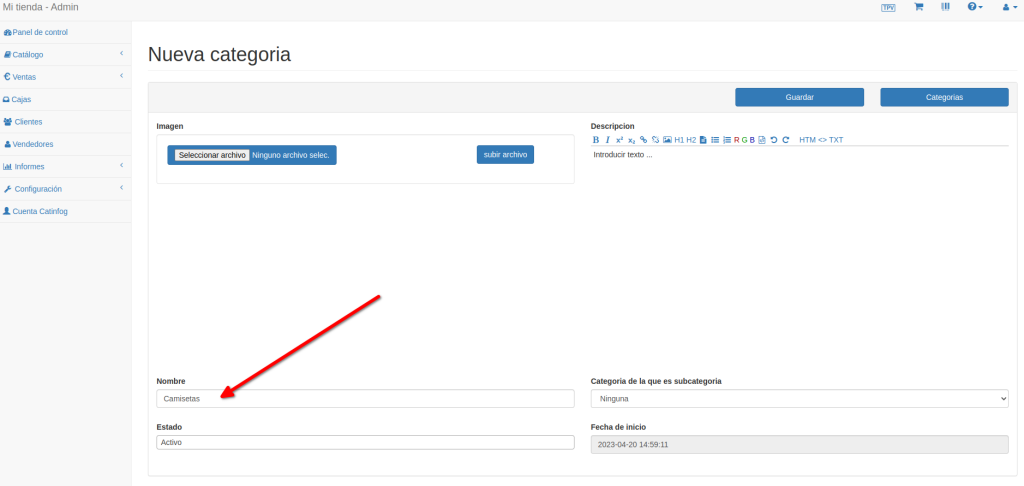
Now fill in the category details. Only the name is required. If you want to create a category inside another one, read the next article.