Results appear as you type. Use the arrow keys to move and Enter to open. Press the slash key to come back here.
How do I get into the dashboard?
There are two ways into the dashboard.
The first is through catinfog.com. Click the “Log in” button.

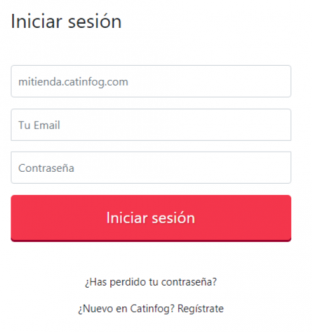
Next you’ll need to enter your shop’s address, the email of a user with dashboard access, and their password.
The second way into the dashboard is to go straight to your shop’s address (myshop.catinfog.com, say) and add /tpv/admin.
Por ejemplo: mitienda.catinfog.com/tpv/admin

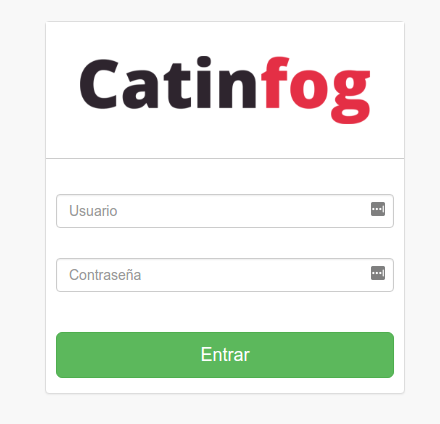
You should then see the sign-in screen, where you enter an administrator’s username and password and click Sign in.