Results appear as you type. Use the arrow keys to move and Enter to open. Press the slash key to come back here.
How to cash up and print a closing receipt
When a salesperson finishes their shift, it’s time to close the till and look at how much is in it, the sales summary, the refunds and so on.
There are three ways to close a till:
Method 1
The salesperson who’s on a till can close it themselves by going to the menu and clicking Sign out.

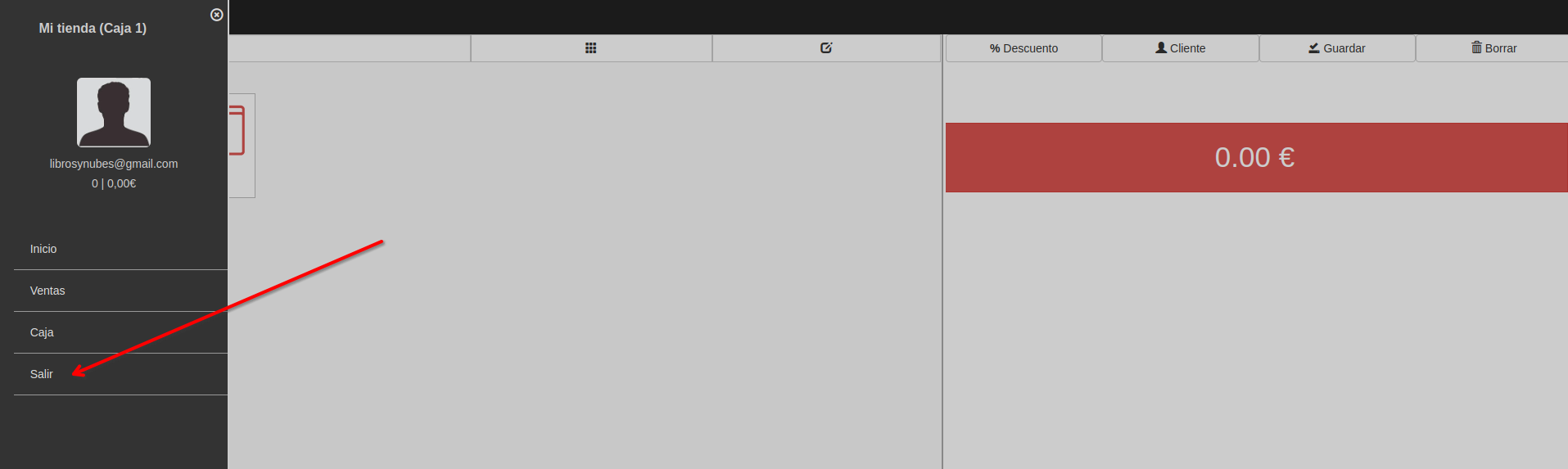
A window opens with the cash-up, which you can print, or you can simply close the till.
Method 2
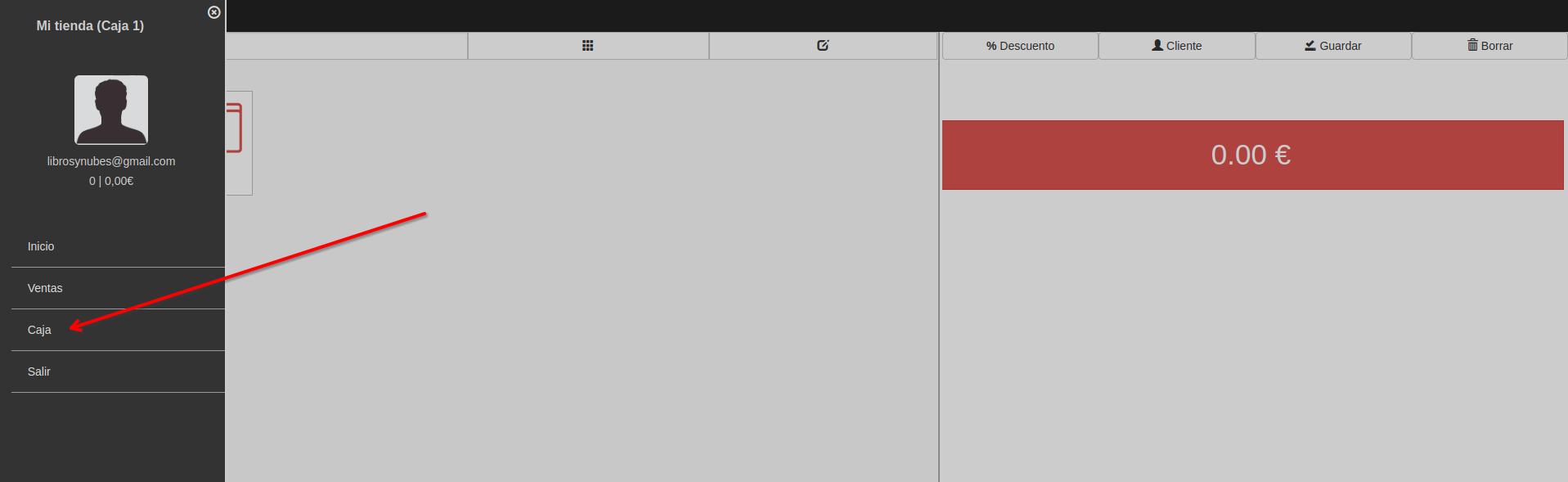
In the POS, go to the menu and then Till. A window opens giving you a report on everything the till has done since it was opened.
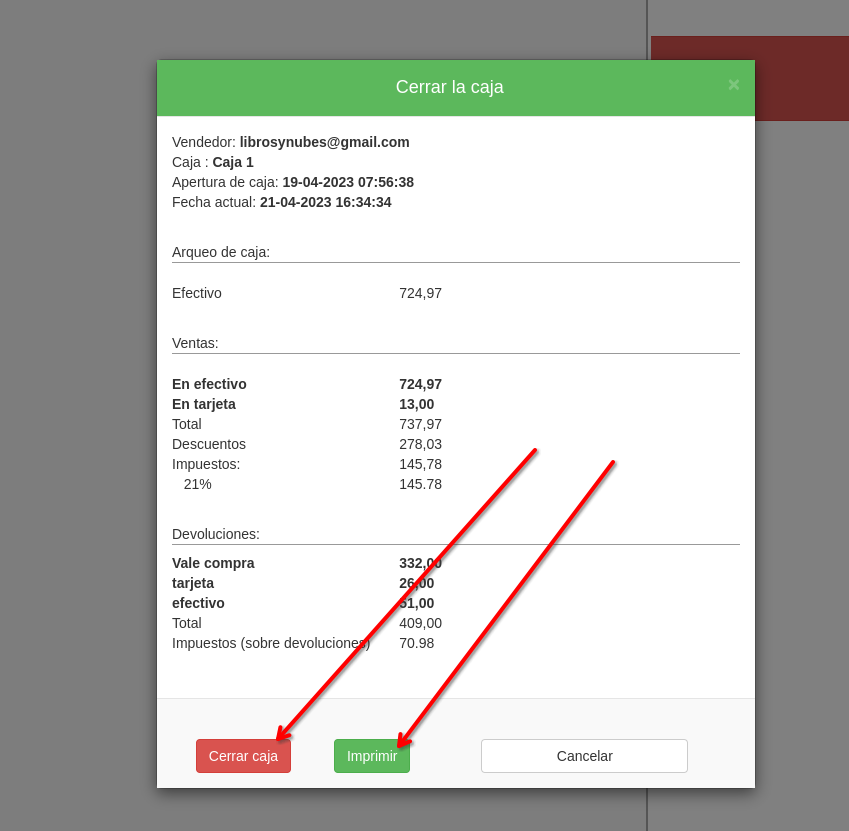
Click “Close till”.
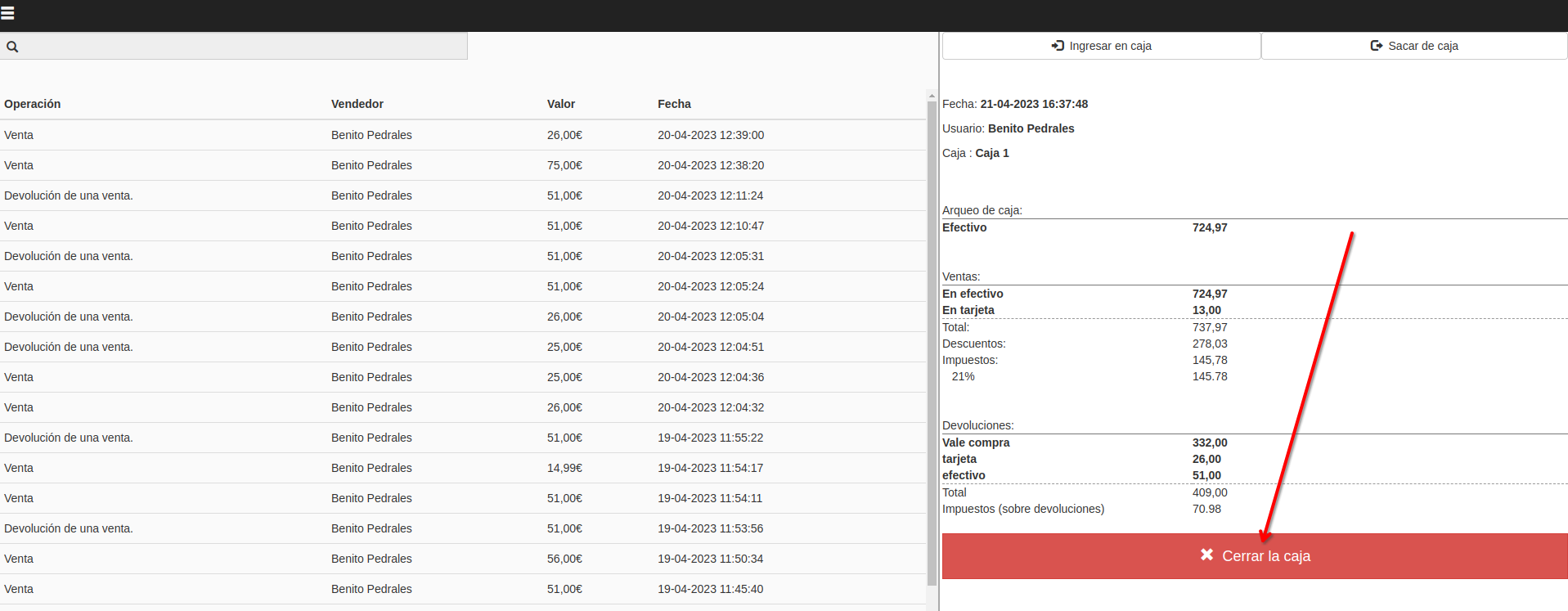
A window opens with the cash-up, which you can print, or you can simply close the till.
Method 3
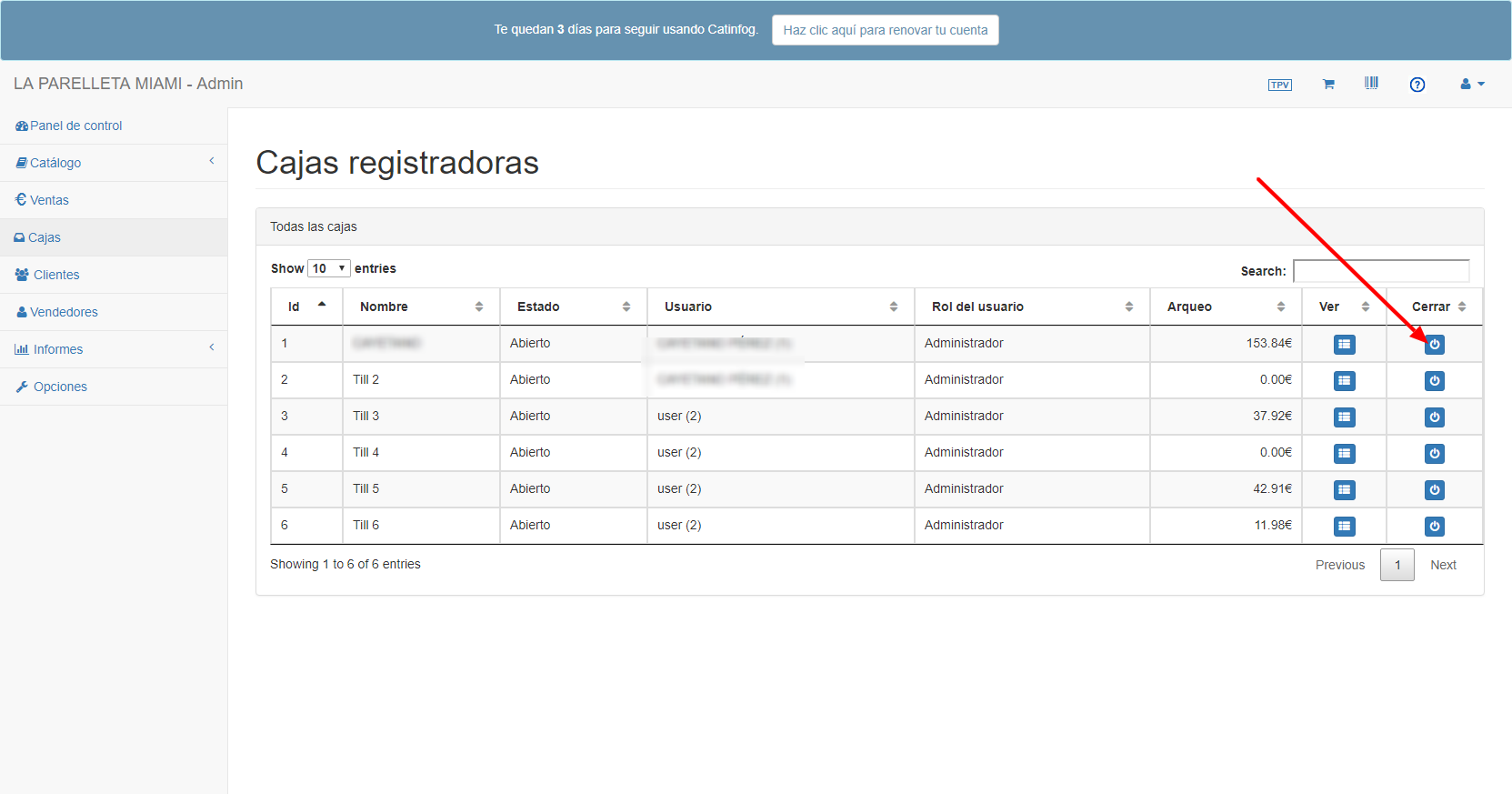
An administrator can close tills from the dashboard by going to “Tills”.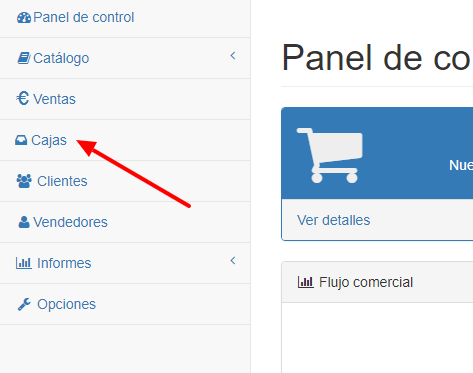 From there you can close any till by clicking the button at the end of its row
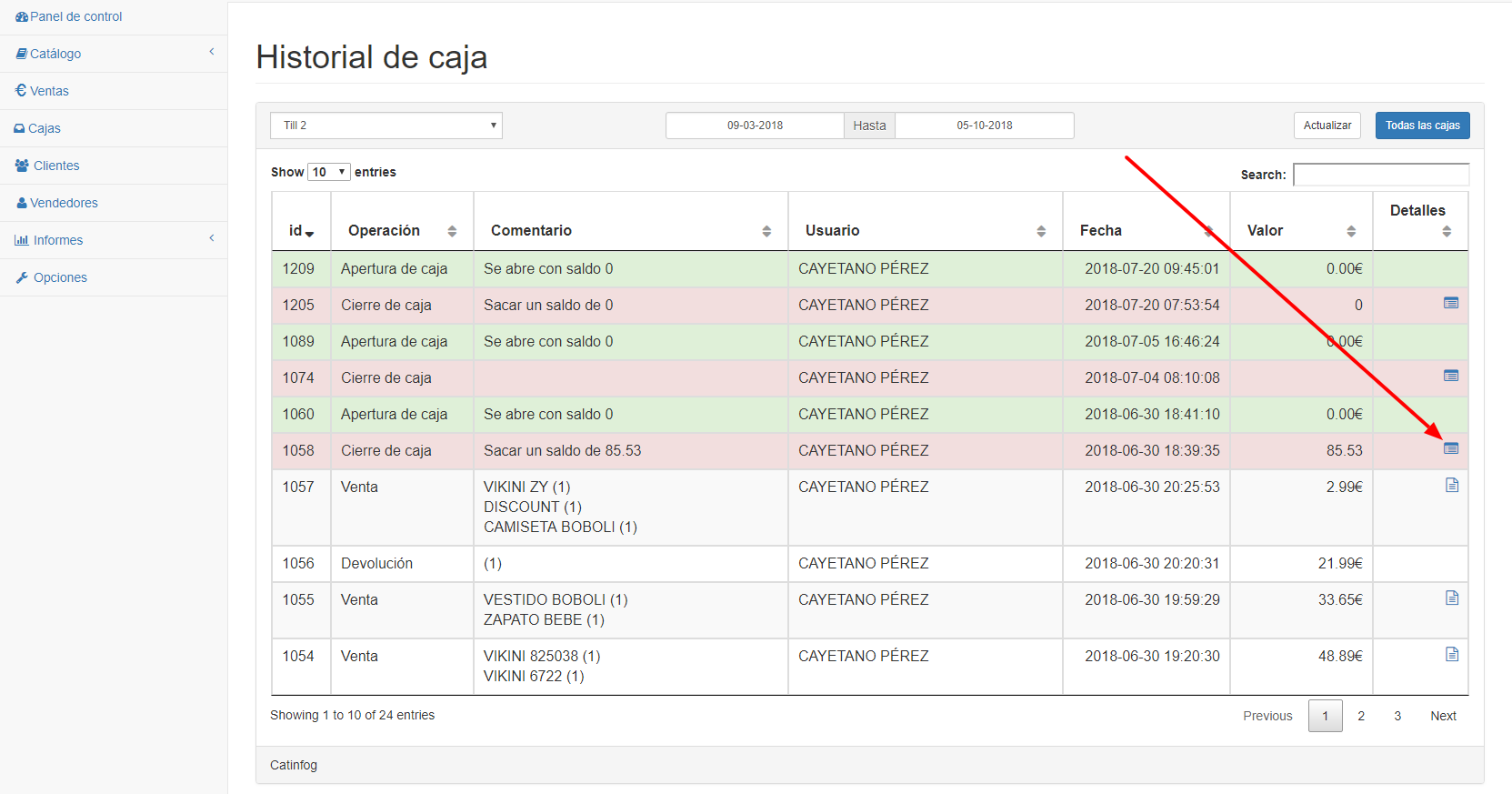
 You can also print the closing receipt by clicking the history
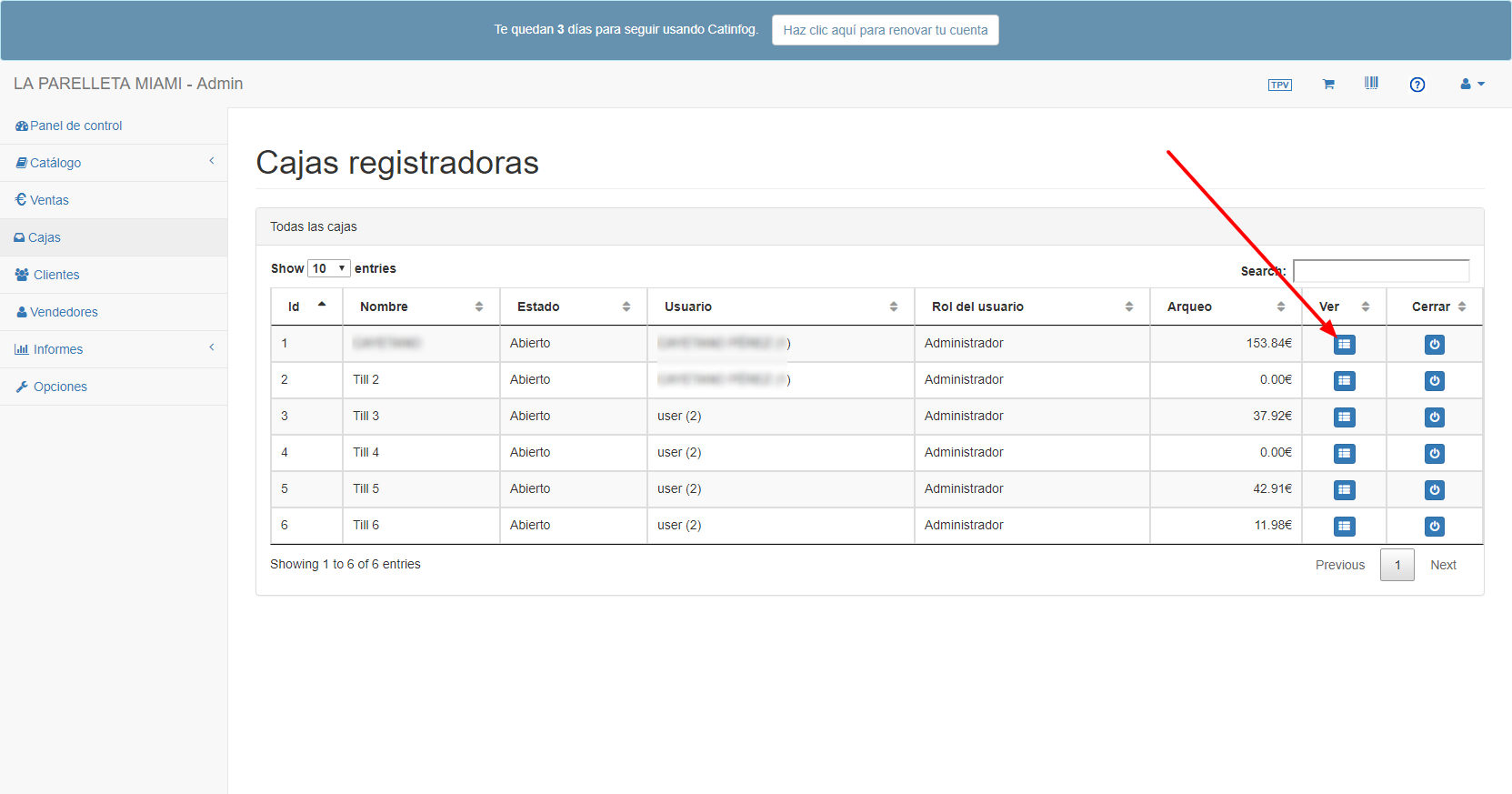 Once inside, find the closing you’re after.