Results appear as you type. Use the arrow keys to move and Enter to open. Press the slash key to come back here.
Seeing live which salesperson is on a till
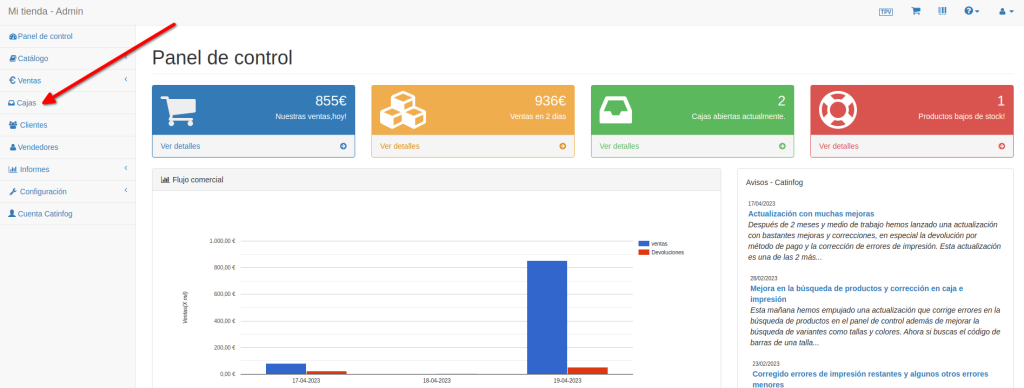
To see which salesperson is on each till right now, go to the dashboard and then Tills.
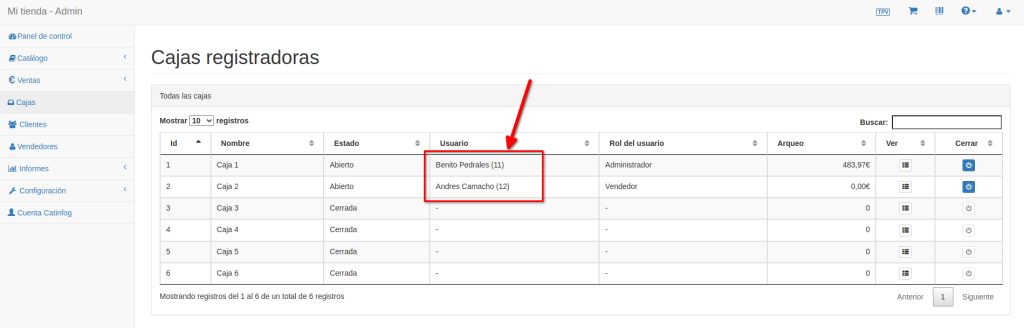
Once you’re in Tills you can see which salesperson is on each one. In the image below there are two salespeople, on till 1 and till 2. You can also see that there’s €483.97 in the drawer of till 1 and €0 in till 2.