Results appear as you type. Use the arrow keys to move and Enter to open. Press the slash key to come back here.
How do I put money in or take it out of the till?
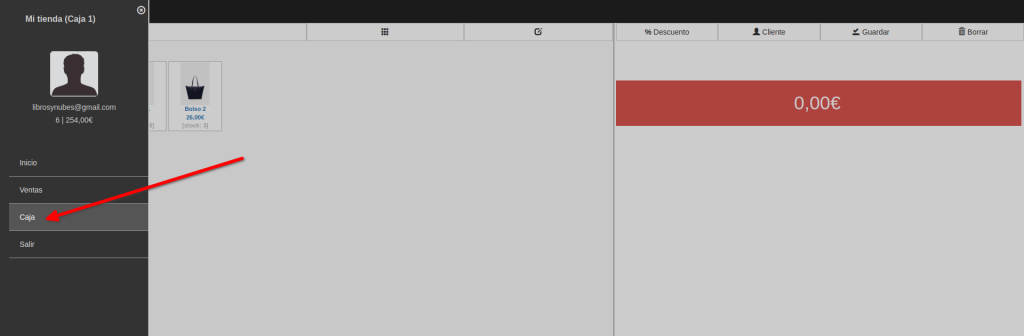
To put money in or take it out of the till, go to the POS and click the menu, then Till.
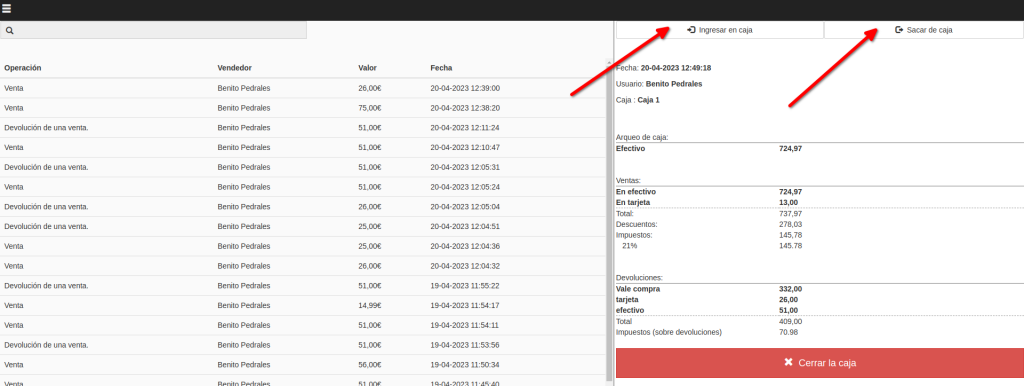
Now click Pay into the till or Take money out of the till.
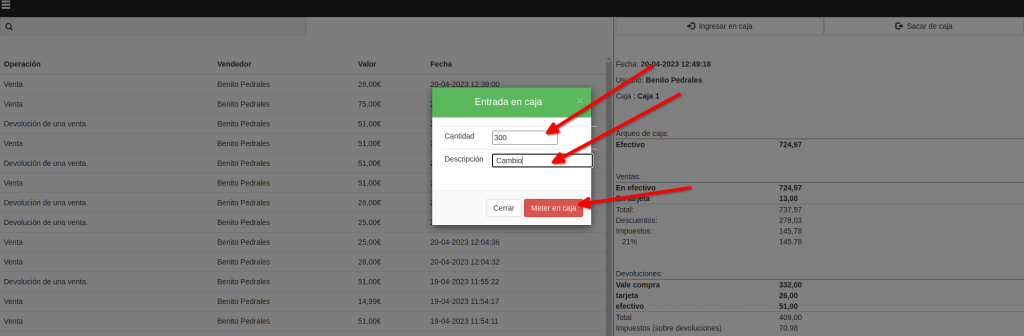
The window that opens when you click Pay in or Take out is much the same. You enter the amount and what it’s for, then confirm. Both change the cash-up, since they change how much is in the drawer.