Results appear as you type. Use the arrow keys to move and Enter to open. Press the slash key to come back here.
How do I see the till history?
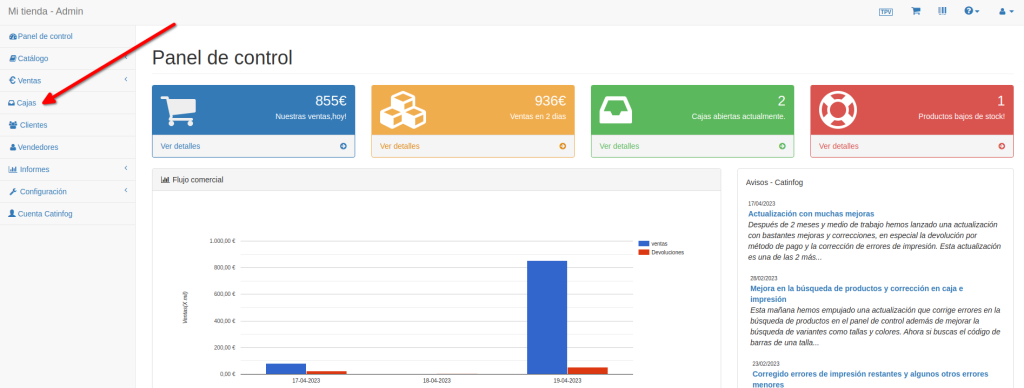
You can see any till’s history from the dashboard, under Tills.
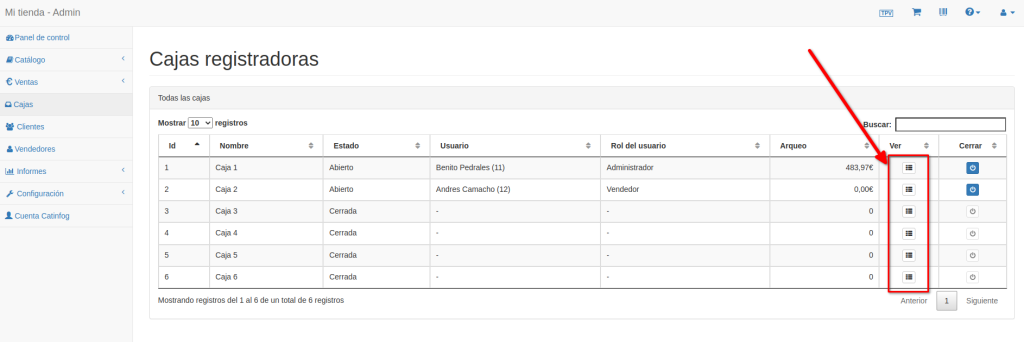
Choose which till’s history you want and click View.
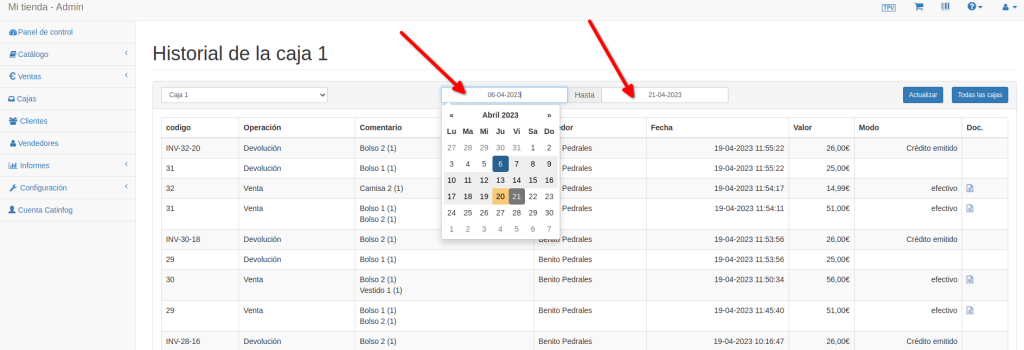
Once inside, you can filter the history by date.
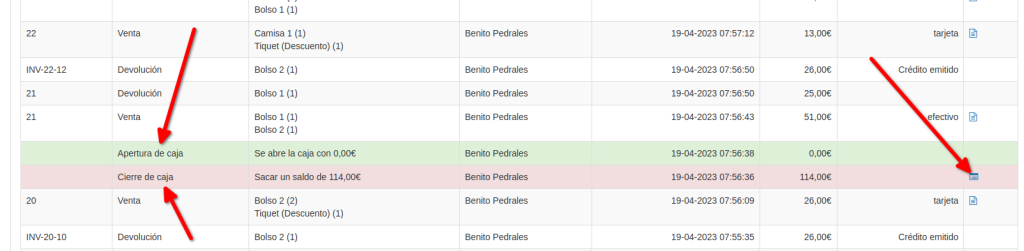
Green rows are till openings and red ones are closings. You can print the cash-up, and the sales too.