Results appear as you type. Use the arrow keys to move and Enter to open. Press the slash key to come back here.
How do I print a past cash-up?
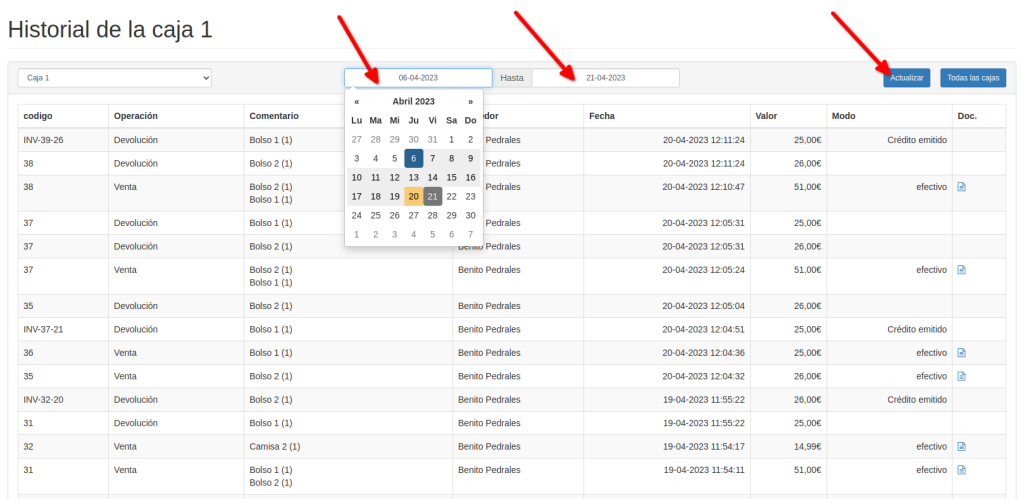
To print any past cash-up, go to the till history in the dashboard (read this article) and filter the results by date.read this article
Choose the start and end dates and click Refresh.
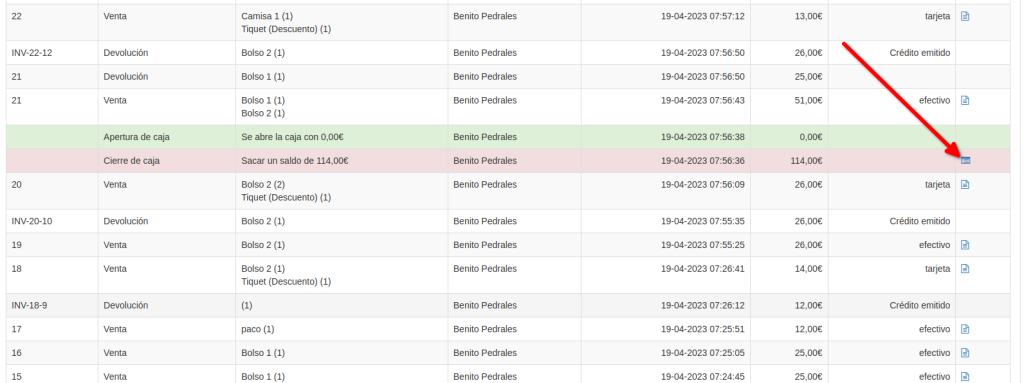
You can pick out the till closing by the red row. Click the button on the right of that row.
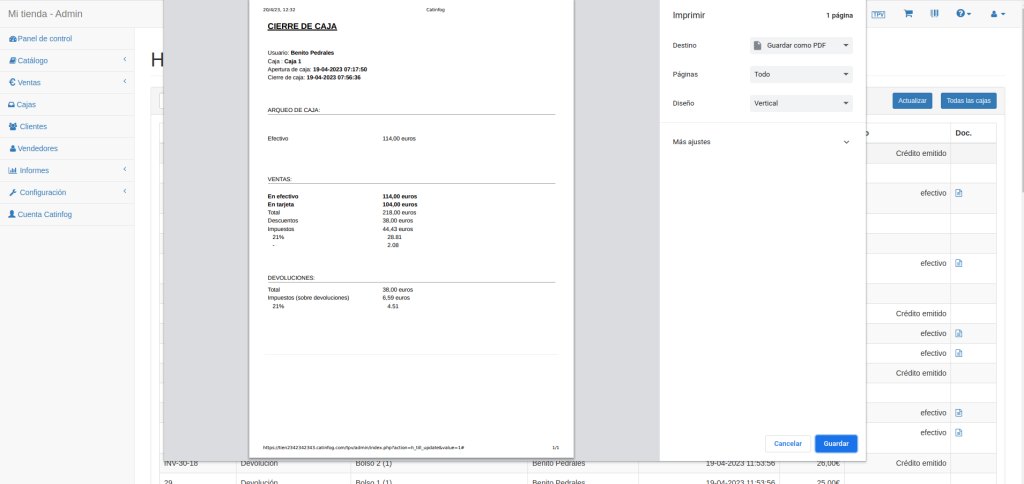
The print dialogue opens, where you can look over the cash-up or print it.